Ads

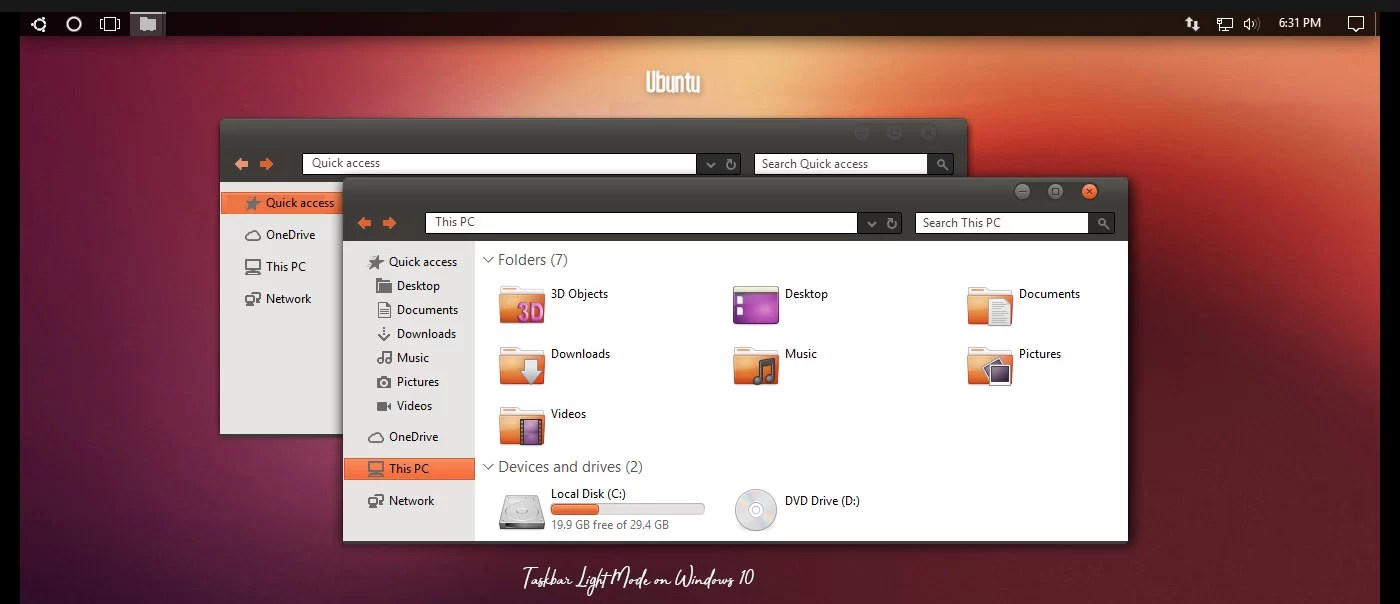
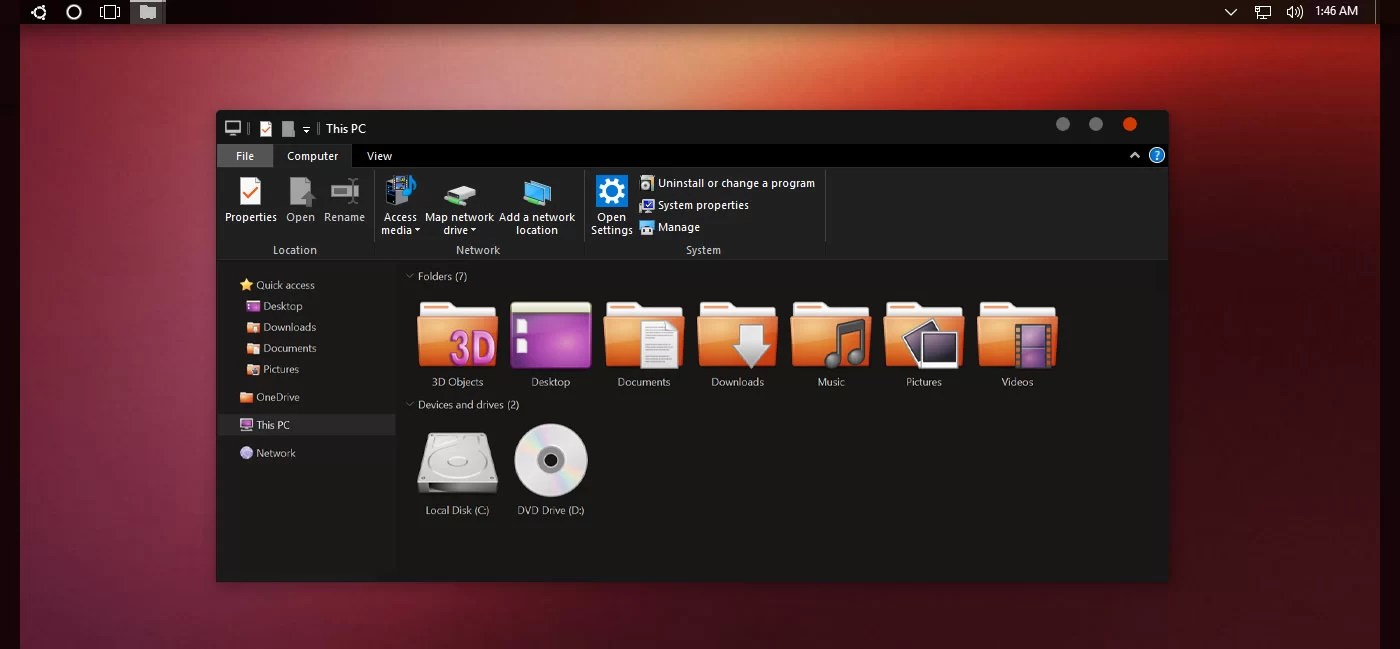
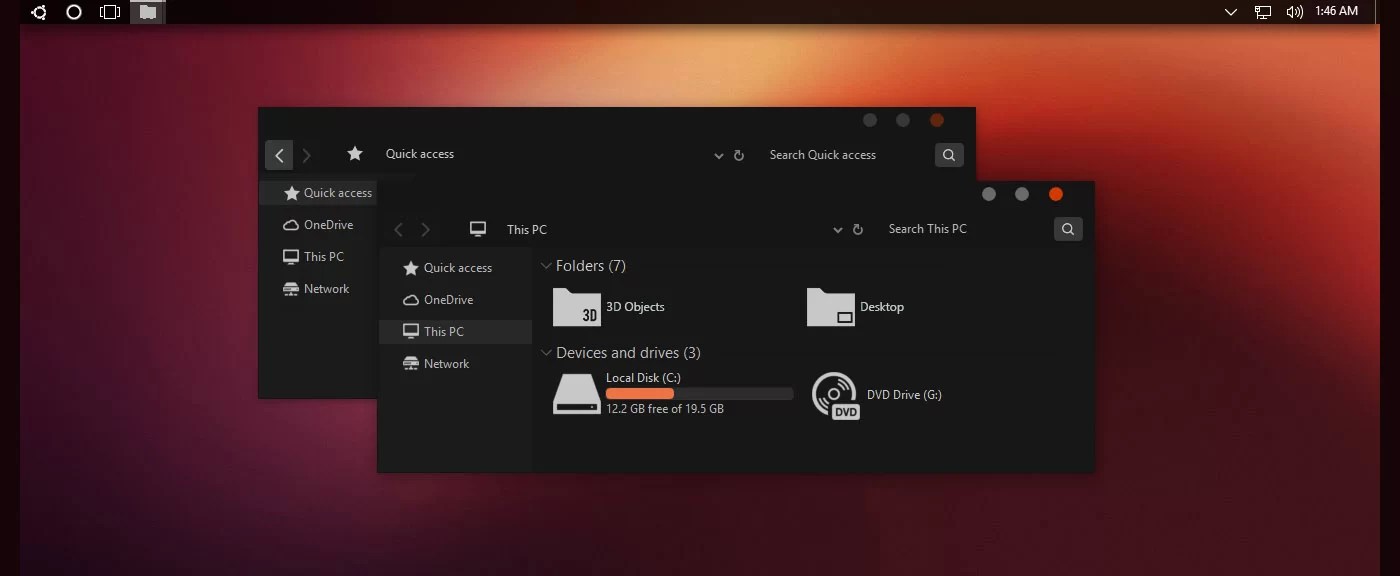
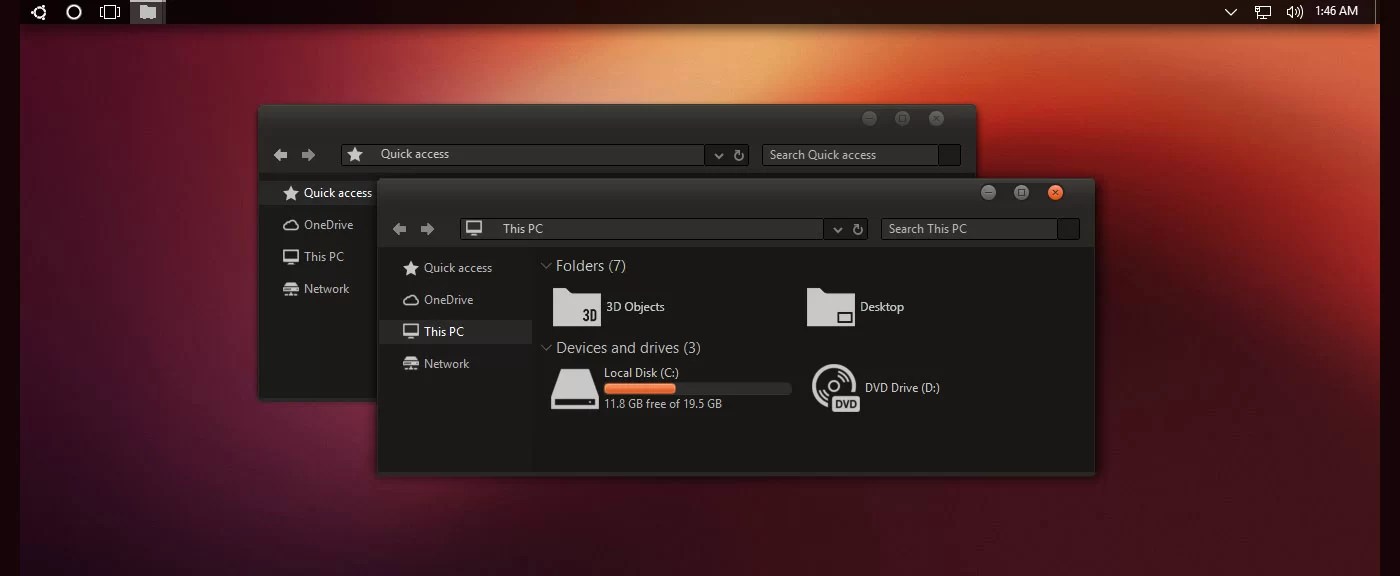
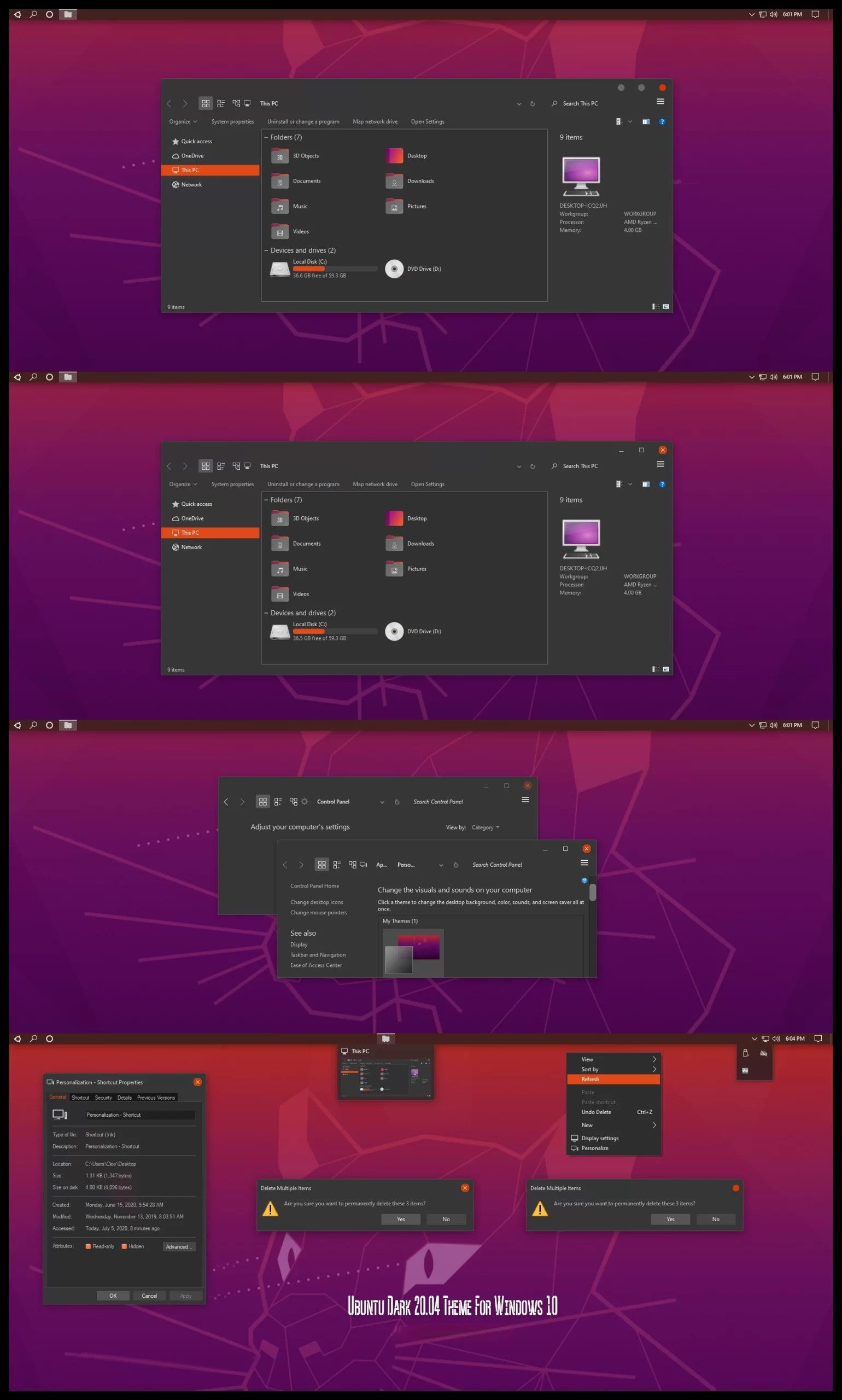
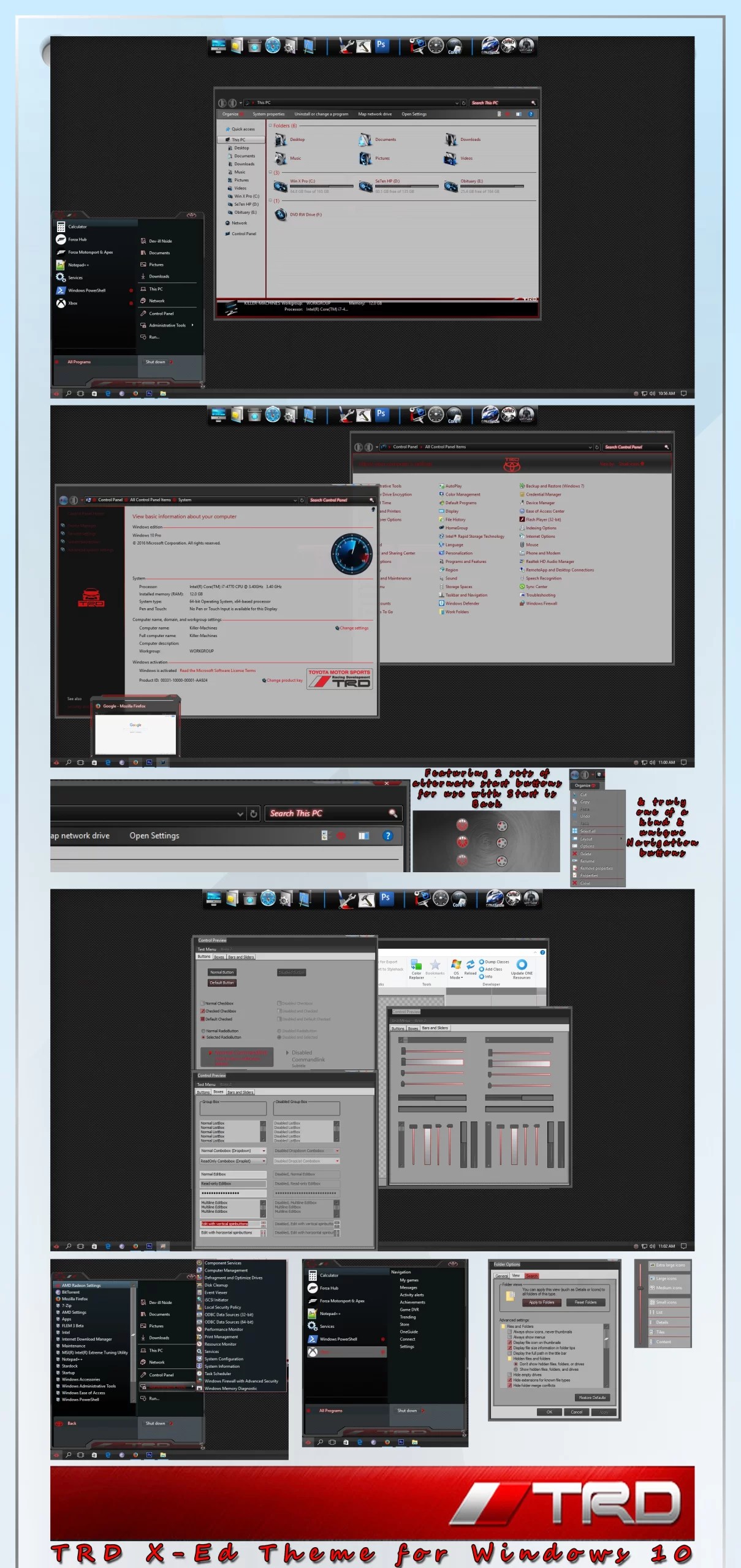
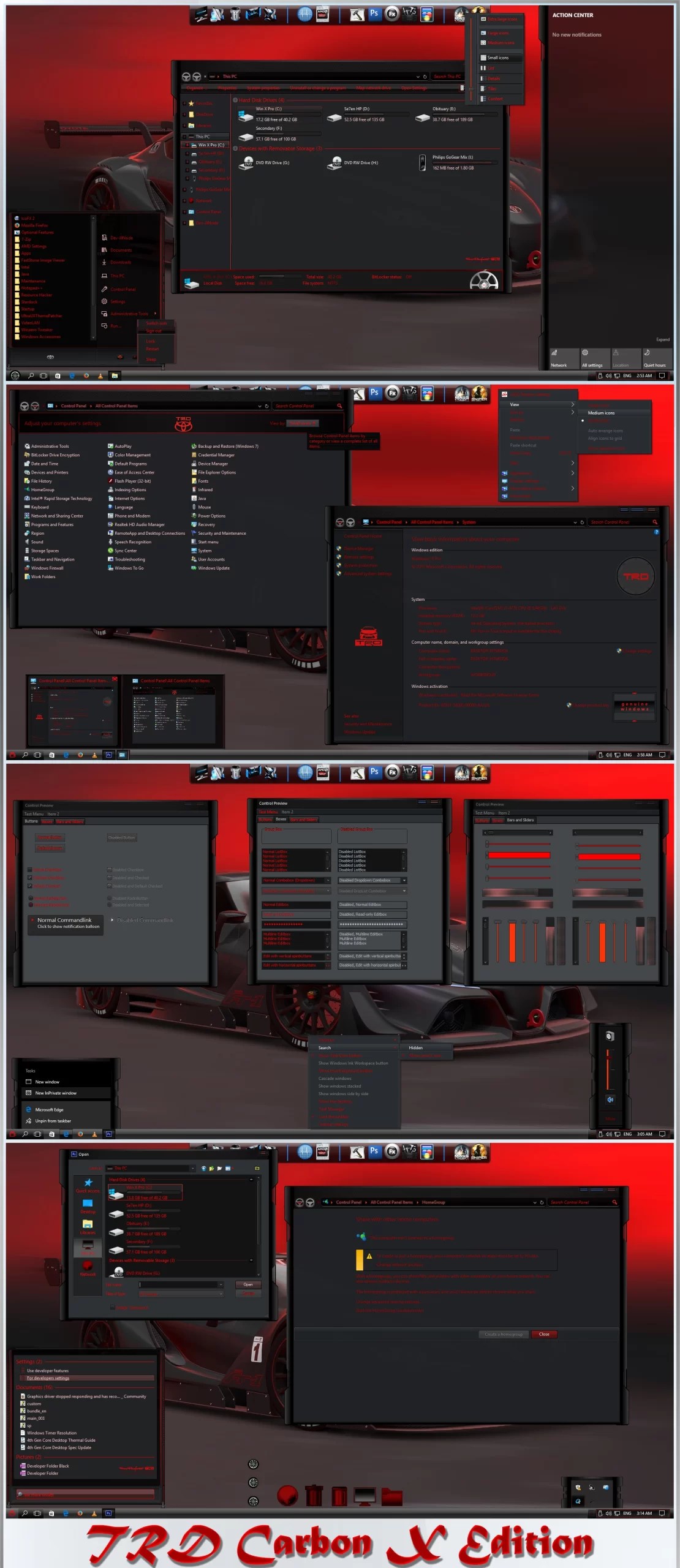
Do you want new style in your desktop? Here is the new theme for Windows 10 users. This is realy awsome theme, enjoy it and have fun!
Operating System Support:
Windows 10
Note : First it is recommended you make a System Restore point before continuing.
How To Use:
1- to use this theme first you need to install UXThemePatcher
2- Copy theme files to C:\Windows\Resources\Themes
3- Open Settings > Personalization > Themes > Select the theme.
4- Install OldNewExplorer to remove the ribbon.
Ads
Share