Ads

Digital creators often handle several tasks at once, including research, writing, editing, design, fact-checking, and publishing.
Without a clear content workflow, these tasks can become harder to manage. Files get lost, revisions become confusing, and small mistakes may reach the final version.
A smarter content workflow helps creators move from idea to publication in a clear order. The goal is not to use more tools, but to build a process that saves time, improves accuracy, and keeps each stage organized.
Start With a Clear Content Plan
Strong content usually starts with a clear purpose. Before writing or designing anything, creators should know who the content is for, what it needs to explain, and where it will be published.
A short plan can prevent unnecessary rewriting later.
Create a Simple Brief
A basic content brief should answer a few practical questions:
- Who is the target audience?
- What problem or question should the content address?
- What format is most suitable?
- What sources or visual assets are needed?
- Where will the content be published?
- What should readers understand by the end?
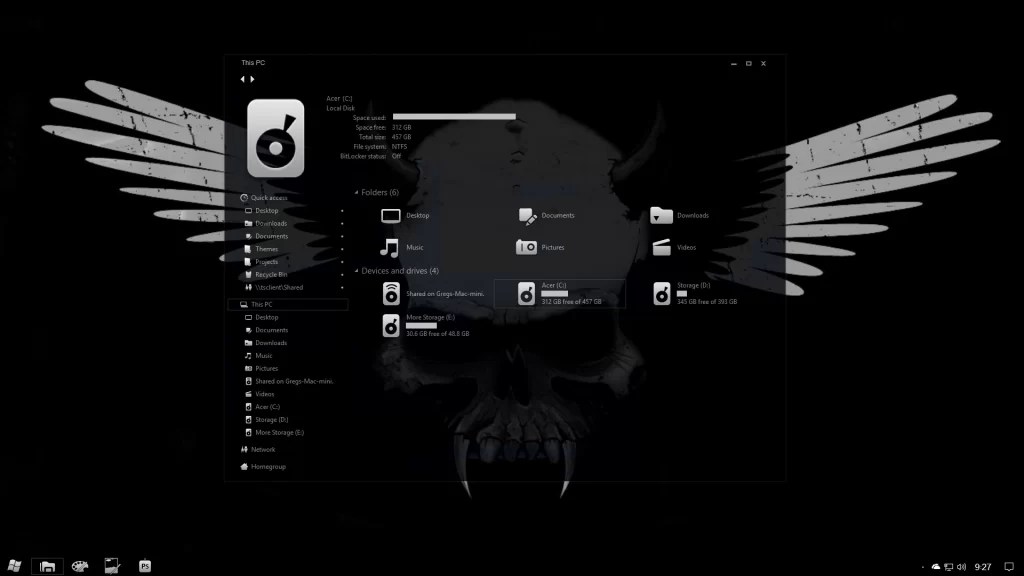
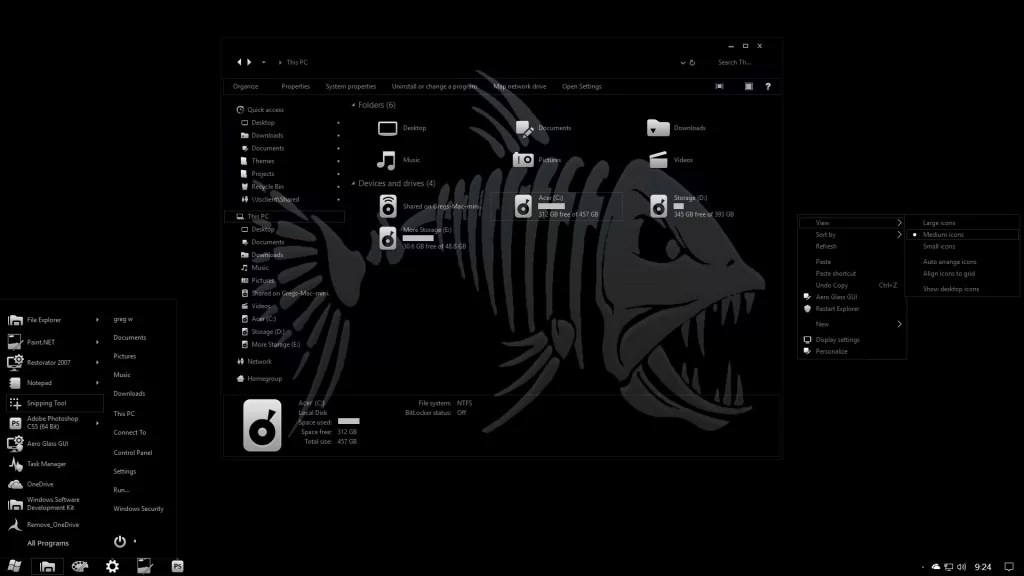
For example, a Windows customization tutorial may require screenshots, clear installation steps, compatibility notes, and instructions for reversing changes if needed. Knowing this early makes the production stage more focused.
Keep Ideas Separate From Active Projects
An idea list and a production list serve different purposes. Keep possible topics in one place, then move only approved ideas into an active workflow.
A simple sequence might be research, draft, edit, visual review, final check, and publication. This makes progress easier to track.
Build Content in Clear Stages
Trying to research, write, edit, and format at the same time can create distractions. Breaking the work into stages gives creators one clear task at a time.
It also helps teams understand whether a piece is still being developed or is ready for review.
Research Before Drafting
Collect reliable information before writing the main content. Record the source, the useful fact, and why that information matters.
Whenever possible, check sources such as official documentation, reports, research papers, or direct company announcements. Secondary articles can be useful for context, but they should not replace stronger evidence when accuracy matters.
Creators should also separate confirmed facts from ideas or assumptions. This reduces the chance of unsupported statements appearing in the final version.
Draft First, Polish Later
The first draft should focus on structure and meaning rather than perfect wording.
A practical order is:
- Create the heading structure.
- Add the main idea under each heading.
- Include examples or supporting details.
- Remove sections that do not support the main topic.
- Edit the language after the structure is complete.
This approach works well for articles, newsletters, scripts, tutorials, and social content.
Review Content With Several Checks
Editing should cover more than grammar. Strong review also checks accuracy, clarity, originality, links, and visual quality.
Treating review as several smaller checks can make errors easier to catch.
Check Facts Before Style
Start with names, dates, quotes, links, technical instructions, and factual claims. A well-written sentence still causes problems if the information inside it is incorrect.
Also check whether each source really supports the statement connected to it rather than simply discussing a similar topic.
Use Automated Tools Carefully
Creators may use grammar tools, plagiarism checkers, link checkers, and other review software. An AI detector can also be included when there is a reason to examine whether text may have been generated or heavily assisted by automated systems.
However, automated detection should not be treated as final proof. Such tools can produce incorrect results, so their findings are better used as one signal alongside human editing, source verification, and contextual review.
Review Visual Content Separately
Images, screenshots, graphics, and videos need their own quality check. Make sure text is readable, screenshots do not reveal private information, and visual instructions still match the interface being described.
Every visual should also support the surrounding content rather than simply filling space.
Use a Final Publishing Checklist
Publishing is another stage where small errors can appear. A short checklist can prevent avoidable problems.
Before going live, check that:
- The title matches the content.
- Headings follow a logical order.
- Links open correctly.
- Images are properly sized.
- Formatting works on mobile devices.
- Important claims have been checked.
- Placeholder text has been removed.
After publishing, open the live page and review it once more. Content can sometimes look different after it moves from an editor to the published page.
Conclusion
A smarter content workflow is built around clear stages rather than extra complexity. Planning first, researching carefully, drafting before polishing, checking facts, reviewing visuals, and using a final publishing checklist can make content production easier to manage.
When creators turn these steps into a repeatable routine, they spend less time fixing preventable mistakes and more time producing useful, accurate, and well-organized content.