Ads
Best Windows 11 SkinPacks to Transform Your Desktop
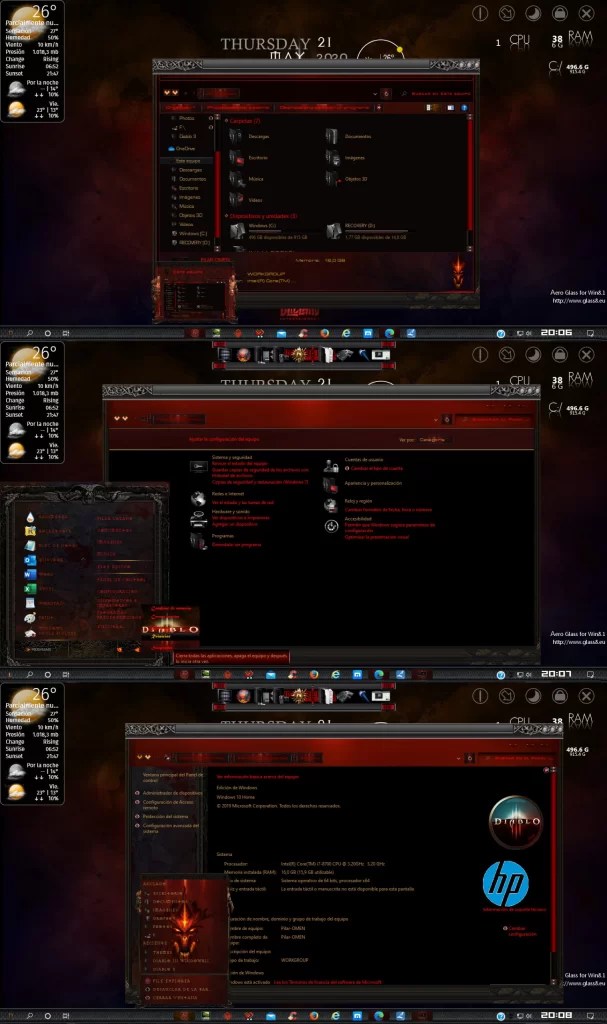
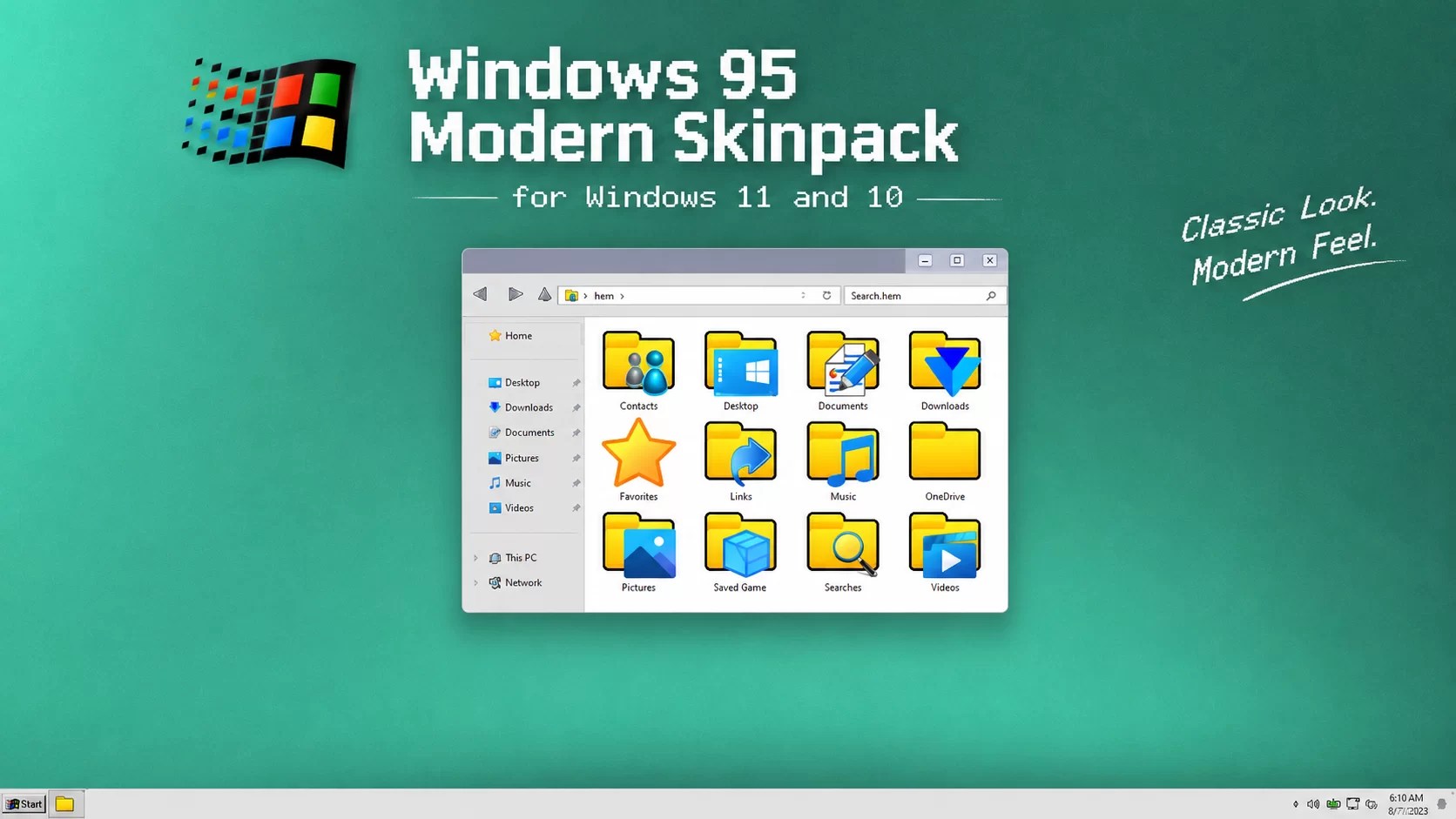
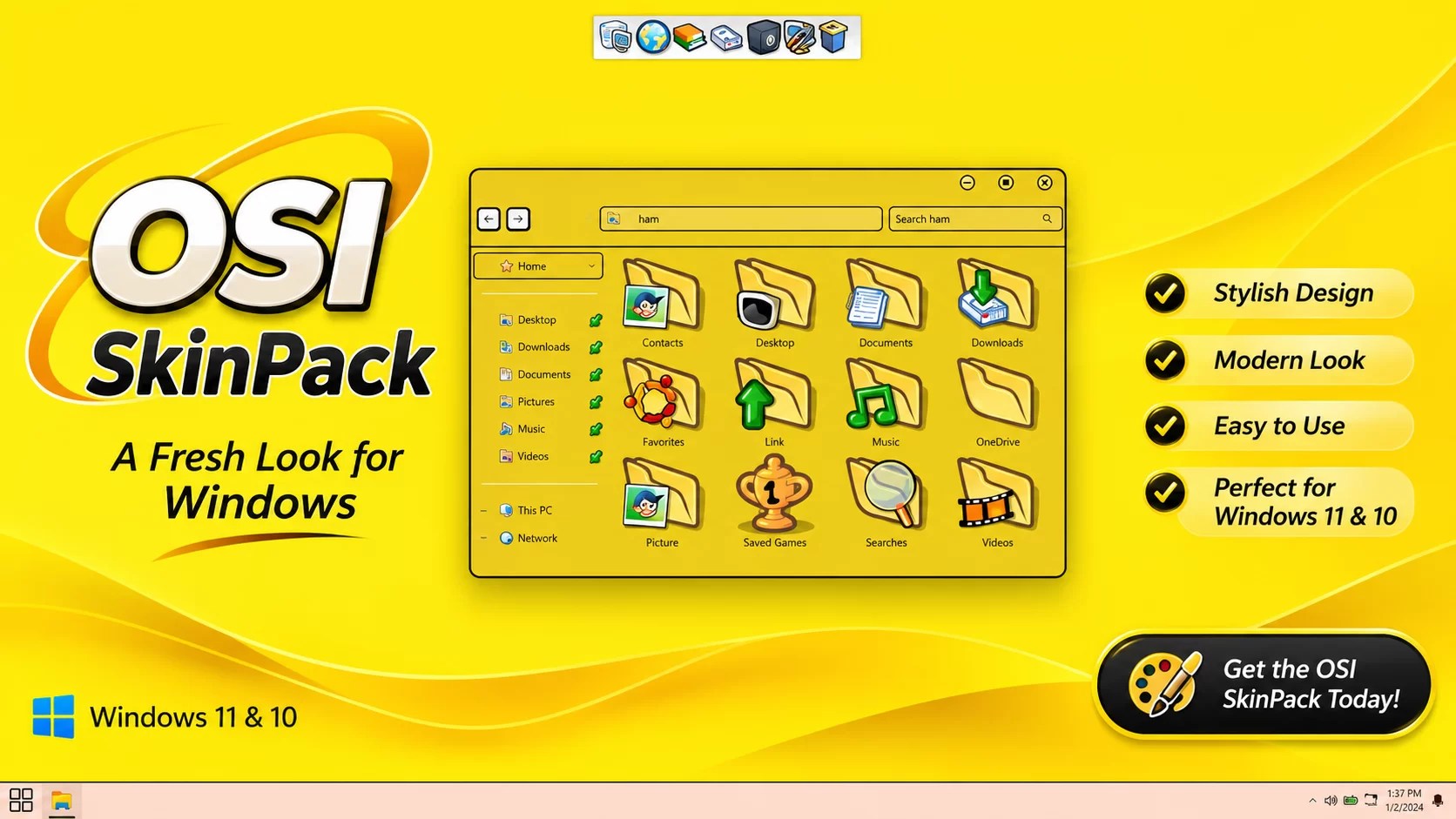
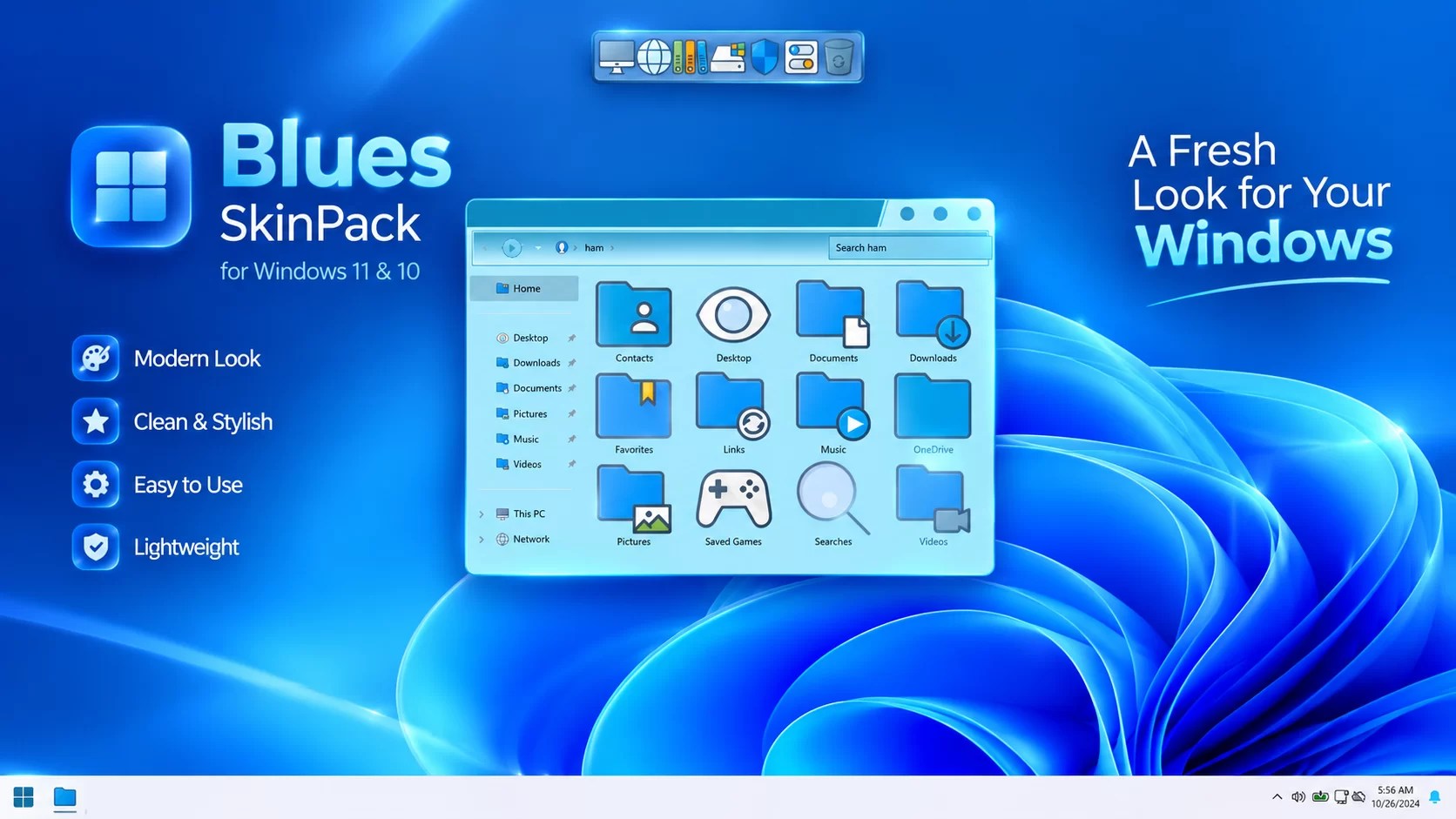
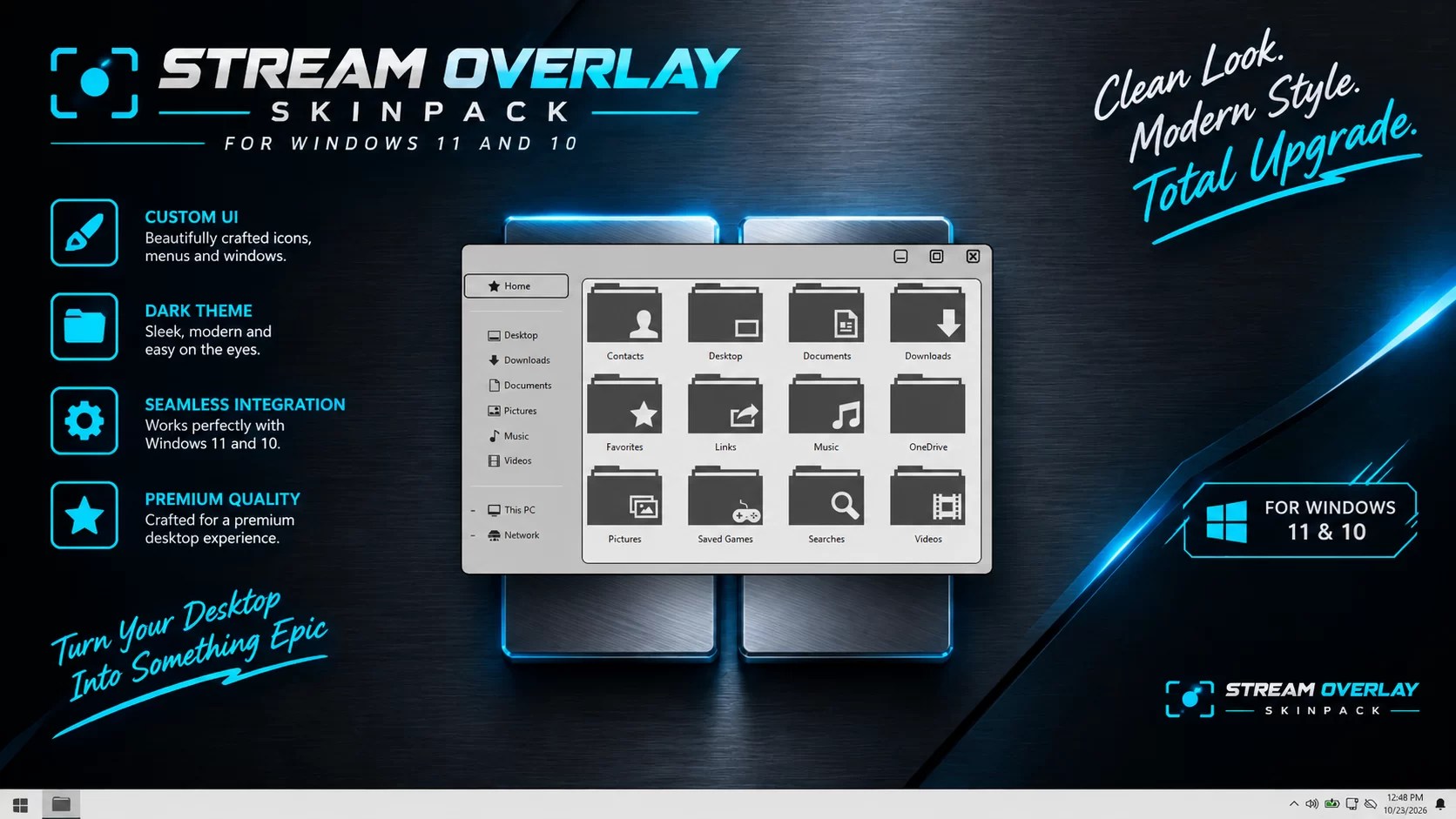
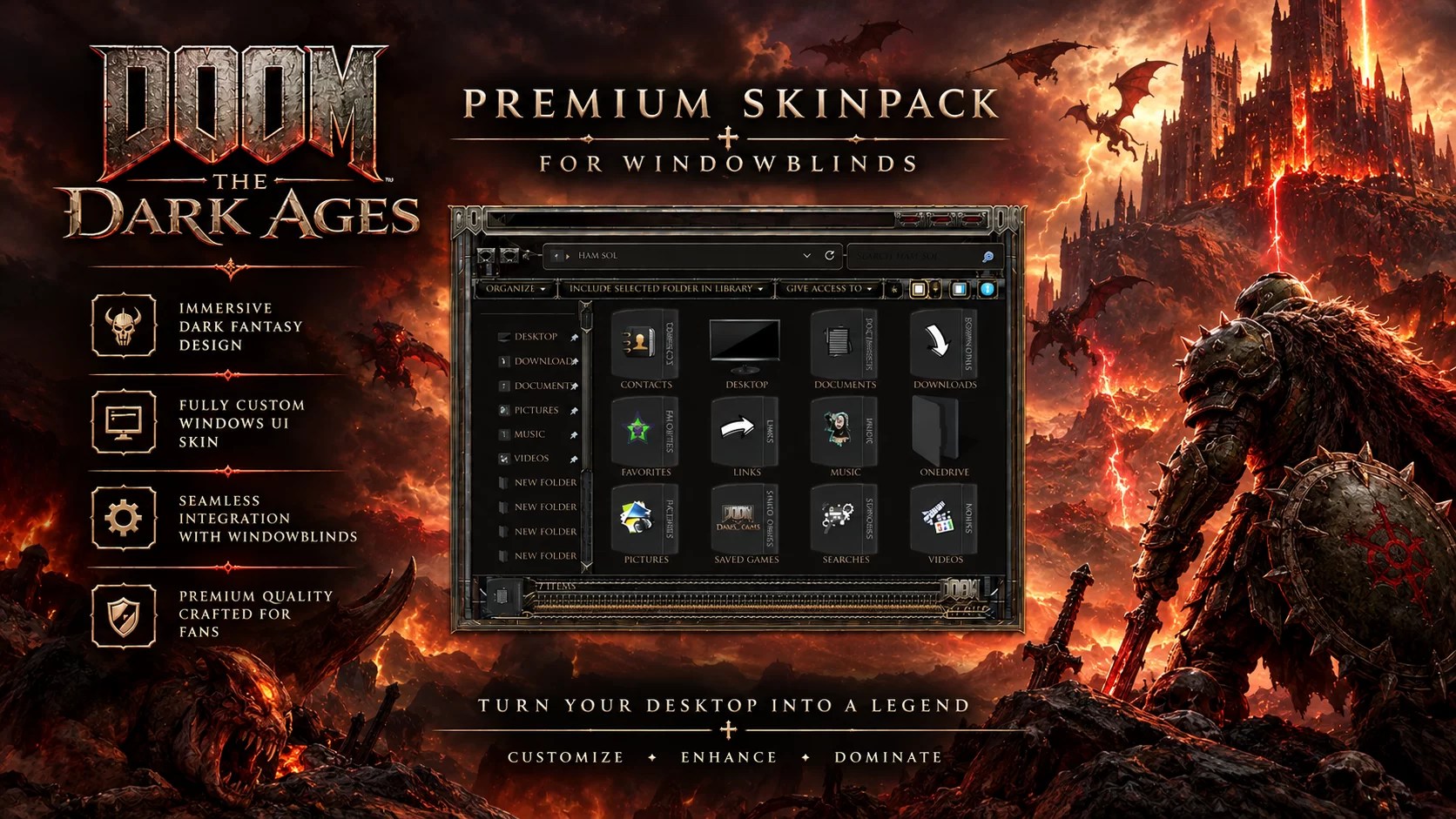
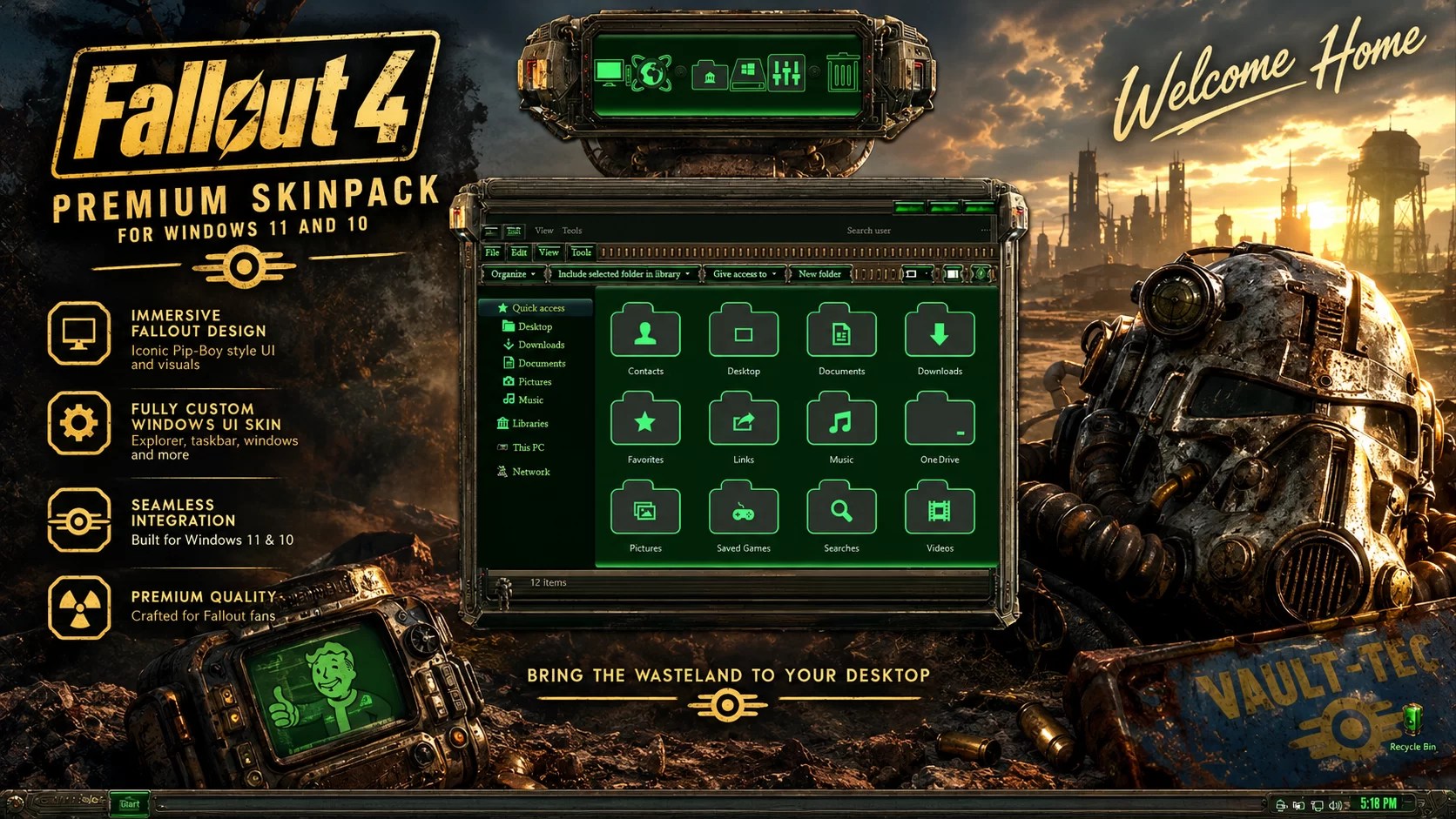
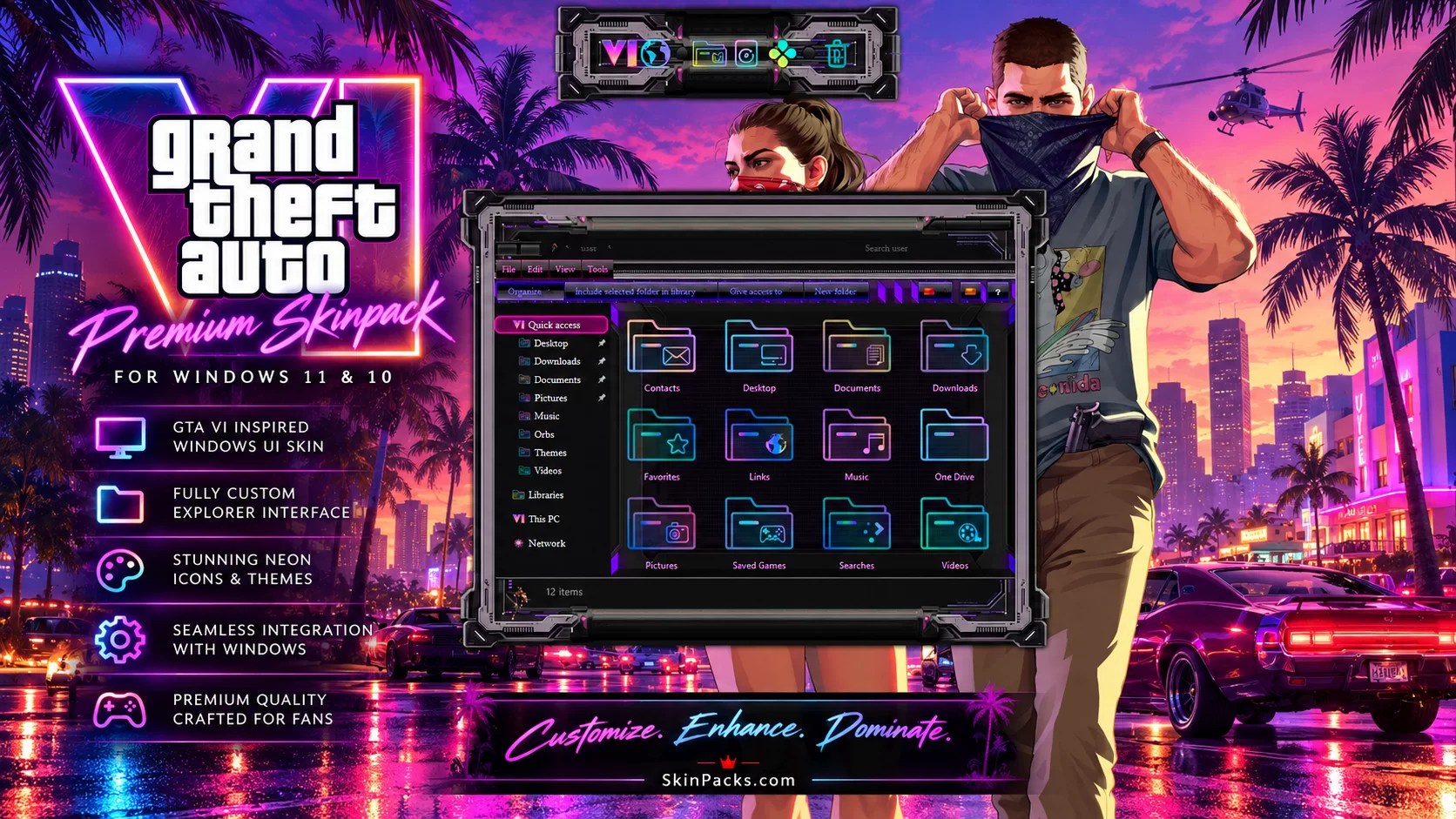
Are you looking for the best Windows 11 SkinPacks to completely transform your desktop? Whether you love the elegant appearance of macOS, the futuristic style of Alienware, the modern look of iOS, or the nostalgic design of classic Windows versions, SkinPacks make it possible to give your Windows desktop a different appearance.
Unlike standard Windows themes, SkinPacks can combine several customization elements into one package. Depending on the SkinPack, these may include desktop themes, wallpapers, icons, mouse cursors, sounds, fonts, and other visual elements.
In this guide, we’ve selected Windows 11 SkinPacks and styles available to explore on Skinpacks.com. Compare different designs and find a customization package that suits your desktop.
What Is a Windows 11 SkinPack?
A Windows 11 SkinPack is a customization package designed to change the visual appearance of your Windows desktop. Depending on the package, it may include:
- Custom desktop themes and visual styles.
- Wallpapers and backgrounds.
- System and application icons.
- Custom mouse cursors.
- Windows sounds.
- Fonts and additional visual elements.
- Rainmeter skins or dock customization.
Some SkinPacks focus on a particular operating system or visual style, while others are inspired by games, technology brands, and popular designs. The exact features depend on the individual package.
Quick Comparison: Best Windows 11 SkinPacks
| SkinPack | Design Style | Best For |
|---|---|---|
| macOS 27 Golden Gate | Apple-inspired | macOS fans |
| iOS Liquid Glass | Glass-inspired | Modern interface fans |
| Alienware | Futuristic gaming | Gamers |
| iOS 27 | Apple-inspired | iOS fans |
| Windows 98 | Retro Windows | Retro enthusiasts |
| Steam OS | Gaming-inspired | Gaming enthusiasts |
| Ubuntu | Linux-inspired | Linux fans |
| Windows 7 | Classic Windows | Nostalgic desktops |
| Windows Vista | Aero-inspired | Classic visual styles |
| Windows XP | Retro Windows | Retro enthusiasts |
| JARVIS | Futuristic technology | Sci-fi fans |
1. macOS 27 Golden Gate SkinPack – Best macOS SkinPack


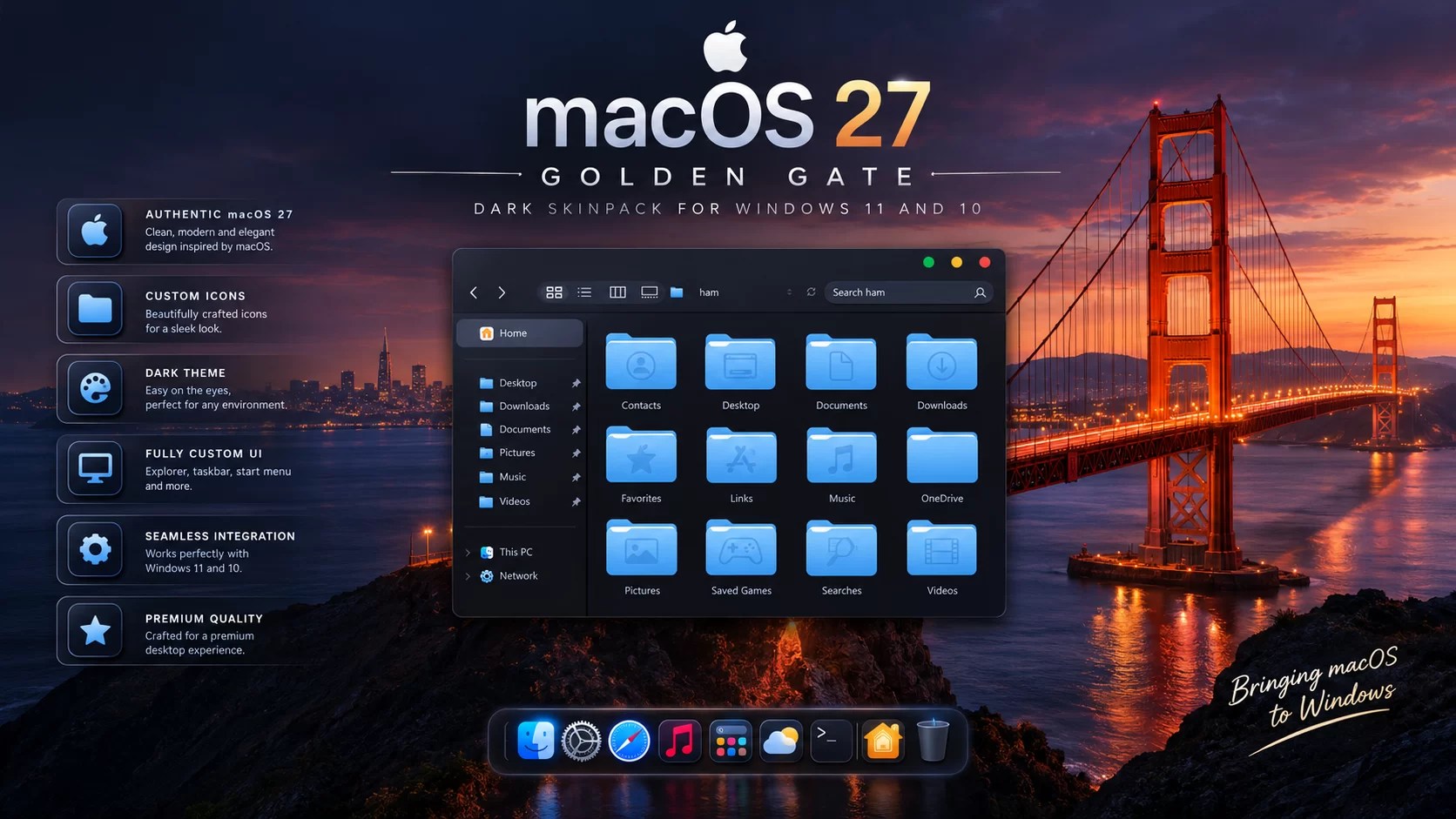
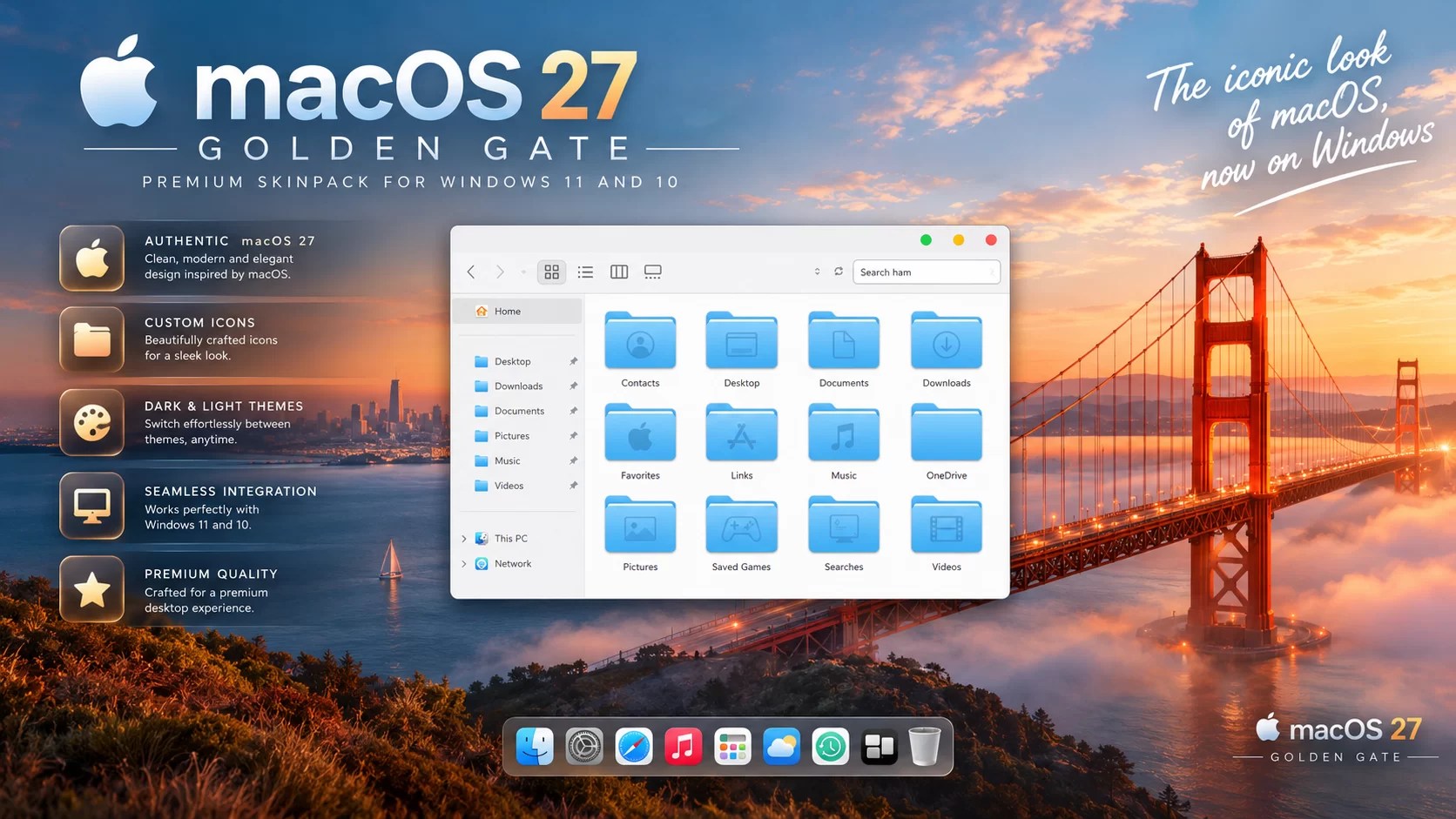
If you love Apple’s desktop design but prefer using Windows, the macOS 27 Golden Gate SkinPack is an option to explore. Inspired by the macOS visual experience, it brings an Apple-inspired appearance to Windows 11 and Windows 10.
It is a good choice for users who want to give their Windows desktop a different identity without switching operating systems.
- macOS-inspired visual design.
- Coordinated desktop customization.
- Apple-inspired appearance.
- Standard and dark editions are available.
Download: macOS 27 Golden Gate SkinPack · macOS 27 Golden Gate Dark SkinPack
2. iOS Liquid Glass SkinPack – Best Glass-Style SkinPack

Liquid Glass-inspired interfaces appeal to users who enjoy transparent effects and modern visual elements. The iOS Liquid Glass SkinPack is a design direction worth exploring if you prefer a glass-inspired appearance over traditional desktop customization.
- Liquid Glass-inspired appearance.
- Modern transparent visual direction.
- Apple-inspired styling.
Explore: macOS and iOS SkinPack Collection. Check the individual product page for availability and Windows compatibility.
3. Alienware SkinPack – Best Gaming SkinPack

For gaming enthusiasts, Alienware SkinPacks are among the most recognizable desktop customization options. Inspired by Alienware gaming computers and futuristic design, these SkinPacks offer a distinctive appearance for Windows.
There are multiple Alienware designs and color variations, allowing you to choose a style that matches your gaming setup.
- Futuristic gaming-inspired design.
- Multiple visual styles and color variations.
- Gaming-oriented desktop customization.
- Check each product page for supported Windows versions.
Explore: Alienware SkinPack Collection.
4. iOS 27 SkinPack – Best iOS SkinPack


If you love Apple’s desktop design but prefer using Windows, the iOS 27 SkinPack is an option to explore. Inspired by the iOS visual experience, it brings an Apple-inspired appearance to Windows 11 and Windows 10.
It is a good choice for users who want to give their Windows desktop a different identity without switching operating systems.
- iOS-inspired visual design.
- Coordinated desktop customization.
- Apple-inspired appearance.
- Standard and dark editions are available.
Download: iOS 27 SkinPack · iOS 27 Dark SkinPack
5. Windows 98 SkinPack – Best Retro SkinPack

For users who remember the classic Windows 98 experience, a Windows 98-inspired SkinPack offers a nostalgic customization option. Explore available editions and check their supported Windows versions before downloading.
Explore: Windows SkinPacks Download Collection.
6. Steam OS SkinPack – Best Gaming-Inspired SkinPack

Steam OS SkinPack is a gaming-inspired customization option for Windows users who want a desktop design that reflects their interest in PC gaming. Check the product page for the package’s exact features and compatibility.
Explore: Skinpacks Steam OS Download.
7. Ubuntu SkinPack – Best Linux-Inspired SkinPack

Do you like the Ubuntu desktop environment but want to keep using Windows 11? Ubuntu-inspired SkinPacks offer a Linux-style visual direction for Windows. Look through the catalogue for available Ubuntu editions and check the requirements of each package.
Explore: Skinpacks Ubuntu Collection.
8. Windows 7 SkinPack – Best Classic Windows SkinPack

Windows 7 remains one of the most recognizable Windows designs. If you miss its classic appearance, a Windows 7-inspired SkinPack can bring some of that nostalgic visual style to a newer Windows desktop.
Explore: Windows SkinPacks Download Collection.
9. Windows Vista SkinPack – Best Aero-Inspired SkinPack

Windows Vista introduced a distinctive visual design that many Windows enthusiasts still remember. Its Aero-inspired appearance and transparent visual elements made it one of the most memorable Windows releases. Explore the catalogue for available Vista-inspired customization packages.
Explore: Windows SkinPacks Download Collection.
10. Windows XP SkinPack – Best Retro SkinPack

For users who remember the classic Windows XP experience, a Windows XP-inspired SkinPack offers a nostalgic customization option. Explore available editions and check their supported Windows versions before downloading.
Explore: Windows SkinPacks Download Collection.
11. JARVIS SkinPack – Best Futuristic SkinPack

If you enjoy futuristic technology and science-fiction-inspired interfaces, JARVIS-inspired customization is another style to explore. Check the Skinpacks catalogue for available editions and their exact features.
Explore: Skinpacks Avengers Collection.
How to Install a Windows 11 SkinPack
Installing a SkinPack depends on the individual package and its requirements. Before installing any third-party customization package, check its product page for supported Windows versions and detailed instructions.
- Open the SkinPack product page.
- Check Windows 11 compatibility and installation requirements.
- Read the installation instructions carefully.
- Create a Windows System Restore Point before making advanced changes.
- Download the package from its official product page.
- Follow the instructions supplied with that specific package.
- Restart Windows if required, then check that the desktop works as expected.
Some SkinPacks use different customization technologies, so installation steps are not necessarily identical. For additional assistance, visit our Help & FAQ page.
Important Things to Know Before Installing SkinPacks
Windows compatibility
Check the supported Windows version and build on the product page. Compatibility can differ between packages.
System modifications
Some SkinPacks modify Windows appearance resources or system files. Others use separate customization tools. Read the product requirements before installing.
Create a restore point
A restore point gives you a recovery option before making significant system changes.
Security warnings
Keep Windows Security and real-time protection enabled. Never disable antivirus protection, add exclusions, bypass browser warnings, or run a file that your security software has blocked just to install a SkinPack. If a file is flagged, stop and investigate the detection.
Windows updates and uninstallation
Major Windows updates may affect third-party customization tools and visual styles. Check the latest installation instructions after major updates. To remove a SkinPack, use the uninstall instructions provided with that specific package.
Windows 11 SkinPack vs. WindowBlinds SkinPack
SkinPacks may use different technologies to customize Windows. Some packages use Windows visual styles and other system-level customization methods. Others are available as WindowBlinds versions.
| Feature | Windows SkinPack | WindowBlinds SkinPack |
|---|---|---|
| Custom desktop appearance | Yes | Yes |
| Wallpapers | Depending on package | Depending on package |
| Icons and cursors | Depending on package | Depending on package |
| Requires WindowBlinds | Not usually | Yes |
| System modifications | May be required | Different implementation |
If you prefer not to modify Windows system files, consider a WindowBlinds version when one is available. Check the individual product page for exact requirements and limitations.
Frequently Asked Questions
What is the best SkinPack for Windows 11?
The best SkinPack depends on your preferred design. macOS 27 Golden Gate is a good choice for Apple-inspired customization, Alienware is suitable for gaming enthusiasts, Liquid Glass-inspired designs offer a modern appearance, and Windows 7-inspired designs are ideal for classic Windows fans.
Are Windows 11 SkinPacks free?
SkinPacks are available in different editions. Some are free, while others are premium products. Check the individual product page for pricing and licensing information.
Do SkinPacks work on Windows 11?
Many SkinPacks are designed for Windows 11, while others support both Windows 11 and Windows 10. Always check the compatibility information for the package you want to install.
Can I uninstall a Windows 11 SkinPack?
Yes. Follow the uninstall instructions provided with the individual SkinPack. The correct procedure depends on the package and its customization method.
Do SkinPacks change Windows icons?
Some SkinPacks include custom system icons and other visual elements. The exact features vary between packages.
Are SkinPacks safe?
Safety depends on the individual package and its installation components. Download from trusted sources, keep security protection enabled, and investigate any security detection before running a file.
What is the difference between a SkinPack and a regular Windows theme?
A standard Windows theme mainly changes supported personalization elements such as wallpapers, colors, sounds, and cursors. A SkinPack can include a wider range of coordinated customization elements, depending on the package.
Can I use SkinPacks on Windows 10?
Yes. Many SkinPacks offer versions for both Windows 10 and Windows 11. Some older packages support additional Windows versions. Always check the individual download page.
Final Thoughts
Windows 11 doesn’t have to look the same on every computer. With the right SkinPack, you can transform your desktop into an Apple-inspired environment, a futuristic gaming setup, a Linux-style interface, or a nostalgic classic Windows experience.
Whether you prefer macOS, iOS, Alienware, Ubuntu, SteamOS, or classic Windows designs, there are plenty of customization possibilities to explore.
Visit the Skinpacks Download Collection to discover more Windows 11 SkinPacks, themes, icons, and desktop customization packages.