
Ads
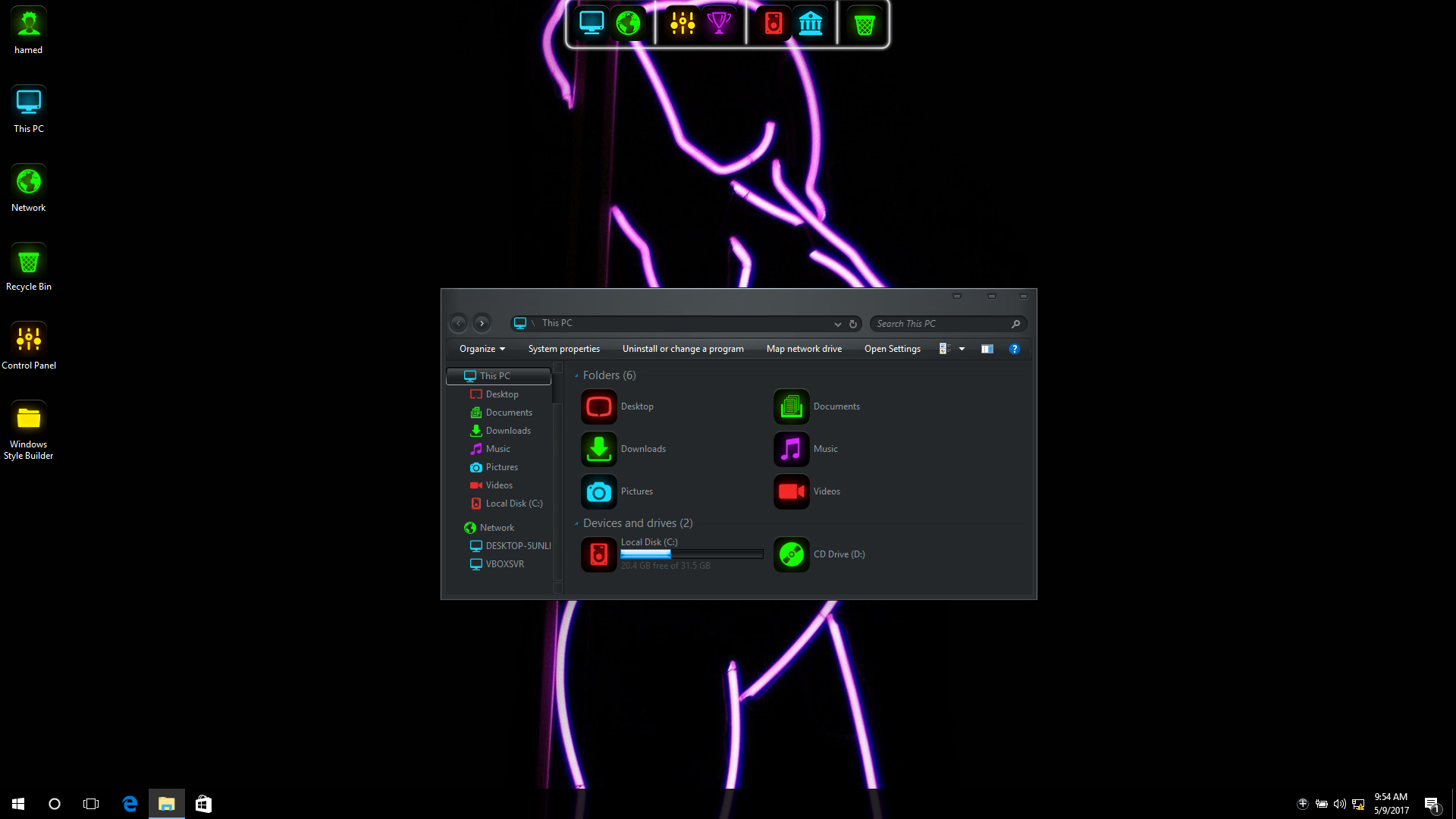
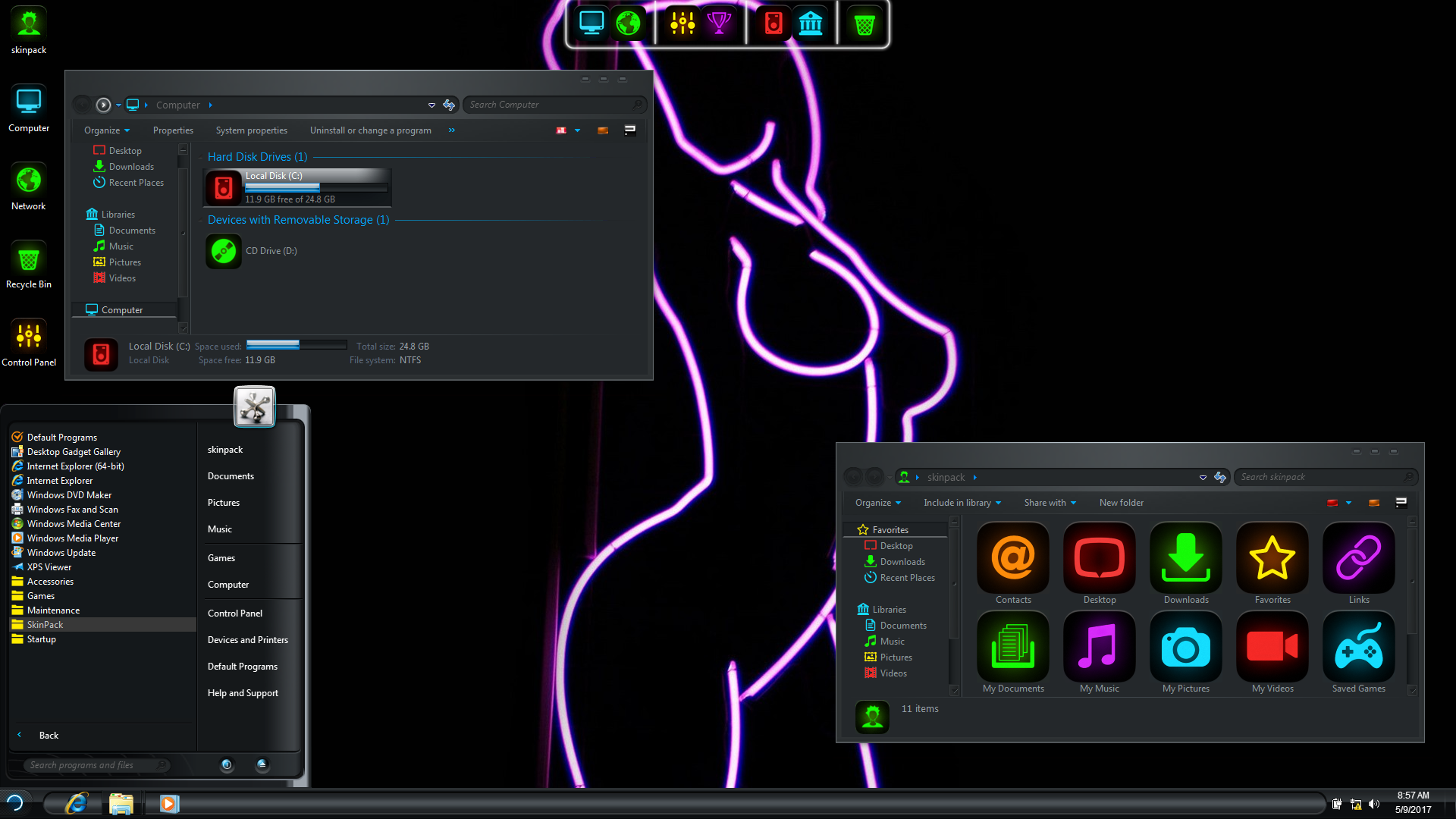
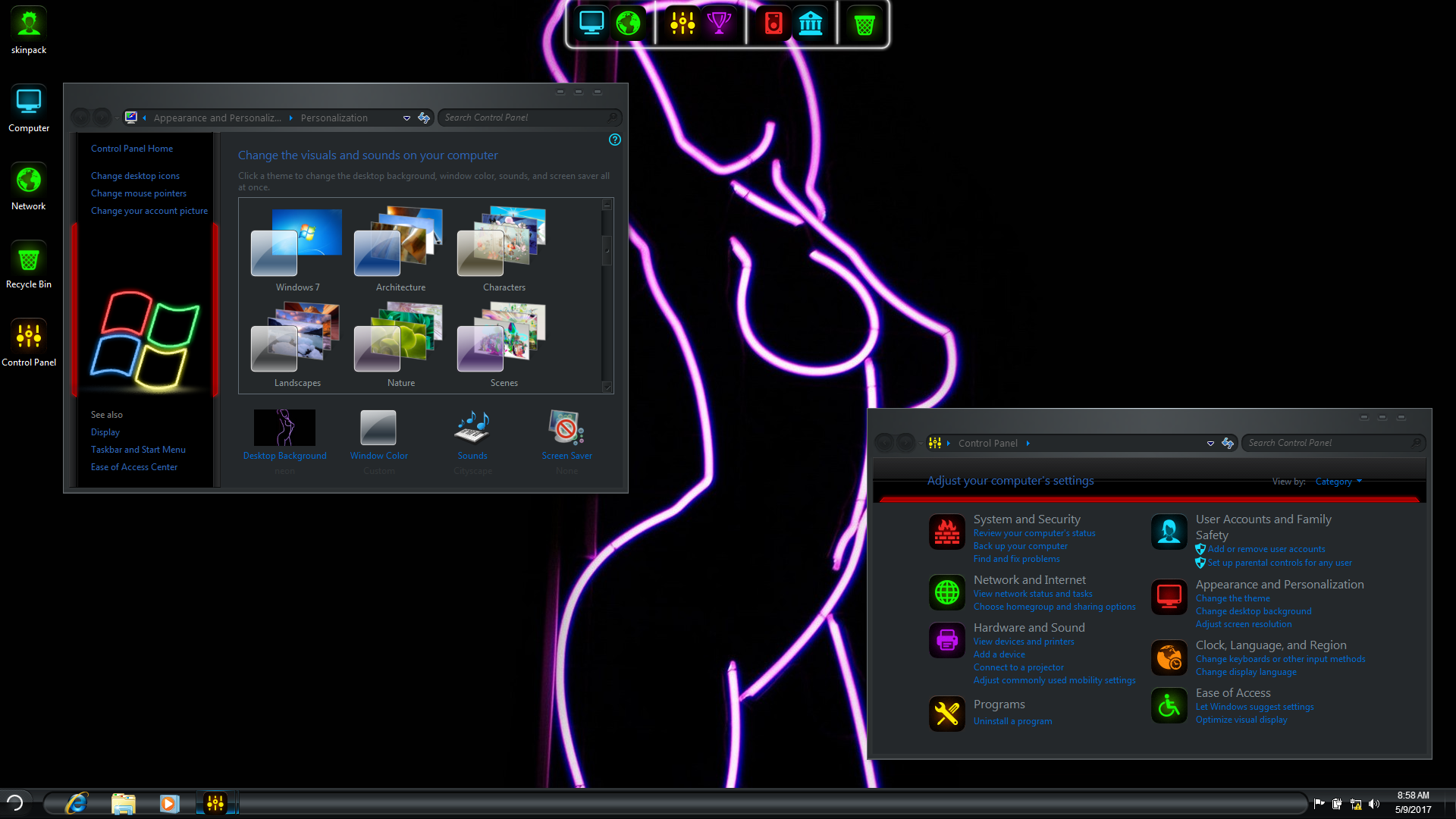
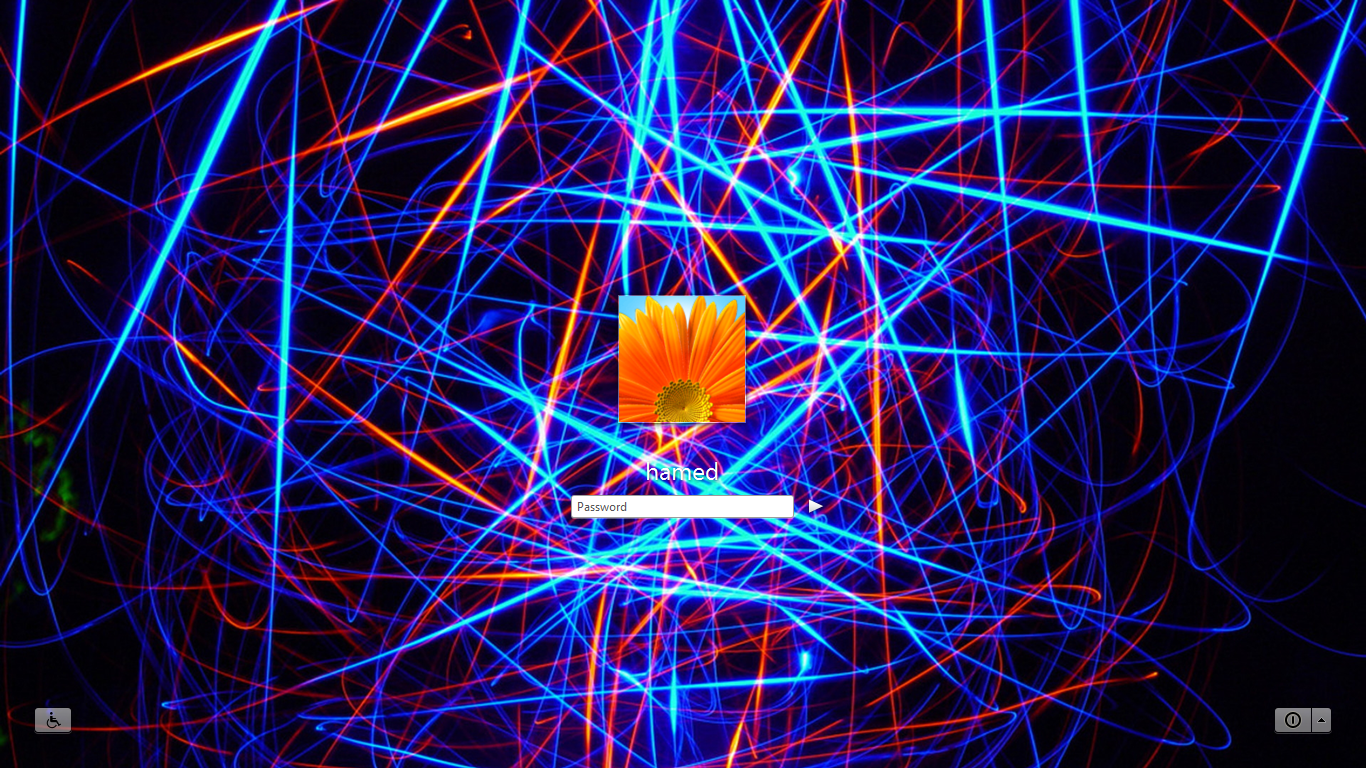
Transform Windows 7/8/8.1/10 to Neon
 Download for $4.99with icon and extra
The Windows 11 theme’s themselves are experimental, much of the overall look and results will vary depending on each users dpi settings, Best work on 100% scale and layout size, you need to set it from display setting, Also for enable start menu and taskbar skin you need to install startisback from startisback.com
Password: skinpacks.com
Malware/virus warning? Read the FAQ.
Windows XP users can download this SkinPack from here
Support:
Windows 7/8/8.1/10 21H1 [X86_X64]
Note: Please unistall old or other version of skin packs before install new one. if your theme not changed or its like classic windows you need to install uxtheme patcher from here and after restart select new theme from personalization.
Because skin packs will change file system (imageres.dll) to change icons so anti virus give warning, please disable temporary if you’re using anti virus. all theme have been fully tested, once purchase has been completed no refund will be available, however we will try to provide all possible technical assistants as required.
You’re advised to Create a System Restore Point before installing skinpack.If you have problem with install or uninstall skinpack, please check our help page.


[…] Visit Homepage […]
hello guys i need help am trying to download but i dont get ithelp me out
[…] Neon windows 7 theme […]
replique montres hommes cartier
That is a good idea. I will look into that, thank you.
[…] Visit Download Page […]
[…] Visit Download Page […]
how I can install this skin pack with no icons ?
not select icons on installer option
dont have this theme for windows 8?
Mr. hamed i have a notebook asus and i need start menu on my windows 8.1 enterpries to be neon can you do that
i using Windows 7 Home Basic but i have aero effect when i buy this computer.
Does i need to unlock aero?
-dell inspiron 620s
no
my son installed a neon skin for a xp and when clicking the mouse and finding a black background and you can not see the messages. how to uninstall neon? please help
https://skinpacks.com/help-faq/
What can I do to get rid of that blue neon bar right above the taskbar. It overlays on enlarged videos on the internet. Kind of annoying, love the rest of it though.
just run yzshadow
You said this pack will soon be available for windows 8… still nothing ?
sorry but we are busy in other projects now
When r u going to set this theme available for windows 8 ?
soon
Please hurry, i can`t wait… :D
[…] Sumber / Source […]
You forgot/misspelled “http://” at the beginning of the X64 link.
I like this theme; I will bug report here.
1st Windows 7 logo and text is not showing right: http://im42.gulfup.com/fI329.png
thanks for report
Another bug/glitch on videos folder: http://im39.gulfup.com/IecgB.png
thanks for report
I forgot to tell you that boot screen crashed while installing.
you can set it by your self with win 7 boot updater
fixed
What about other bugs?
we will fix soon
hey how i can delete a dock
unistall dock from unistaller option
dont have this theme for windows 8?
not yet!
Hi there,
I really Love this theme, but I have a request : I Hate the behavior when the mouse is over Icons, I dislike the black rectangle aroud the Icons. is there any way to eliminate that action ?
Sorry for my bad English.
not yet