
Ads


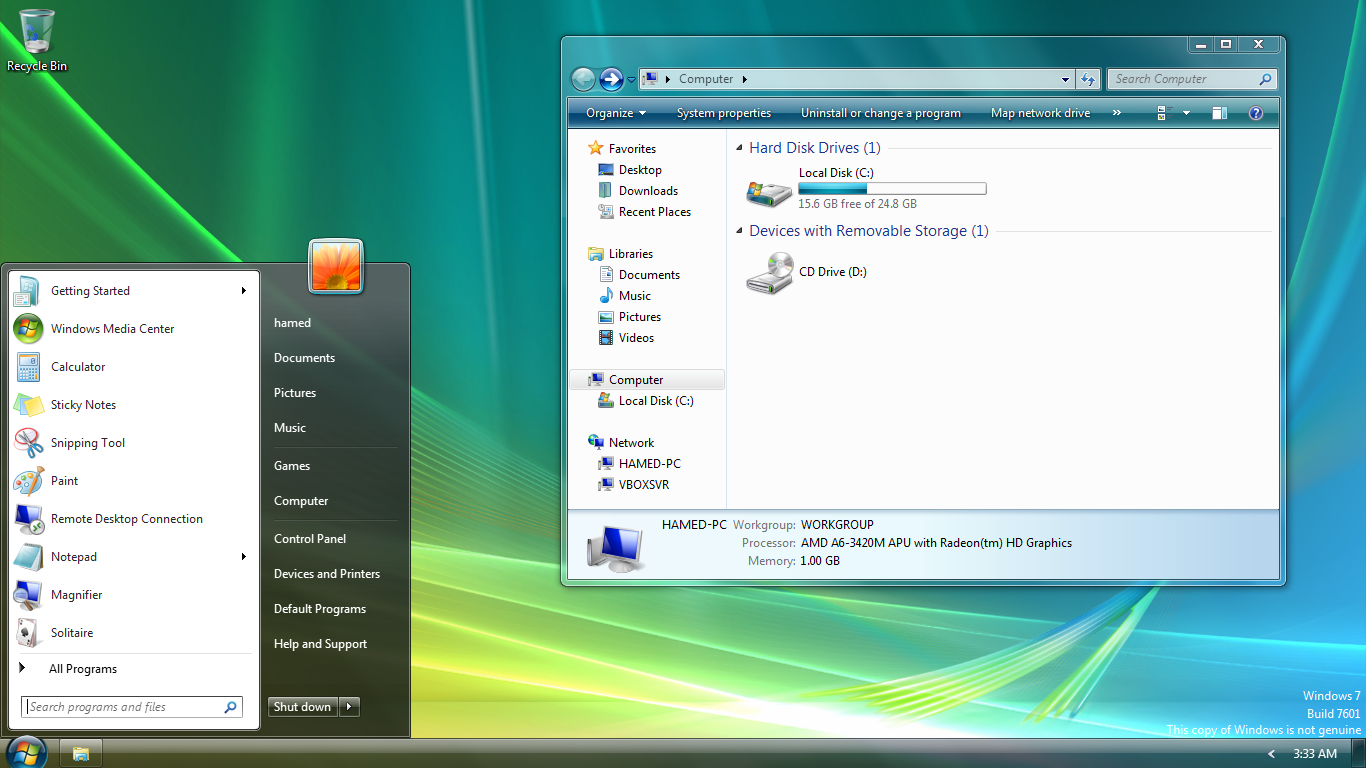
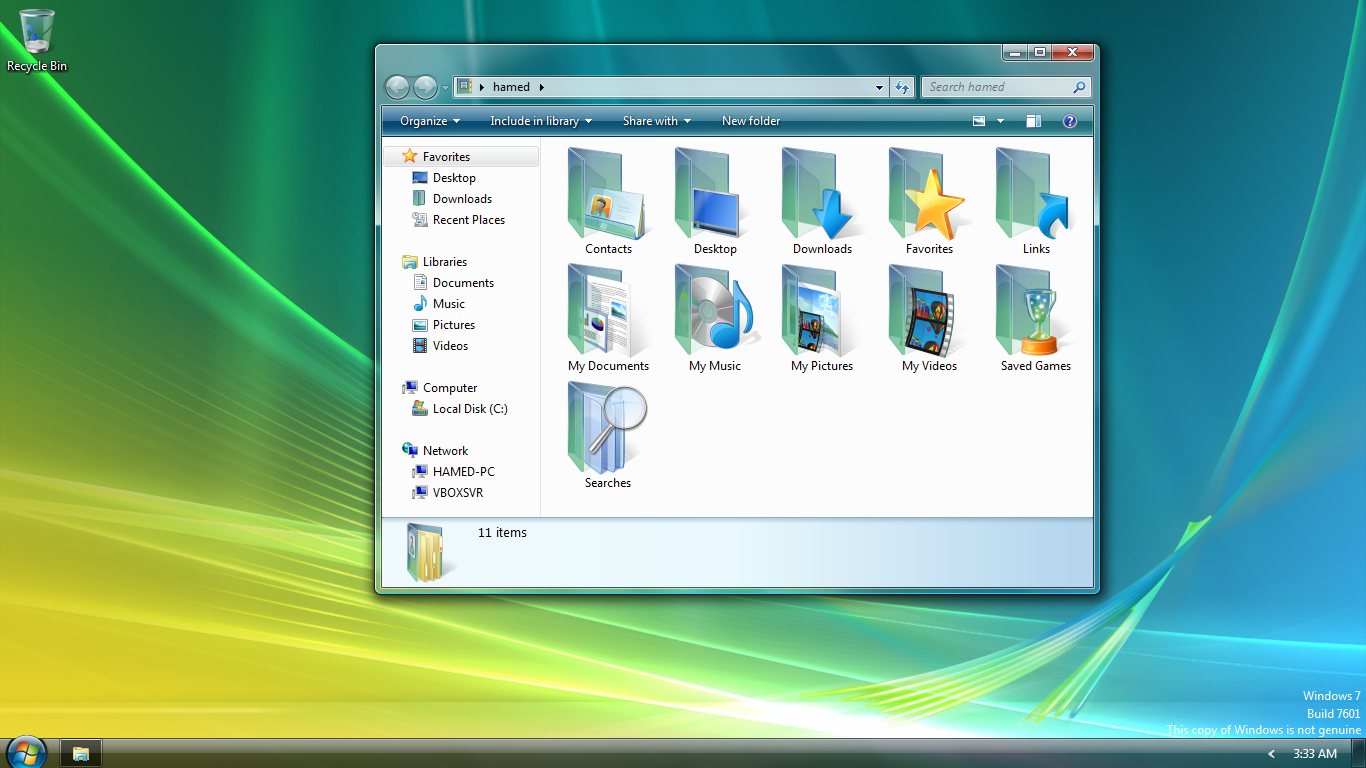
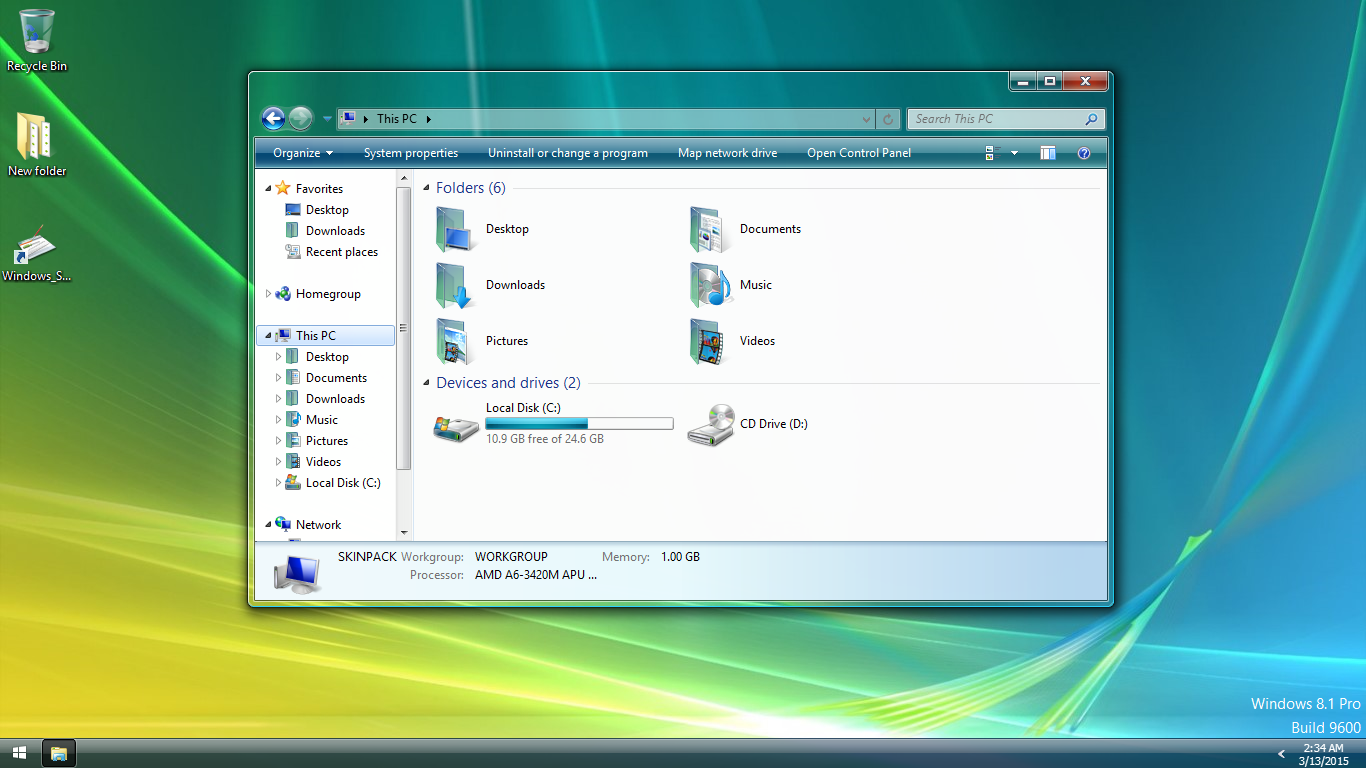
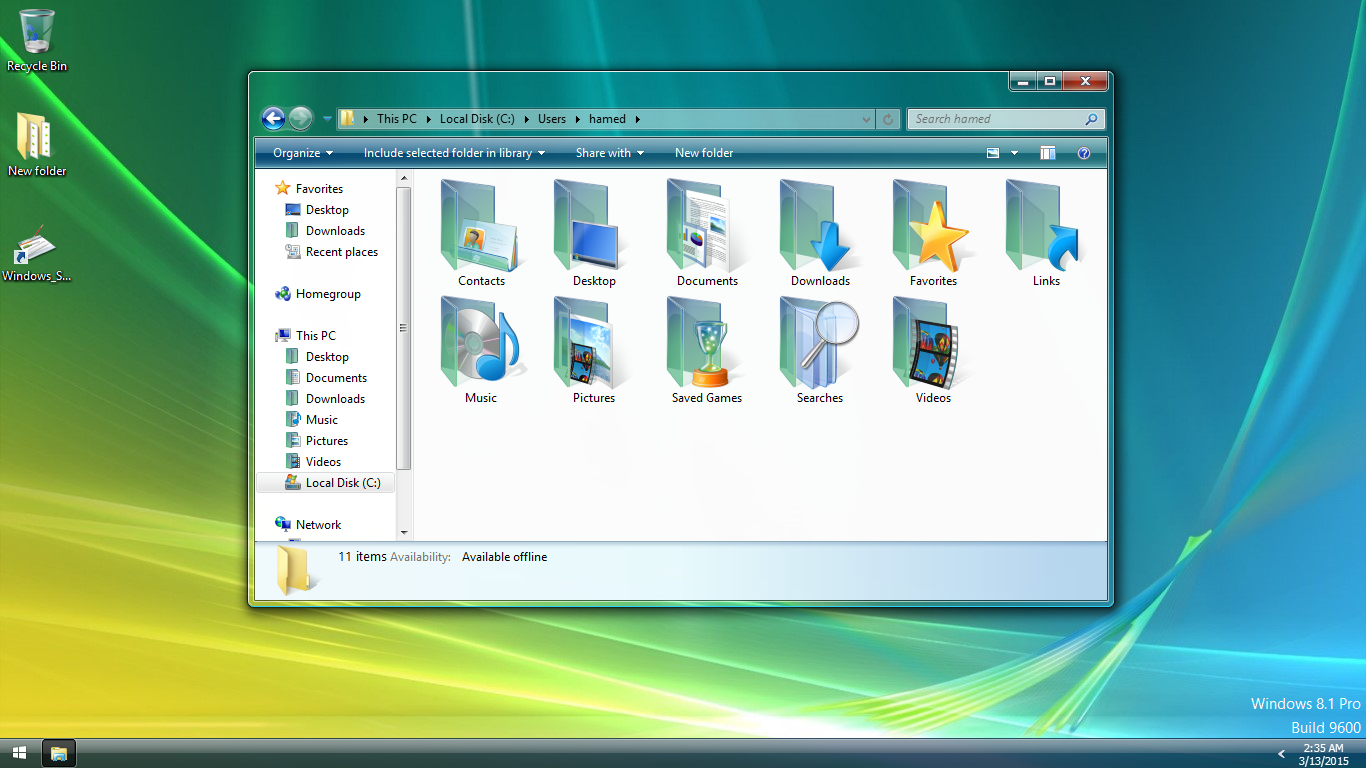
Transform Windows 10/8/7 to Vista
 Download from gumroad for $4.99
 Windows Vista SkinPack for WindowBlinds
Windows Vista SkinPack for Win11
 Windows SkinPack Collections
to have aero glass effect you need to install:
- DWMBlurGlass – Add custom effect to global system title bar, support win10 and win11.
The Windows 11 theme’s themselves are experimental, much of the overall look and results will vary depending on each users dpi settings, Best work on 100% scale and layout size, you need to set it from display setting, Also for enable start menu and taskbar skin you need to install startisback from startisback.com
Password: skinpacks.com
Malware/virus warning? Read the FAQ.
Windows 7\8\10 [X86_X64]
Note: Please unistall old or other version of skin packs before install new one. if your theme not changed or its like classic windows you need to install uxtheme patcher from here and after restart select new theme from personalization.
Because skin packs will change file system (imageres.dll) to change icons so anti virus give warning, please disable temporary if you’re using anti virus. all theme have been fully tested, once purchase has been completed no refund will be available, however we will try to provide all possible technical assistants as required.
You’re advised to Create a System Restore Point before installing skinpack.If you have problem with install or uninstall skinpack, please check our help page.
Microsoft has stopped supporting windows 7 since Jan 14,2020 . If you`re a windows 7 user it is advised to get a windows virtual desktop on azure that supports multi-session windows 10, optimizations for Office 365 ProPlus and free Extended Security Updates for Windows 7 virtual desktops.


I think the icon pack are broken, i tried on windows 10 and 7 and i have the same problem that are not installed the icons, What i can do?
What’s the difference between lite and full?
[…] Visit Download Page Share 0 Tweet Share Share Share […]
how i put my Theme Alienware Games Supported All Windows
Windows vista will Have Bad Quality
thanks sharring. please tell me. how i install windows 7 vista skin pack. i can not understand.
just click on download link and then install it
[…] Visit Download Page […]
[…] Windows Vista Skin Pack | New! – Support Win7/8/8.1 […]
thank you but its dont working on win xp :P
amazing
And finally, whether working on Windoes 8.1 or does not work?
[…] Visit Download Page […]
Does this skin pack has a bootscreen ?
HEY I NEED HELP MY NETBOOK NOT START AFTER WINDOWS VISTA SKIN PACK REBOOT THE SCREEN FLASHING
note: the OS is windows 7 ultimate 32 bits i need a iso file and install in the boot menu?
no
whats version of windows you have?
windows 7 ultimate 32 bits
run safe mode and unistall bootscreen
i unistalled all programs in safe mode but its still flashing
Dude please :( stop giving me an Black screen its not nice :(
https://skinpacks.com/help-faq/
i try to not install the uxstyle ,it not going to bootloop problem
you need to run it as admin
Go on Control panel and go on system reset or something like that it will safe all pictures and files but it will delete bad files
restart your pc press F12 Or F11 OR F10 depends on your computer because some computers are not the same click advanced optitions click system restore
!HELP! I installed this on windows 8 on a 64 bit machine and it didn’t work. I restarted my computer then when I logged back on to my profile the screen started flashing and flashing a micro task bar or something please help me my computer useless right now.
~Hammer
you can refresh or restore your windows from boot option, we work on it to fix
i keep on getting black screen HELP ME ;(
https://skinpacks.com/help-faq/
uninstall uxtheme patcher on safemode
how to get the windows vista start screen
How can i get Vista’s boot screen?
Google chrome blocked the .exe file as malicious.. what should i do ?
just download it firefox or internet explorer
How to uninstall it?
https://skinpacks.com/help-faq/
thanks .. but my folder icon and everything looks the same as of windows 7 except the taskbar, logon screen etc. in short it didn’t tranform completely? any help ?
send a shoot of problems
[…] : Download For Win7: Download For Win8: Download Note : Skin Packs installer have easy and safe install option , Please unistall […]
[…] : Download For Win7: Download For Win8: […]
thanks
[…] Win7: Download For […]
Which file I have to choose not to install the Windows Vista description of the login screen? what process? I’m talking about the dll or exe files, whatever, thank you!
dont install basebrd.dll