
Ads
Do you want new Rocketdock in your desktop? Here is the new Rocketdock for all users. This is realy awsome Rocketdock, enjoy it and have fun!
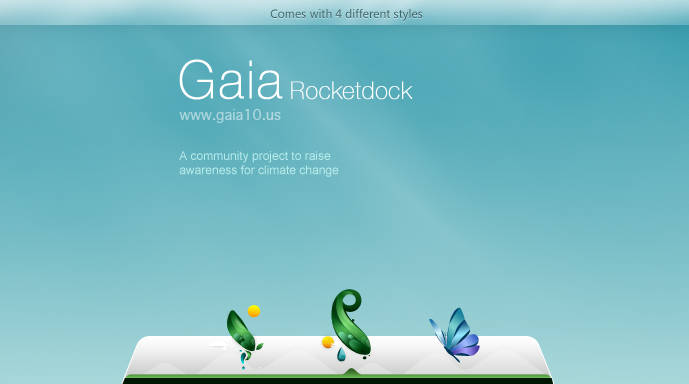
Note : First it is recommended you make a System Restore point before continuing.
How To Use:
1- Download and unpack the file archive using 7zip.
2- For using this Rocketdock first you need to Rocketdock from here : Rocketdock
3- Move the skin to the following path: C:\Program Files\RocketDock\Skins. The full path depends on where the program was installed. The skin folder should contain the *.ini and separator.png files.
4- Launch RocketDock, then right-click on the panel. Select “Panel Setup” from the context menu.
5- Go to the “Style” tab and select the installed theme from the drop-down list. Other appearance options are also available in the same window.
6- Click “OK” to save your changes.


This is a very helpful guide for customizing RocketDock! The instructions are clear and easy to follow, and I appreciate the note about creating a restore point.
This is a great guide for customizing RocketDock! The step-by-step instructions are clear and easy to follow, making it simple for anyone to apply new skins.
Xlope is a simple yet addictive game where players control a ball rolling down an increasingly faster slope, dodging obstacles and chasms, and trying to travel as far as possible.
thank you
Thank you for organizing the groups and considering our preferences. I appreciate the opportunity to work on a text that aligns with my interests for the final project.
Common errors when playing crossy road and how to fix them quickly.
Launch RocketDock, then right-click on the panel. Select “Panel Setup” from the context menu.
Download and unpack the file archive
All of it is very much appreciated, and I have saved your site to check for new posts
It’s a part of the video recording program called BB Flash Back