
Ads
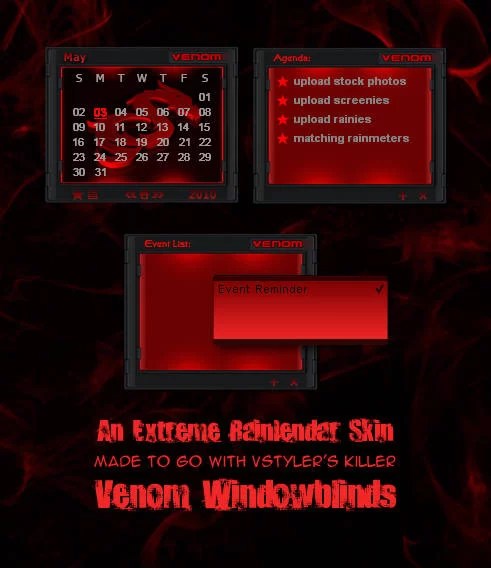
Do you want new ObjectDock in your desktop? Here is the new ObjectDock for all users. This is realy awsome ObjectDock, enjoy it and have fun!
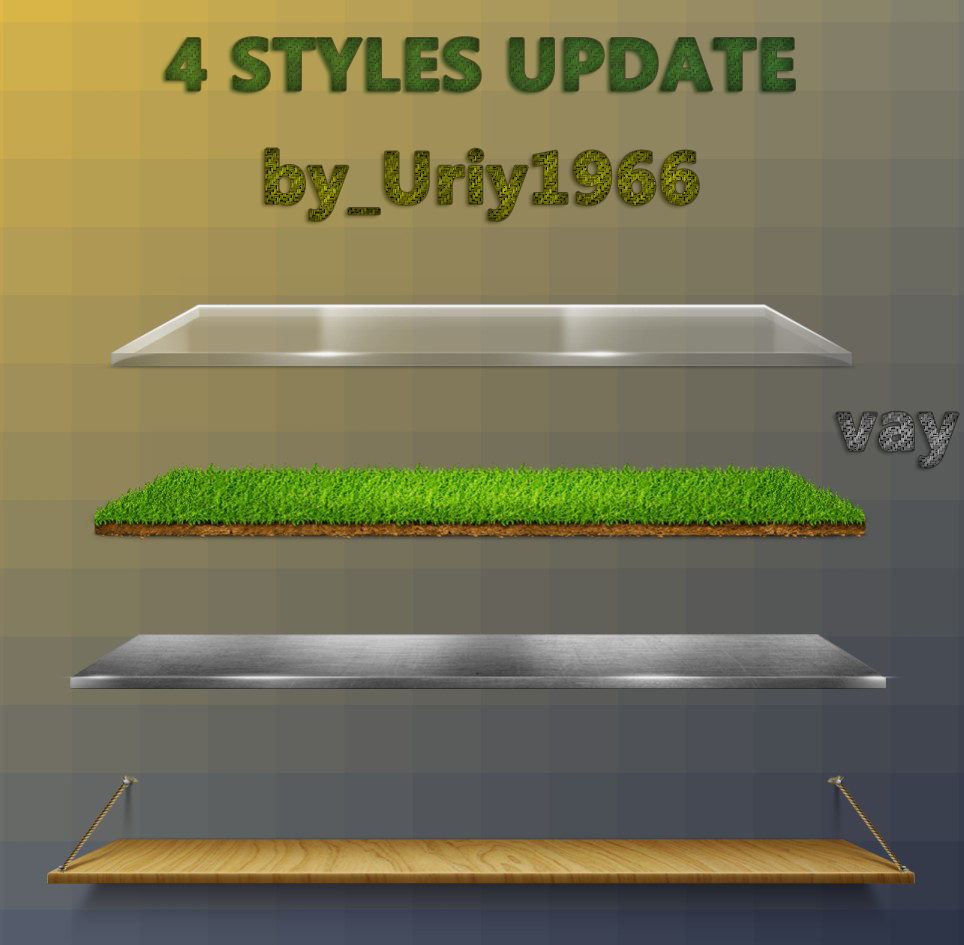
How To Use:
1- For using this ObjectDock first you need to ObjectDock from here : ObjectDock
Ads
Share
Do you want new ObjectDock in your desktop? Here is the new ObjectDock for all users. This is realy awsome ObjectDock, enjoy it and have fun!
How To Use:
1- For using this ObjectDock first you need to ObjectDock from here : ObjectDock







These skins look like a great way to refresh ObjectDock’s appearance. Thanks for sharing the pack and the clear usage instructions.
This was a clear and practical read about poople answer today. I especially appreciated the concrete examples.
Nice collection of skins, thanks for sharing. I’ve been looking for something fresh to give my dock a new look.
Nice variety of styles in this pack, the dark theme especially looks great for a clean desktop setup. Thanks for sharing the step-by-step instructions too.
These ObjectDock skins are a fun way to give the desktop a fresh new look. I like having several different styles to choose from, since it makes it easy to change the appearance depending on your mood or desktop setup. Simple customization like this can make using the computer feel a little more personal.
These four styles are a nice variety for customizing ObjectDock. Looking forward to trying them out, especially curious which one works best
I appreciate the clear step that you must first download ObjectDock before applying the skins. The article’s emphasis on the “new ObjectDock for all users” suggests it’s a universal upgrade, but it would help to know which version of Windows it supports best. The mention of “realy awsome” feels a bit informal, yet the practical guidance is useful.
These skins look really clean, thanks for putting the pack together. I’ll definitely give them a try once I get ObjectDock installed.
The four style options sound great for personalizing the desktop. Thanks for putting this pack
These styles look great and would definitely freshen up the dock. Thanks for sharing the pack and making it easy to get started.
Thanks for sharing this thoughtful overview of 4 styles skins for ObjectDock – Skin Pack. It gave me a few useful ideas to explore.
These skins look great and should give ObjectDock a nice fresh look. Thanks for putting together the pack and sharing the simple instructions.
These skins look really clean and stylish, thanks for putting the pack together. I’ll definitely try out the blue one on my setup this weekend.
These skins look really clean and would make ObjectDock feel much more personalized. Thanks for putting together a nice pack to freshen up the desktop.
Nice pack, the styles look clean and easy to match with different themes. Is there a dark version planned for future updates?
Nice collection of skins, thanks for sharing. The minimalist style looks like it would blend really well with a clean desktop setup.
I just think this can be true.
so cool
thank you
Each interface style has its own characteristics and features, allowing users to choose according to their personal preferences and style.
grate
The high level of professionalism throughout this piece is impressive, and I appreciate the time and effort you clearly invested.
these 4 ObjectDock skins just turned my boring desktop into a freaking cyberpunk dream
cool skins for ObjectDock! I’ve been wanting to customize mine for ages.
thanks
I’ve downloaded the ObjectDock software, but I’m having trouble applying the 4 new styles you’ve provided. Could you please provide more specific instructions on how to import or install these new styles into ObjectDock?