
Ads

Preview of Changed icons on Win10:
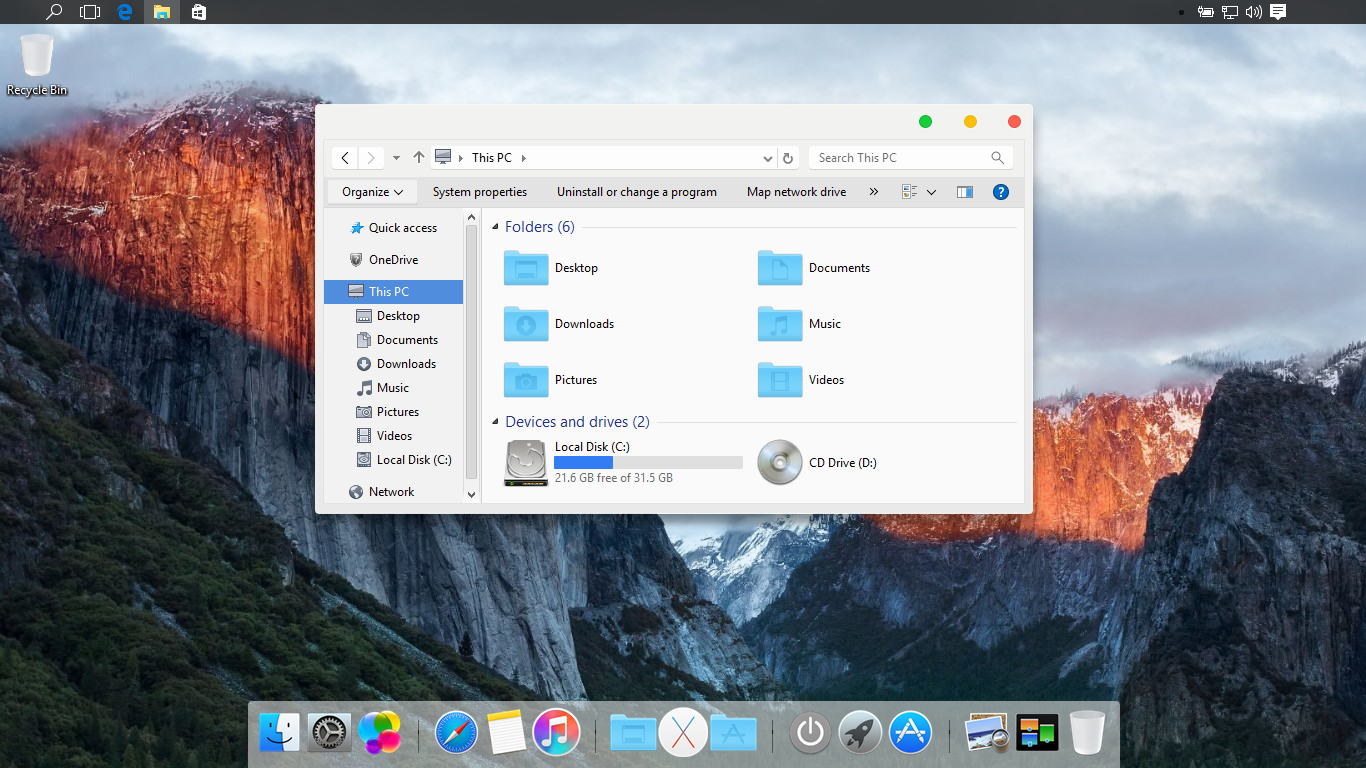
With IconPack Maker you can create iconpack installer very fast and easy! just add your res files and create setup and share it!!!
you can add any res files you want in folders: Windows, Program Files, System32, Branding and ect…
just make sure to add res files with folders like this: Program Files\Windows Media Player\wmplayer.exe.res
and just one installer support all os: win7/8/8.1/10/11, also no need to reboot to change icons!
Note: for adding res files you can use ResBuilder
 Download
Password: skinpacks.com
Malware/virus warning? Read the FAQ.
Support OS:
Windows 7\8\10\11 [X86_X64]
Note: Please do not add people arts without author permission and give credits and webpage to author in license part.
This program is free and open source so you can change anythigs you want.
 SkinPack Creator Win7/8/10/11
 ResBuilder Win7/8/10/11
very good
[…] Cursor, dll. Jadi tidak mengganti Total OS. Skin Pack Creator | For Win7/8/8.1/10 Icon Pack Maker | For Win7/8/8.1/10 ResBuilder | For Win7/8/8.1/10 UXTheme […]
[…] images, icons, etc. To RES Files Easly! You Can Use This Software For Making SkinPacks and IconsPacks and etc. just replace your icons and images then create res files and add it to your […]
I will #create #facebook #cover for you
Its help you to promote your page or group
https://goo.gl/MFxjOs?
[…] is the new Icon Pack set, you can use it for IconPack Maker, SkinPack Creator, ResBuilder, dock, iconpakager, tuneup, custopack, 7tsp, ipack or any […]
[…] IconPack Maker […]
Hi,
If you dont mind, could you pls provide a lil bit of information or guide how to create icon pack for newbies like me. I know to make .png & .ico files But i dont know what should be the pixel size of each icons should be. Also i didnt understand how to use this tool or res builder tool……so pls help me… i have some icon ideas.
How to use it……. Guide plss…
[…] is the new Icon Pack set, you can use it for IconPack Maker, SkinPack Creator, ResBuilder, dock, iconpakager, tuneup, custopack, 7tsp, ipack or any […]
[…] is the new Icon Pack set, you can use it for IconPack Maker, SkinPack Creator, ResBuilder, dock, iconpakager, tuneup, custopack, 7tsp, ipack or any […]
[…] is the new Icon Pack set, you can use it for IconPack Maker, SkinPack Creator, ResBuilder, dock, iconpakager, tuneup, custopack, 7tsp, ipack or any other […]
Only tries to install garbage ads, and in the end it doesn’t do anything, just opens a “Autoplay menu”, which only has a gray backgroud.
how to use it
Hmmm..
Good One
i can’t use pls video!!!
how use it?
[…] Icon Pack Installer […]
[…] Icon Pack Installer […]
Can’t download
not working in Chrome but in Mozilla is ok.
[…] Visit Download Page […]
[…] Visit Download Page […]
how to restore or unistall ?
i cant download it
its fixed now, we are change our servers and hosts
where does every skinpack install the icons in
i downloaded the jarvis skinpack but the taskbar icons didnt change
i can’t download it
its fixed now, we are change our servers and hosts