
Ads
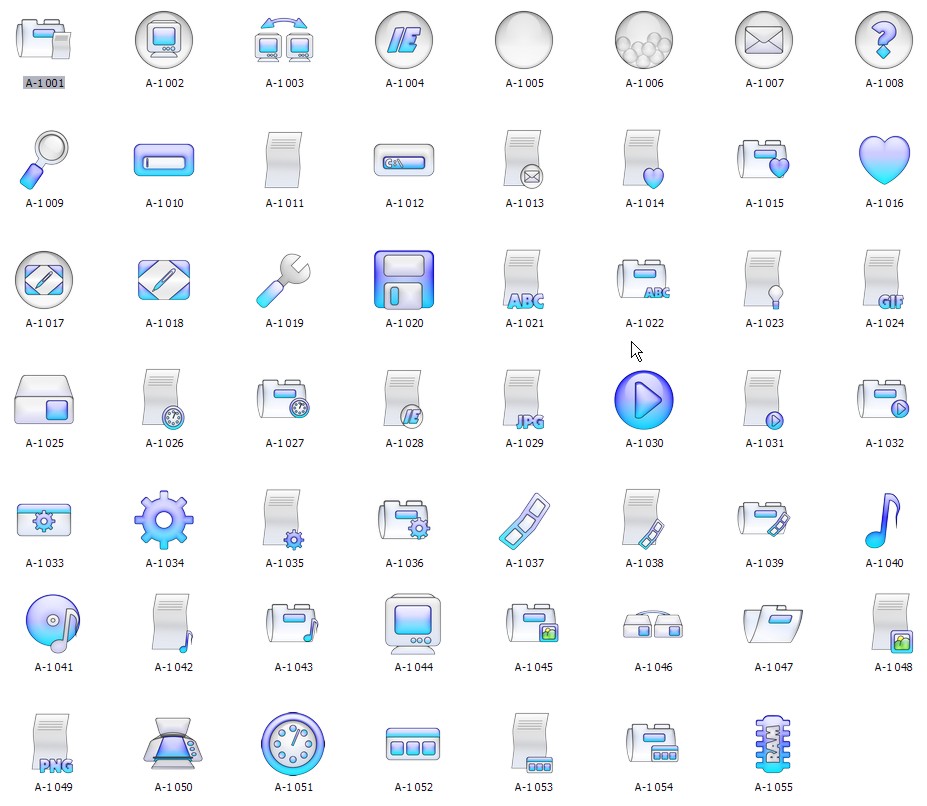
Do you want new Icons in your desktop? Here is the new IconPackager for Windows 7 to Windows 11 users. This is realy awsome IconPackager, enjoy it and have fun!
How To Use:
1- Download and unpack archive using 7-zip;
1- For using this IconPackager first you need to IconPackager from here : IconPackager
Ads
Share


This is a collection of online trend games, including many popular genres such as casual, action, adventure, shooting, and puzzle games.
This IconPackager looks fantastic and seems like a great way to refresh your desktop experience from Windows 7 to Windows 11.
This IconPackager looks amazing for customizing Windows desktops, offering a fresh look for users from Windows 7 to 11.
The new IconPackager for Windows users looks fantastic and provides a great way to customize your desktop icons.
This IconPackager looks amazing and seems perfect for customizing desktop icons on Windows 7 to 11. Easy to use and fun!
IconPackager transforms my desktop into a work of art! The new icons are stunning and add a fresh look to my Windows experience.