
Ads
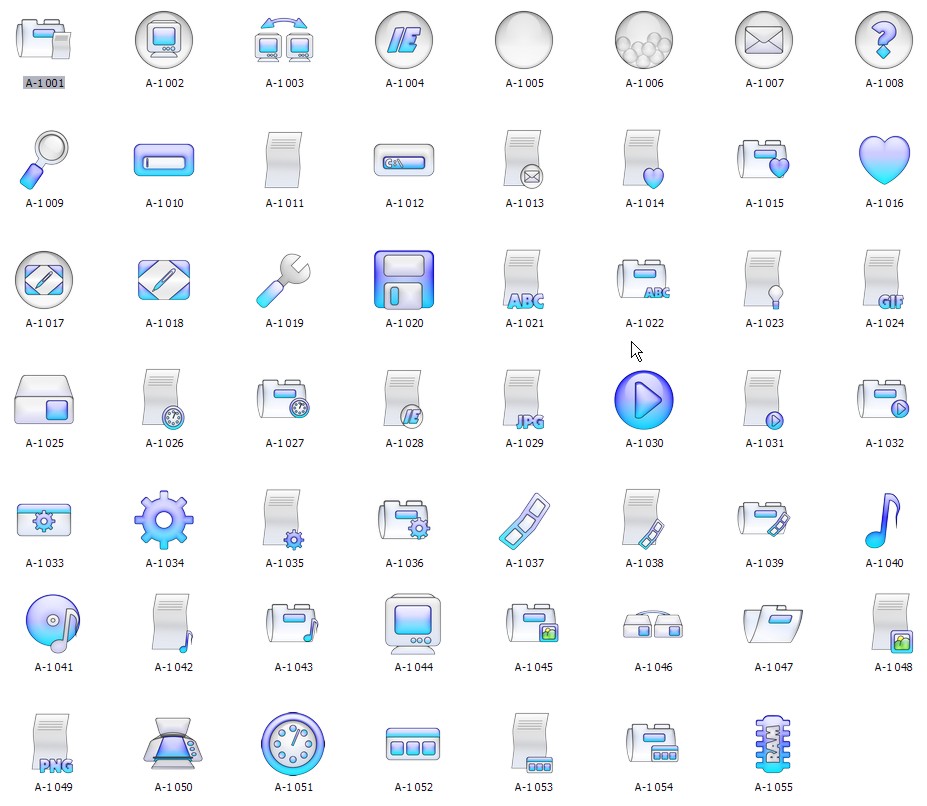
Do you want new Icons in your desktop? Here is the new IconPackager for Windows 7 to Windows 11 users. This is realy awsome IconPackager, enjoy it and have fun!
How To Use:
1- Download and unpack archive using 7-zip;
1- For using this IconPackager first you need to IconPackager from here : IconPackager
Ads
Share


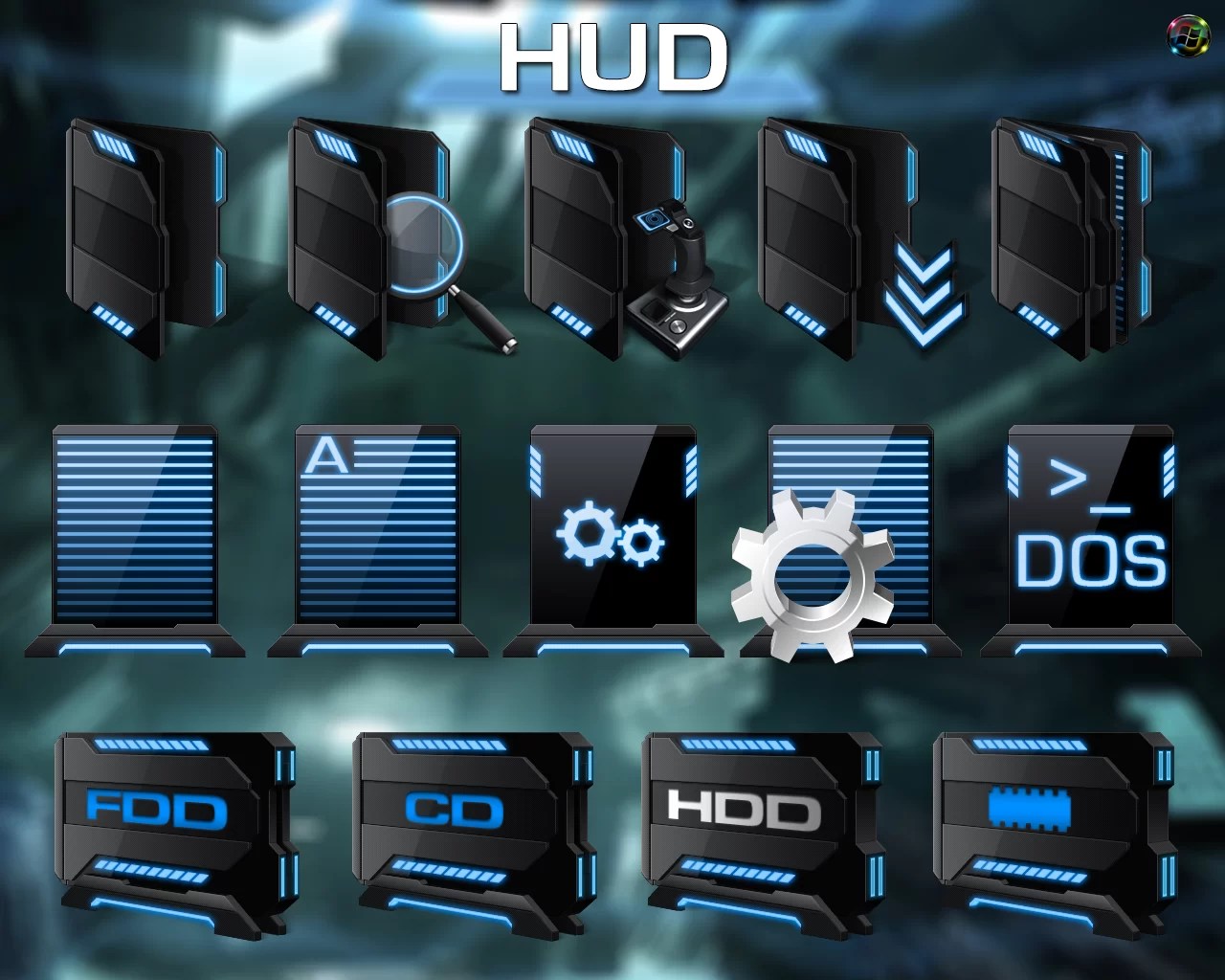
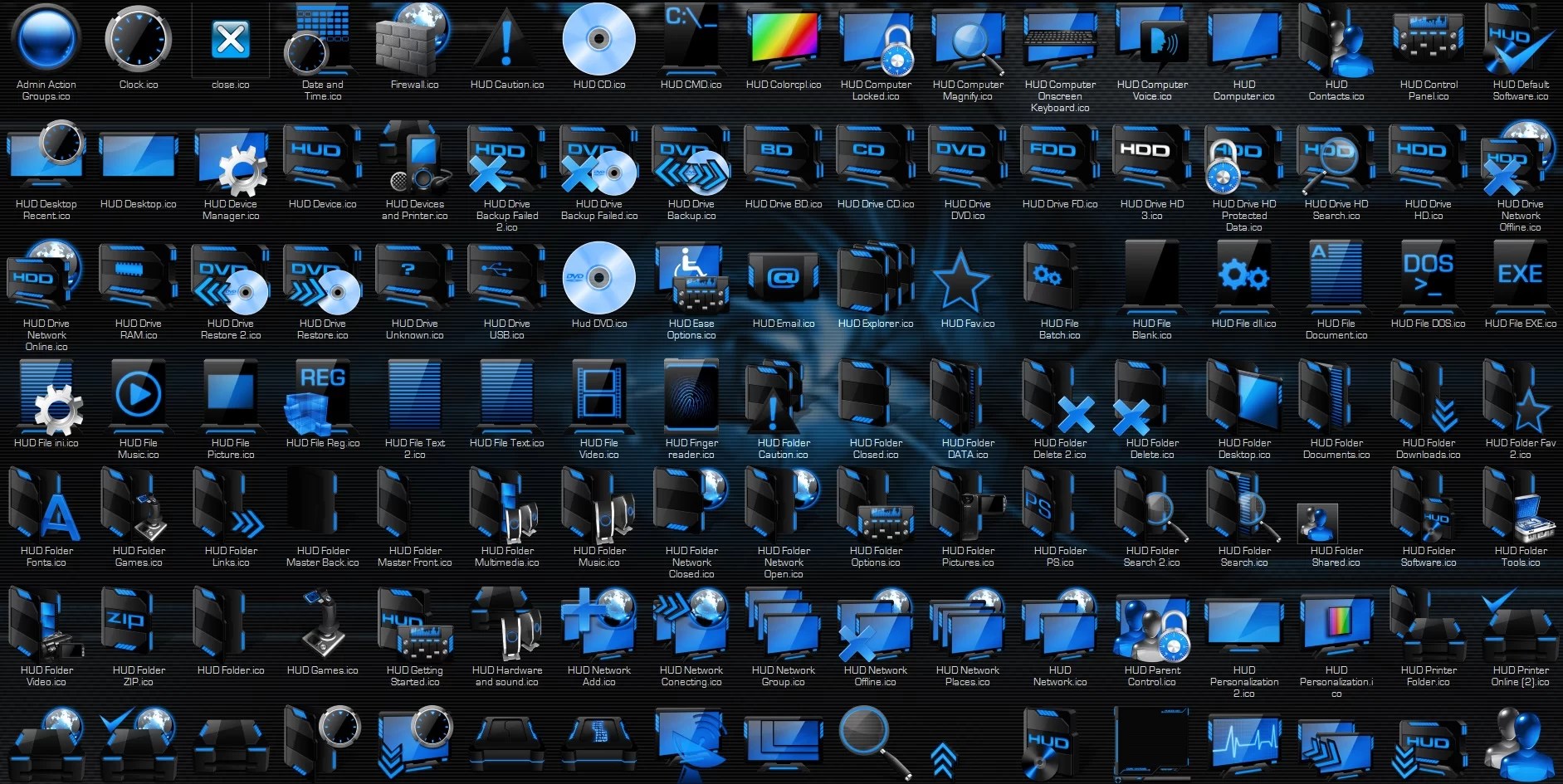
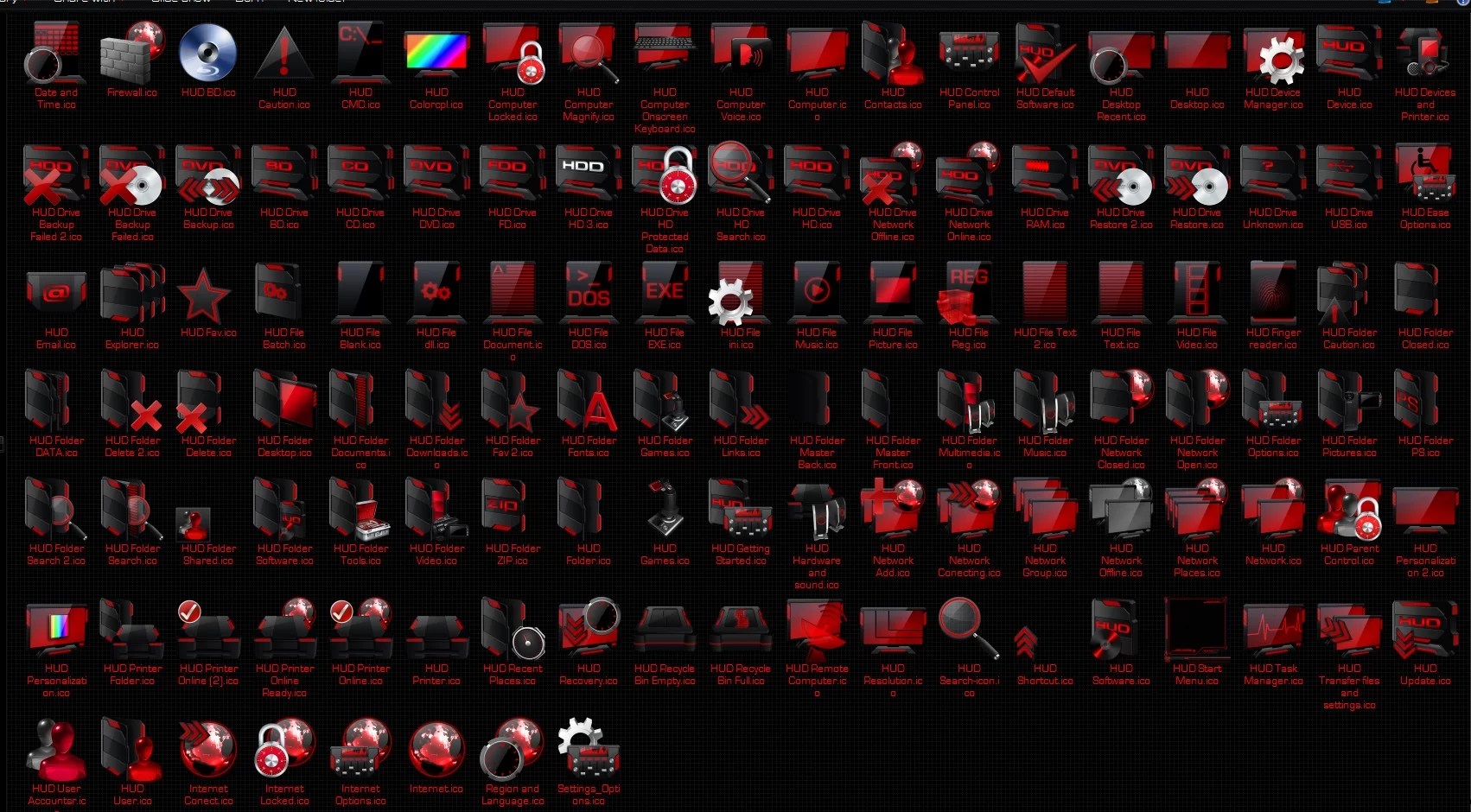
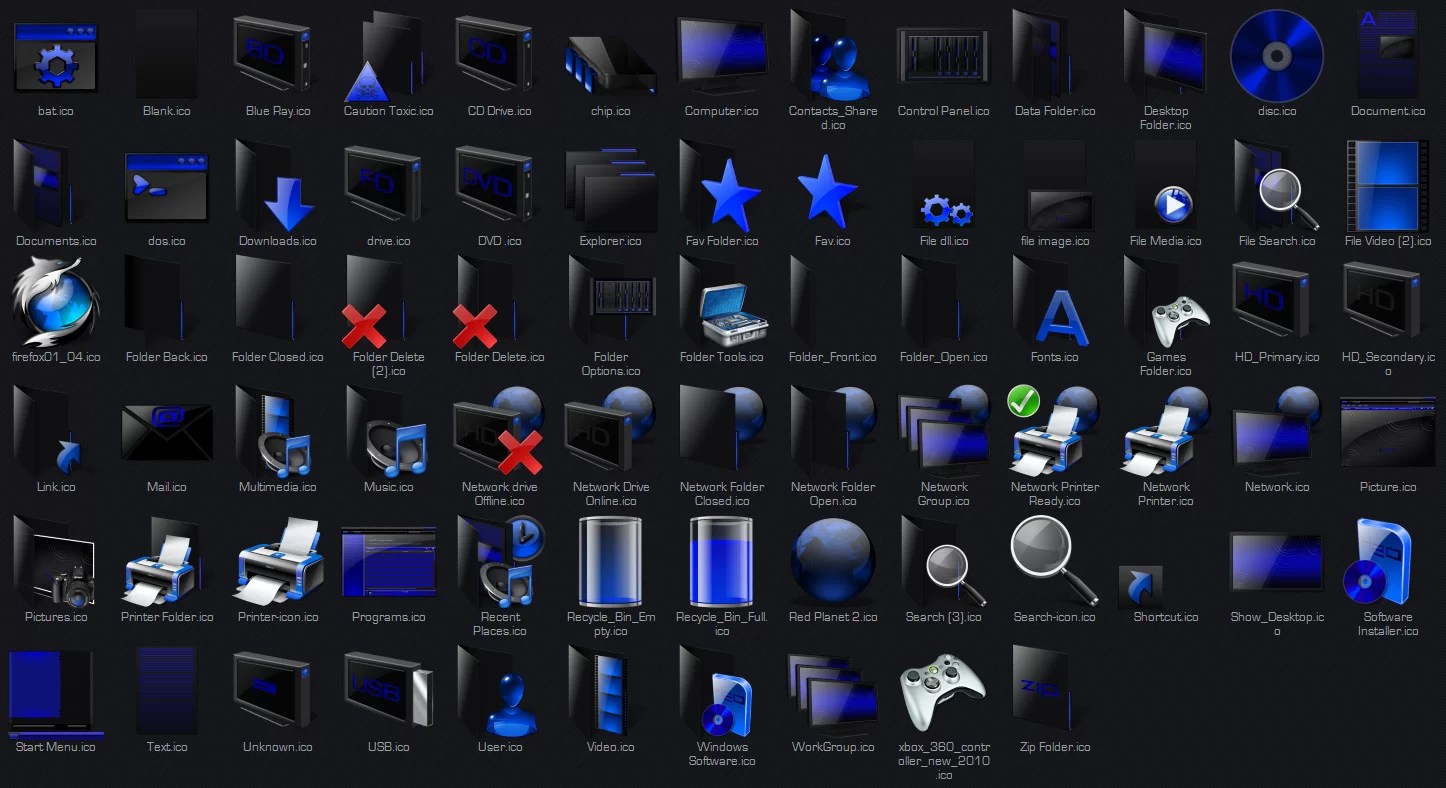
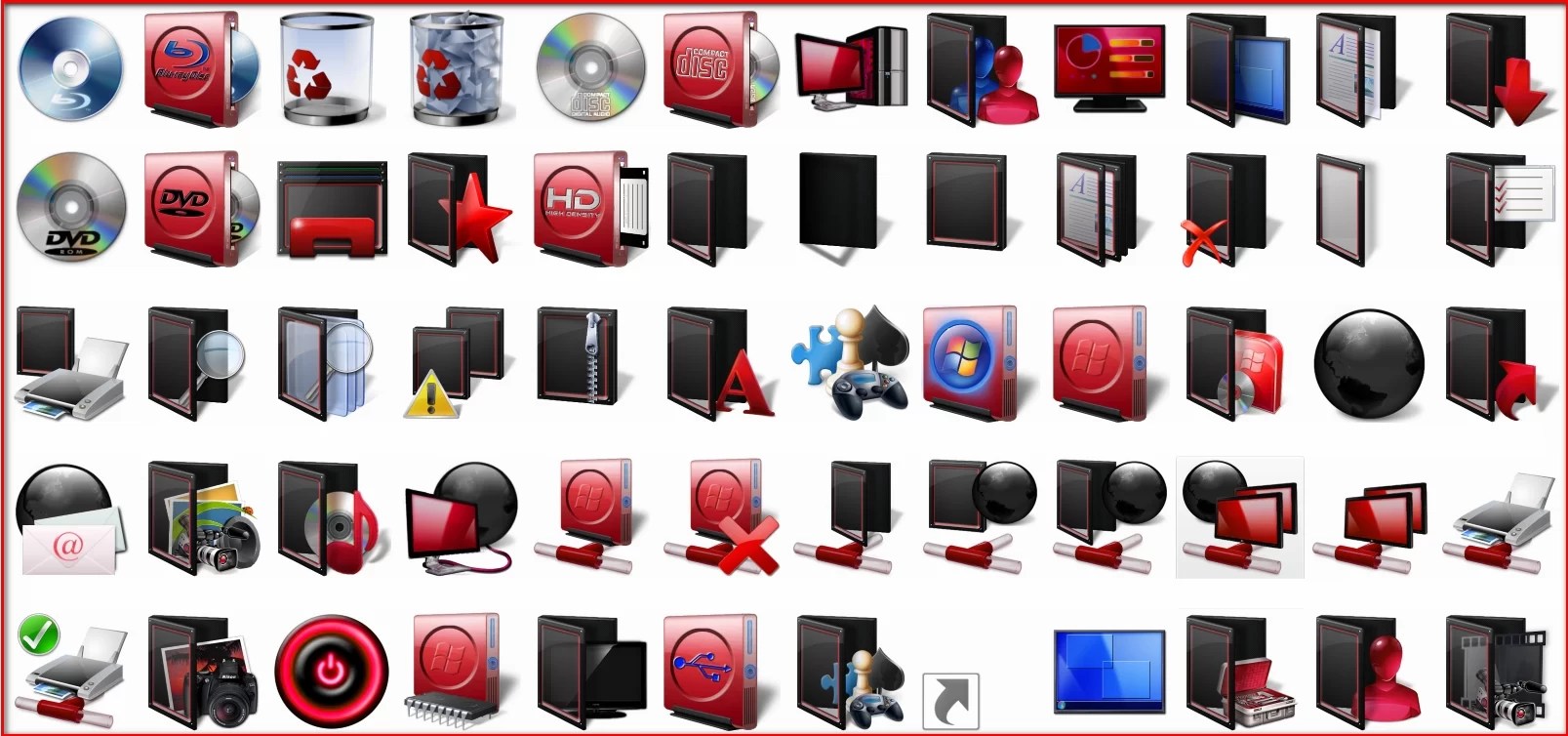
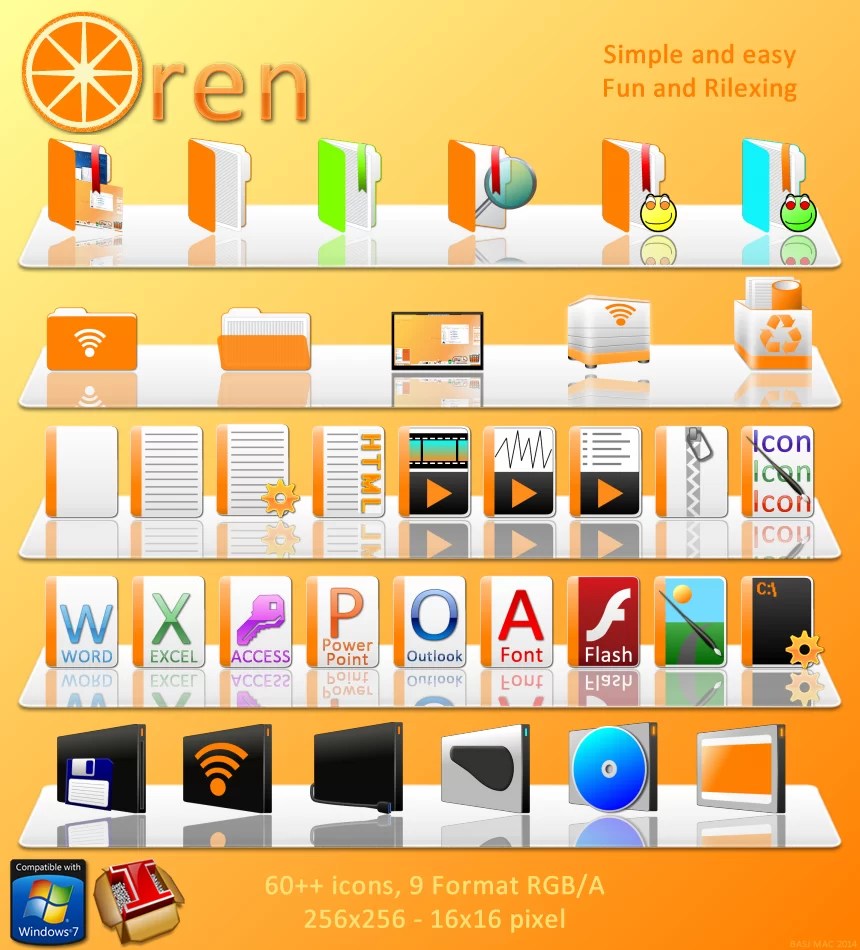

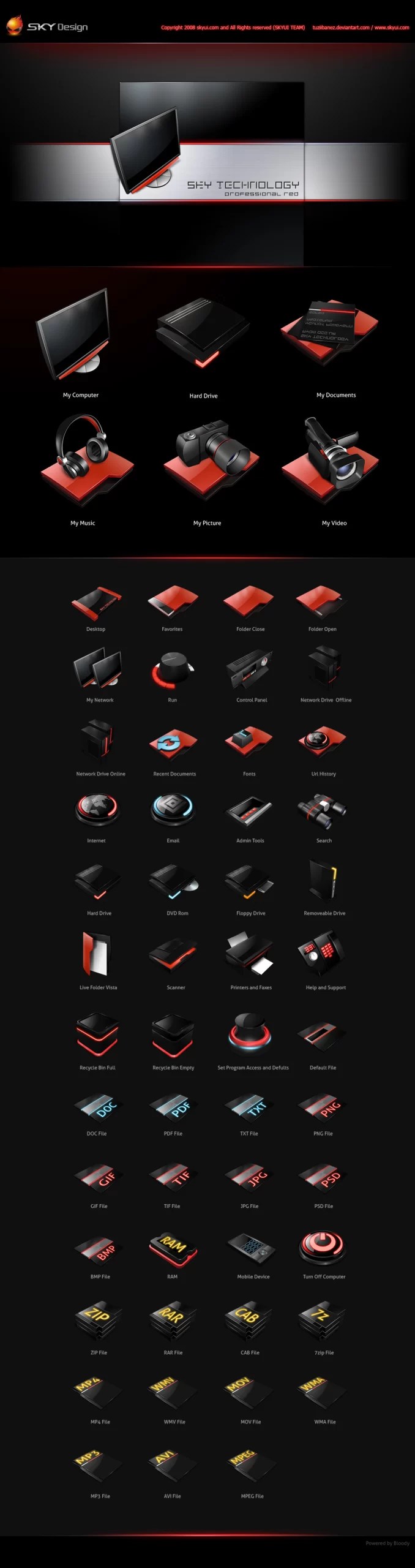
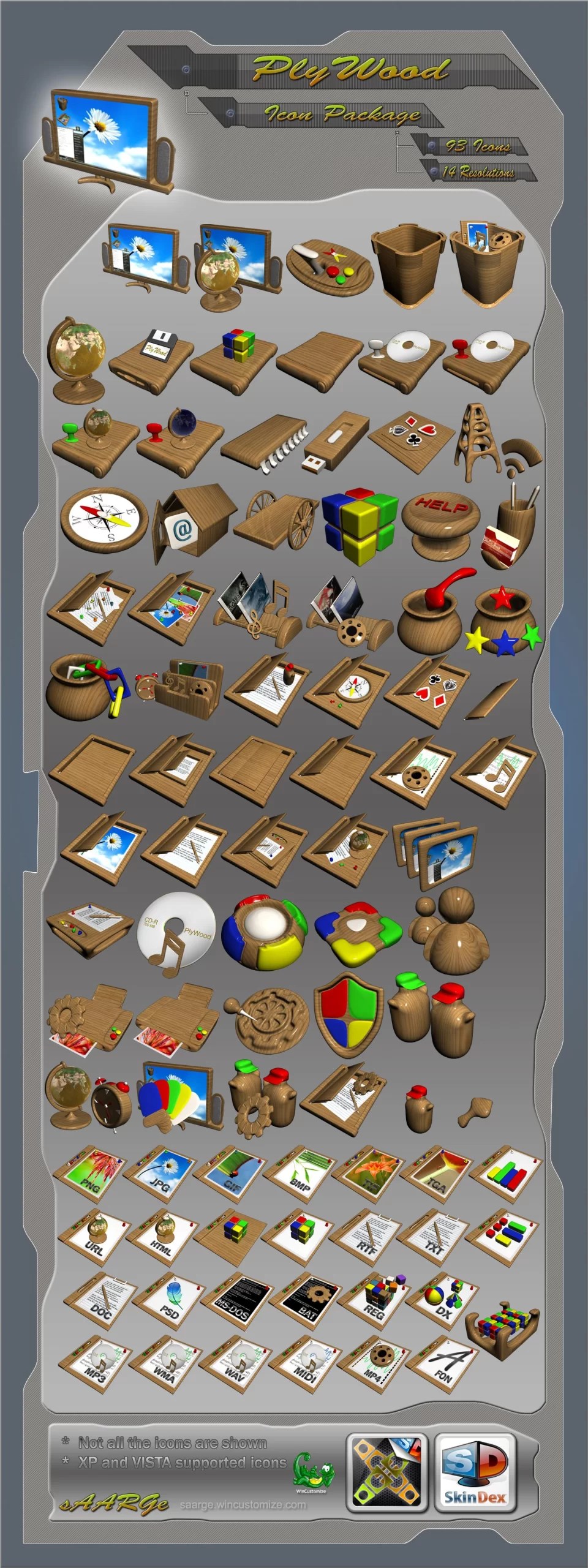
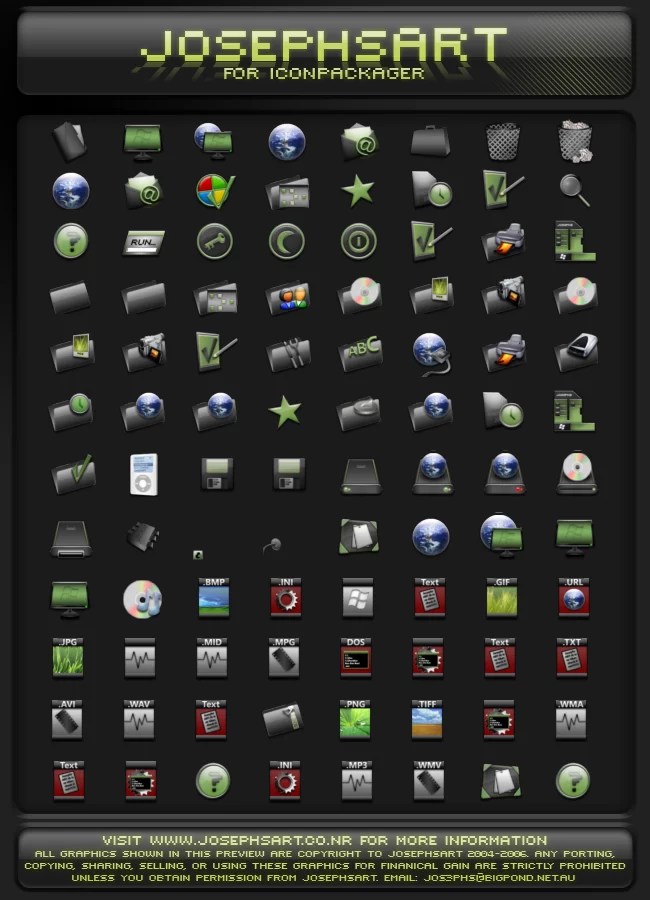
A full IconPackager set is still one of the fastest ways to make a Windows desktop feel coherent because the icons change as a system instead of one shortcut at a time. The clear folder shapes here should remain readable at small sizes, which matters more than extra decoration. The unpacking and version notes are also useful for people moving the same theme between Windows 7 and newer machines.
The restrained colors and clear folder silhouettes make this pack feel more usable than themes that prioritize decoration over recognition. The small variations are enough to distinguish categories without making the desktop visually noisy. For anyone building a broader visual identity around a pack like this, it can also be useful to turn one key artwork into a short motion preview with ThisVid before deciding how the static icons should fit into the overall presentation.
The consistent line weight is what makes this pack work across a whole desktop instead of feeling like a collection of unrelated icons. It is also helpful that the instructions cover Windows 7 through 11, since IconPackager users often keep older setups running for a long time.
IconPackager still holds up surprisingly well for Windows customization. Swapping entire icon sets in a couple of clicks saves so much time compared to editing shortcuts by hand, and the A-1 pack is a nice nostalgic touch. Anyone tinkering with a low quality image maker or other lightweight fun tools can appreciate utilities like this that just work. Thanks for keeping these classic skin packs available!
I really enjoyed reading about the unique features of A-1 for IconPackager! The customization options seem extensive. How do you think these elements compare to those offered at?
This looks like a nice option for anyone who enjoys personalizing their Windows desktop. Custom icon packs can give your PC a completely different feel without making major system changes. Just be sure to follow the installation steps carefully and use trusted downloads for the best experience.
There is something about not knowing where IconPackager is hiding or when she might appear that keeps me on the edge of my seat, and I love every second of it.
This essay is exceptional. It is reassuring that certain individuals continue to devote a significant amount of time and effort to the maintenance of their websites.
This essay is outstanding. It is comforting that some folks persist in devoting much time and effort to the upkeep of their websites.
This is a collection of online trend games, including many popular genres such as casual, action, adventure, shooting, and puzzle games.
This IconPackager looks fantastic and seems like a great way to refresh your desktop experience from Windows 7 to Windows 11.
This IconPackager looks amazing for customizing Windows desktops, offering a fresh look for users from Windows 7 to 11.
The new IconPackager for Windows users looks fantastic and provides a great way to customize your desktop icons.
This IconPackager looks amazing and seems perfect for customizing desktop icons on Windows 7 to 11. Easy to use and fun!
IconPackager transforms my desktop into a work of art! The new icons are stunning and add a fresh look to my Windows experience.