
Ads
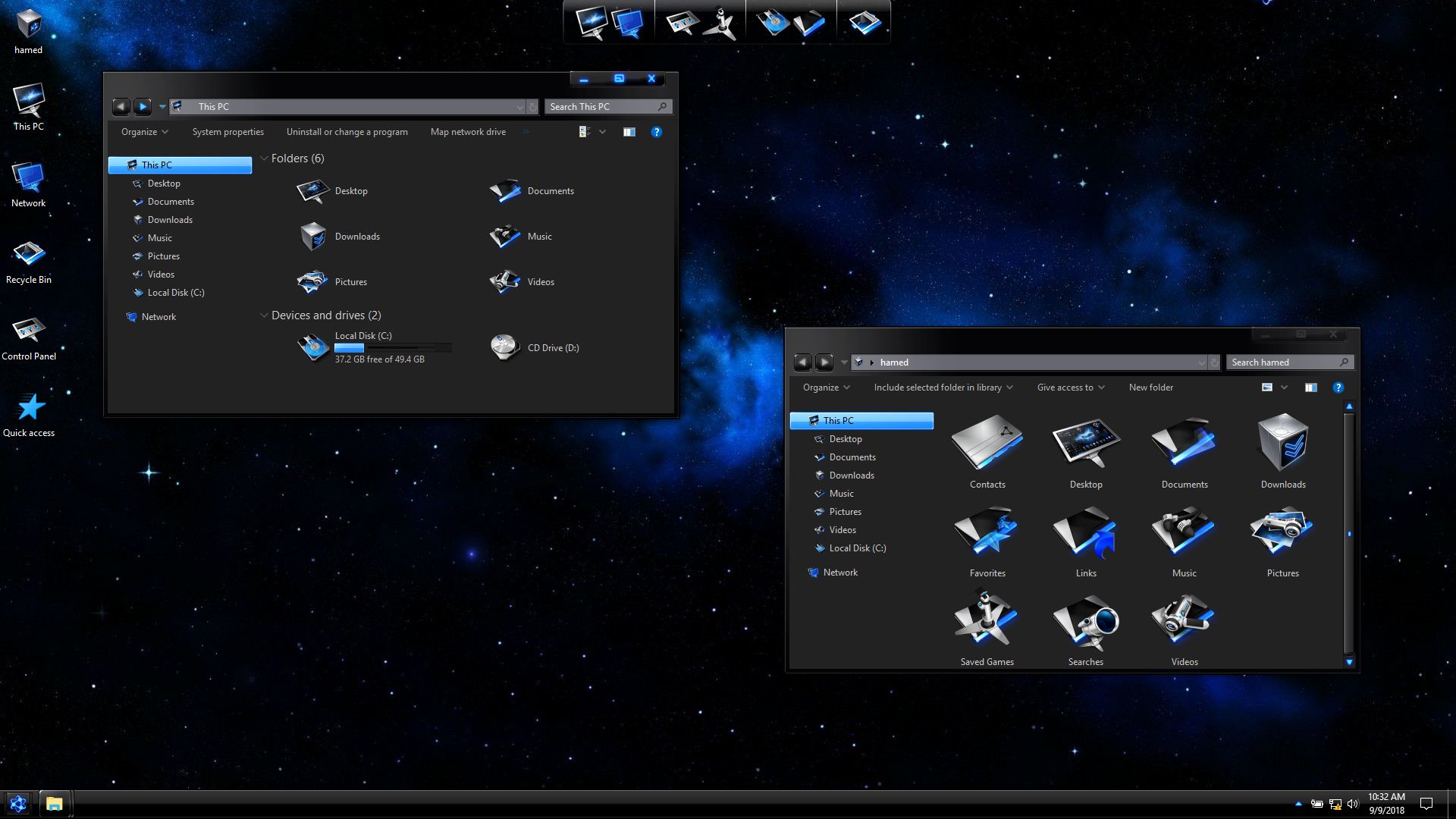
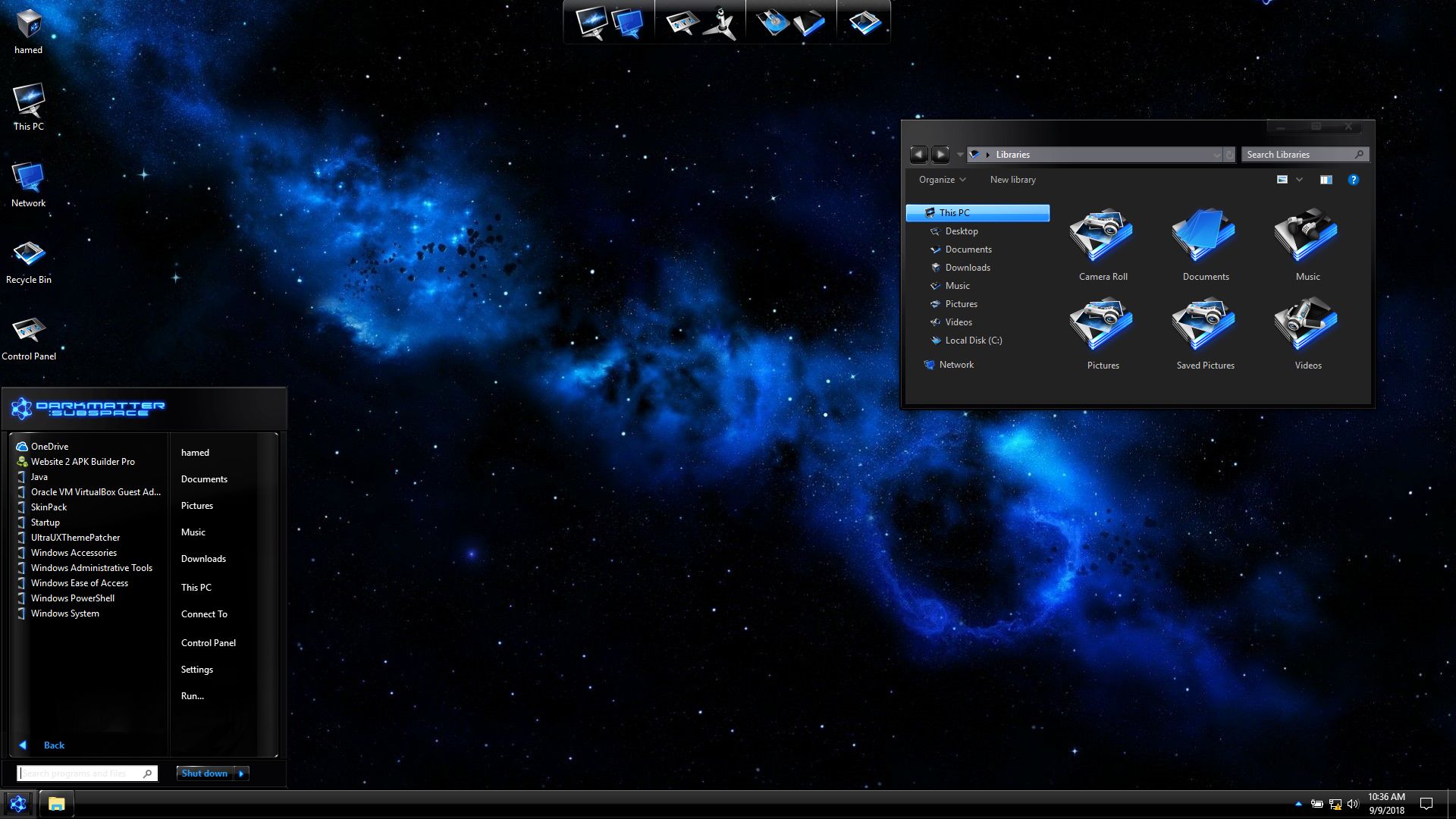
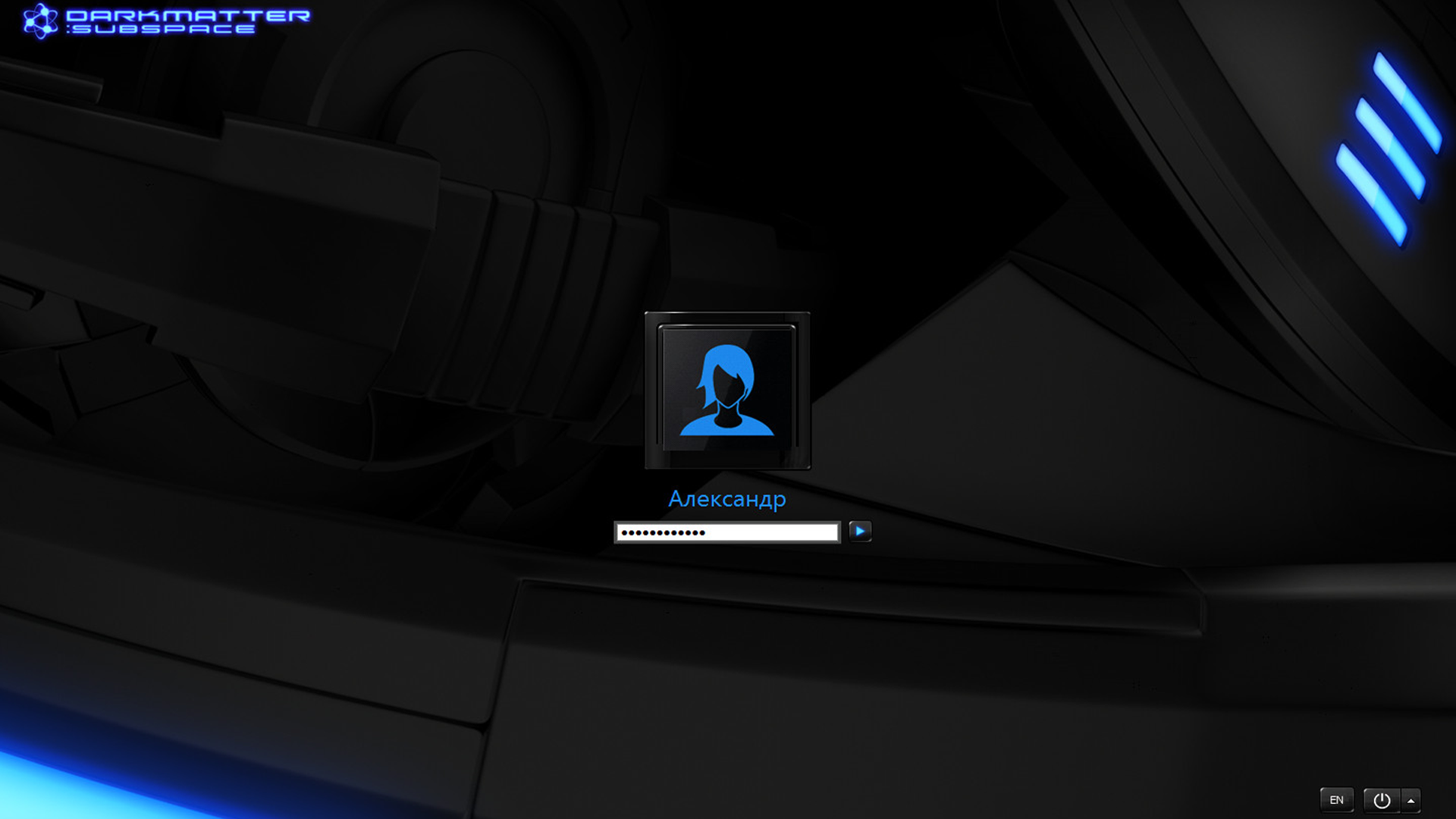
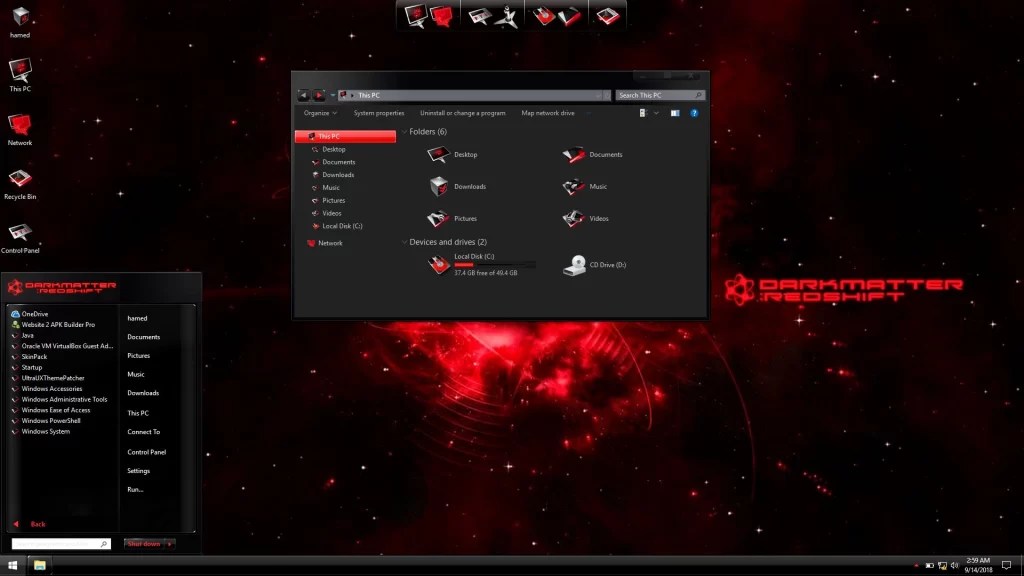
Transform Windows 7/10 to BlackMatter Blue
 Download Full version for $2.99with icon and extra
Download Lite version for freeno icon and extra
The Windows 11 theme’s themselves are experimental, much of the overall look and results will vary depending on each users dpi settings, Best work on 100% scale and layout size, you need to set it from display setting, Also for enable start menu and taskbar skin you need to install startisback from startisback.com
Password: skinpacks.com
Malware/virus warning? Read the FAQ.
Windows 7/10 21H1 [X86_X64]
Note: Please unistall old or other version of skin packs before install new one. if your theme not changed or its like classic windows you need to install uxtheme patcher from here and after restart select new theme from personalization.
Because skin packs will change file system (imageres.dll) to change icons so anti virus give warning, please disable temporary if you’re using anti virus. all theme have been fully tested, once purchase has been completed no refund will be available, however we will try to provide all possible technical assistants as required.
You’re advised to Create a System Restore Point before installing skinpack.If you have problem with install or uninstall skinpack, please check our help page.
Hello,
Sorry to bother you again but sometimes on windows start, my explorer is partially white (see : https://www.casimages.com/i/2102100858484652417254808.png.html )
After reapplying blackmatter theme, it’s full dark again (see : https://www.casimages.com/i/2102100858484652417254809.png.html )
I thought it was the difference between the 2 themes (dark / black)
Regards
i will fix it soon
Hi,
I have notice a little default.
On full dark W10, when I want to rename a file, it’s black font on dark backgroung(not very readable) https://www.casimages.com/i/2102200503124652417272876.png.html
but on mixed dark light, it’s white font on dark background (readable)
So I tried another theme to see if I got the same issue but no
https://www.casimages.com/i/2102200503124652417272875.png.html
Hope it help you
Regards
Hello,
I’m running the full version and I’m really enjoying it but the settings windows is the only not getting correctly themed.
The upper border and buttons are not themed.
Can you fix it please ?
The first thing you have to understand is that Custom Windows themes apply only to Win32/classic apps that inherit the Windows UI and don’t have a skinning system of their own like for example Windows Setiings.
Unfortunately, the visual styles on Windows 10 can not change the entire GUI like in previous versions of the OS, but only the style of windows, wallpaper (wallpaper), start button, cursors and sounds. The taskbar remains unchanged.
I understood . Great job btw. I have also StartIsBack full version. Regards
[…] Visit Download Page Share 0 Tweet Share Share Share Share […]
[…] Visit Download Page […]