
Ads
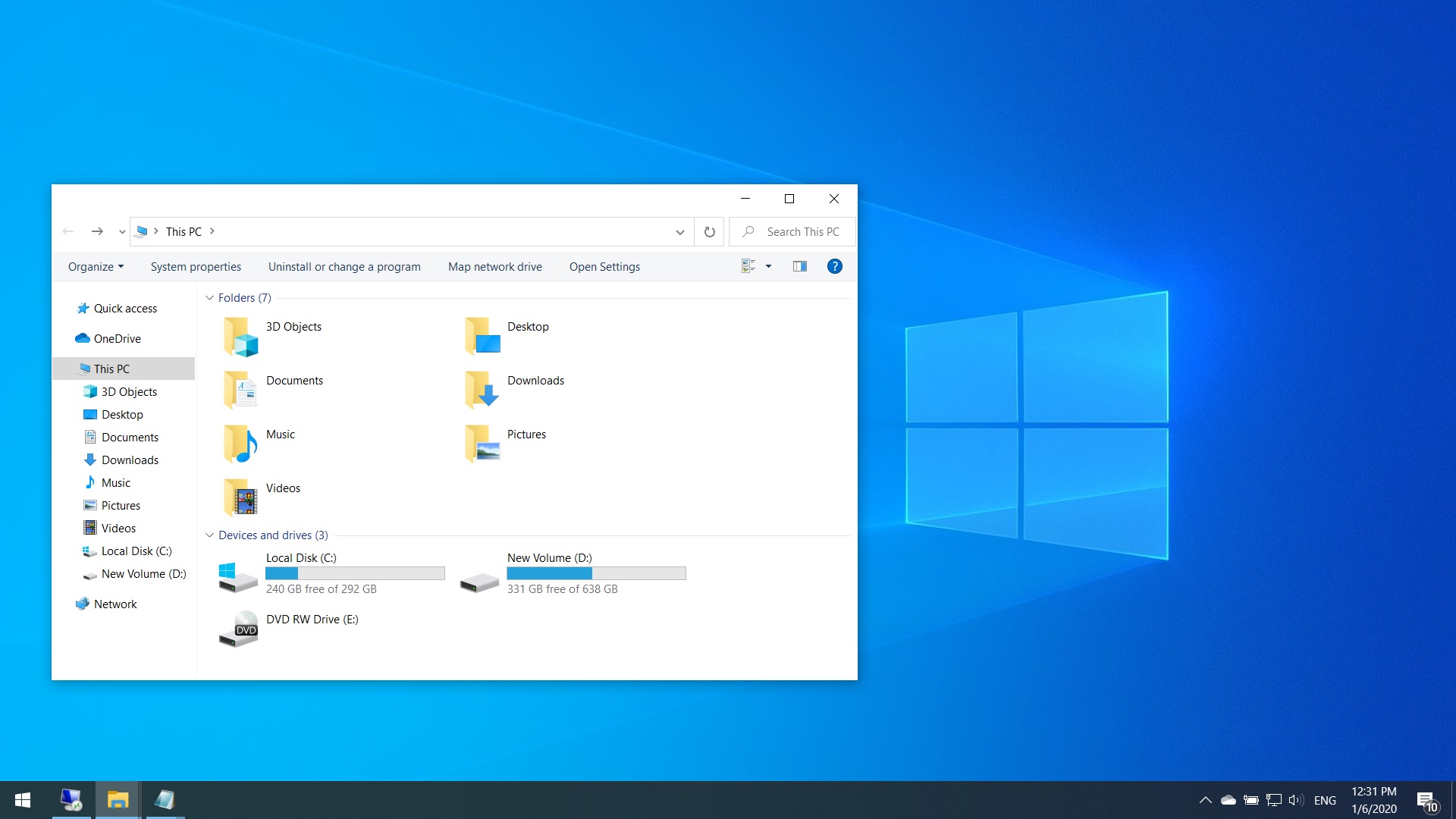
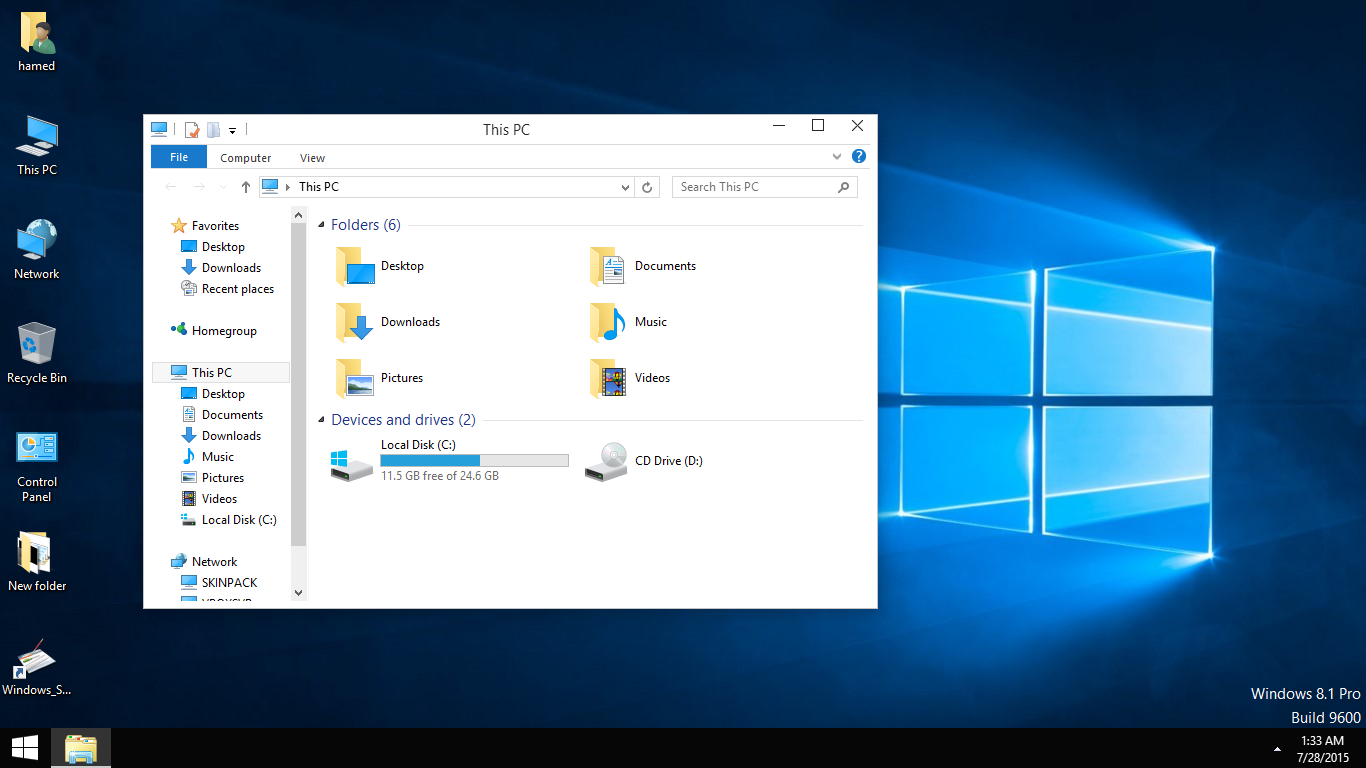
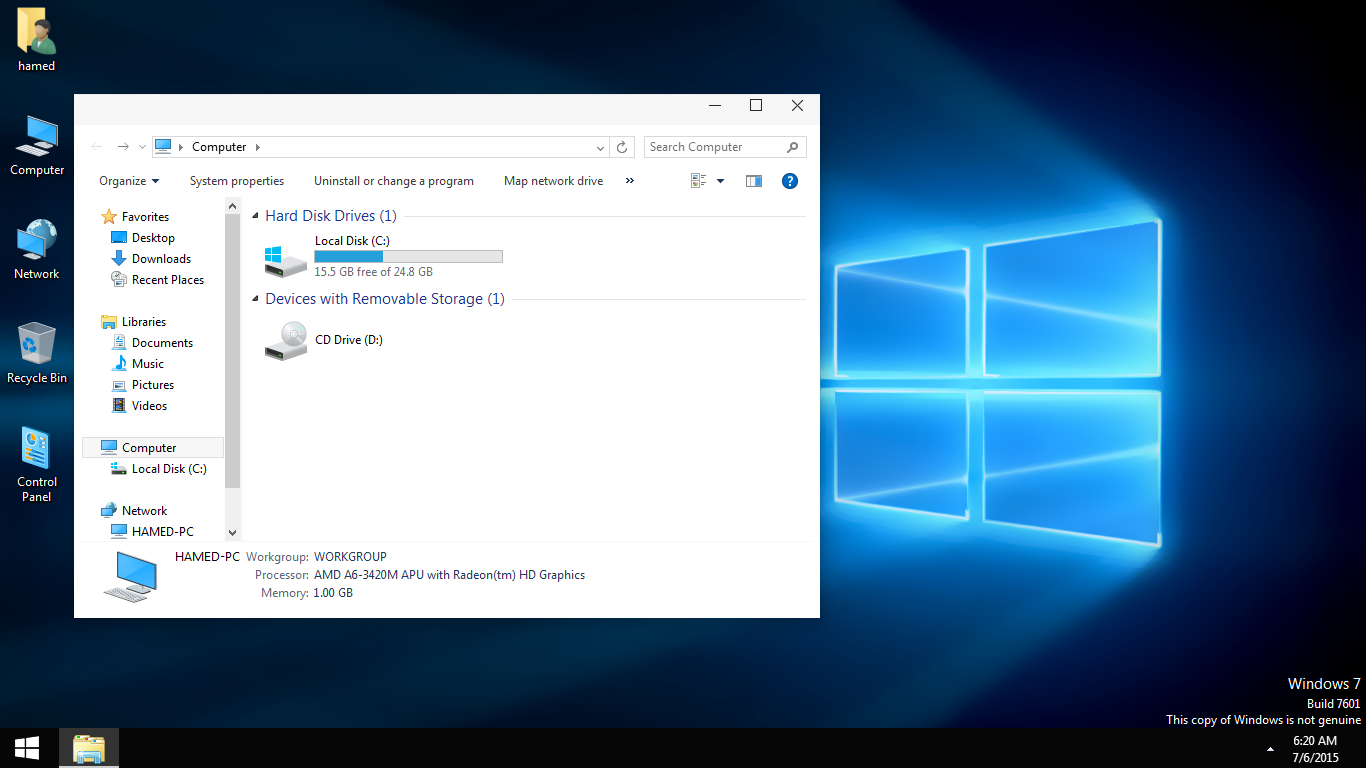
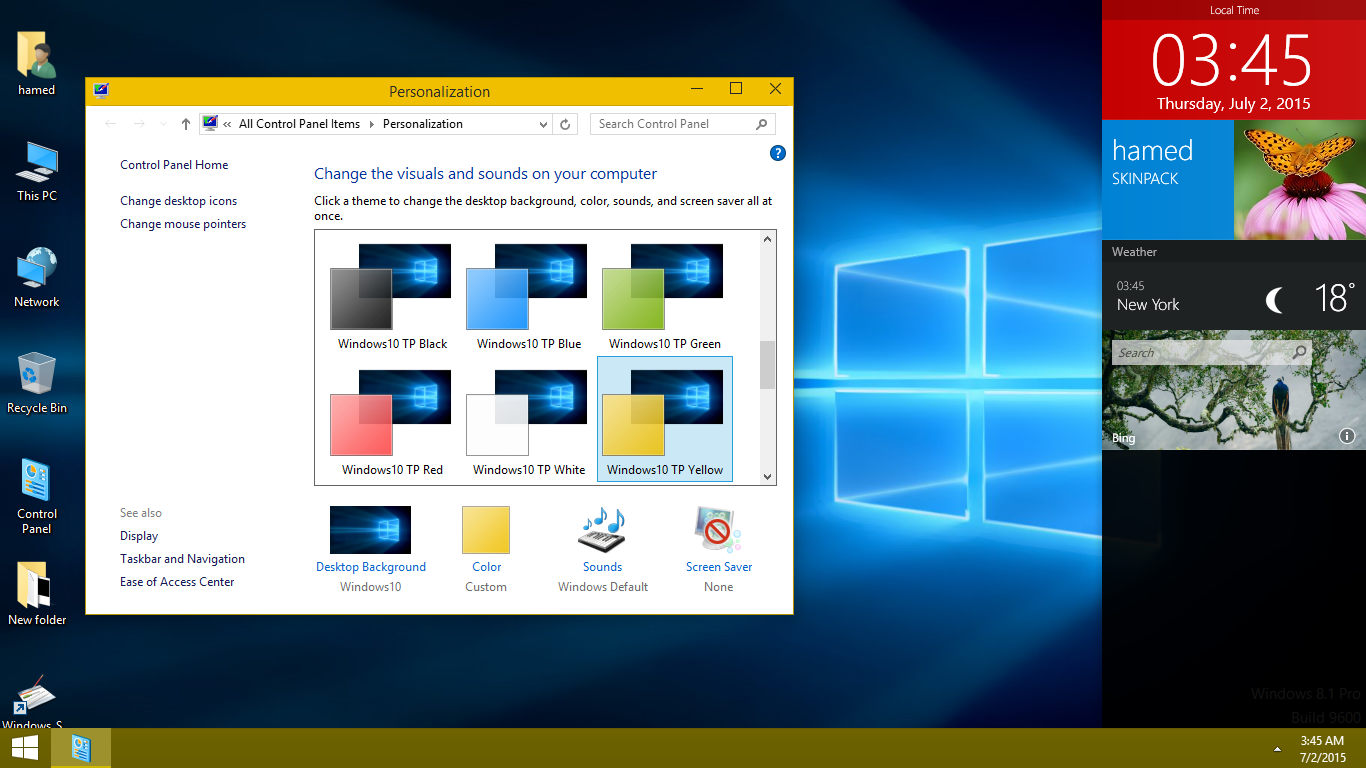
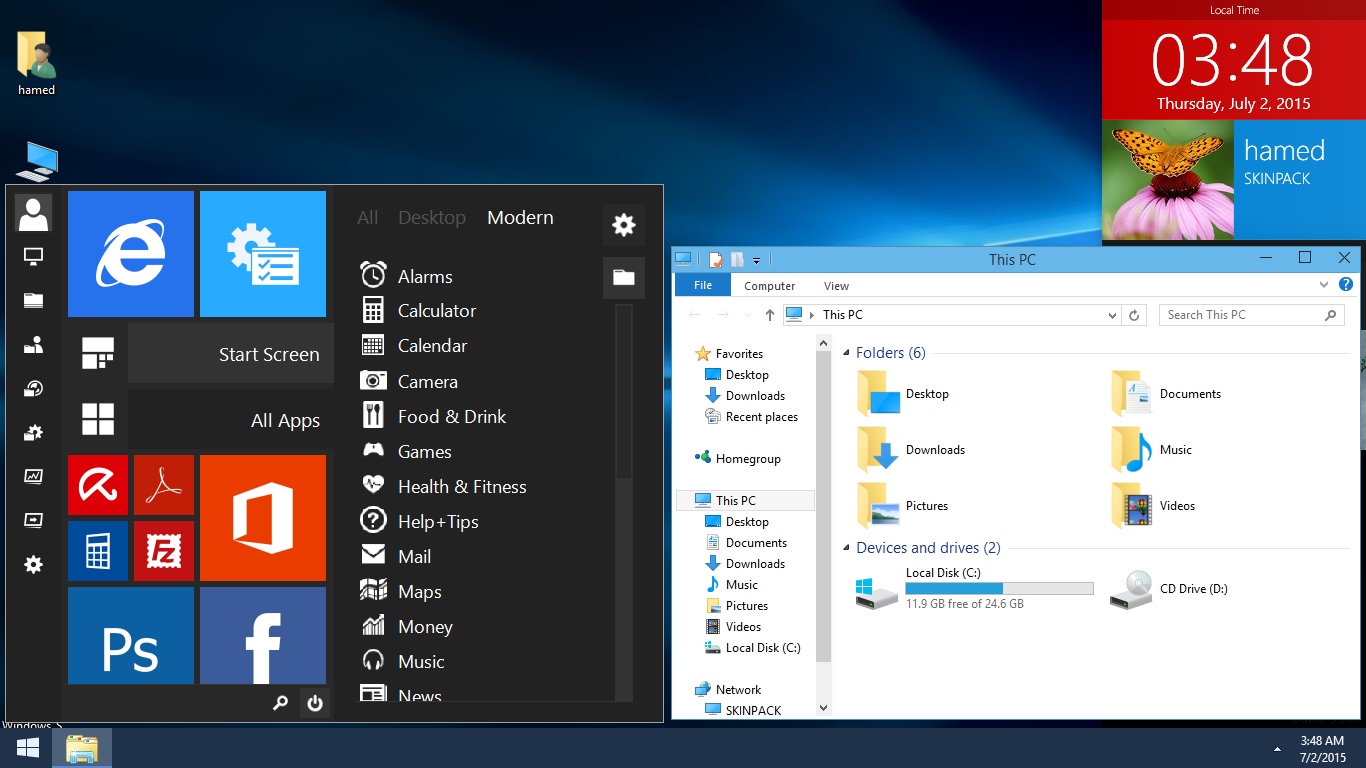
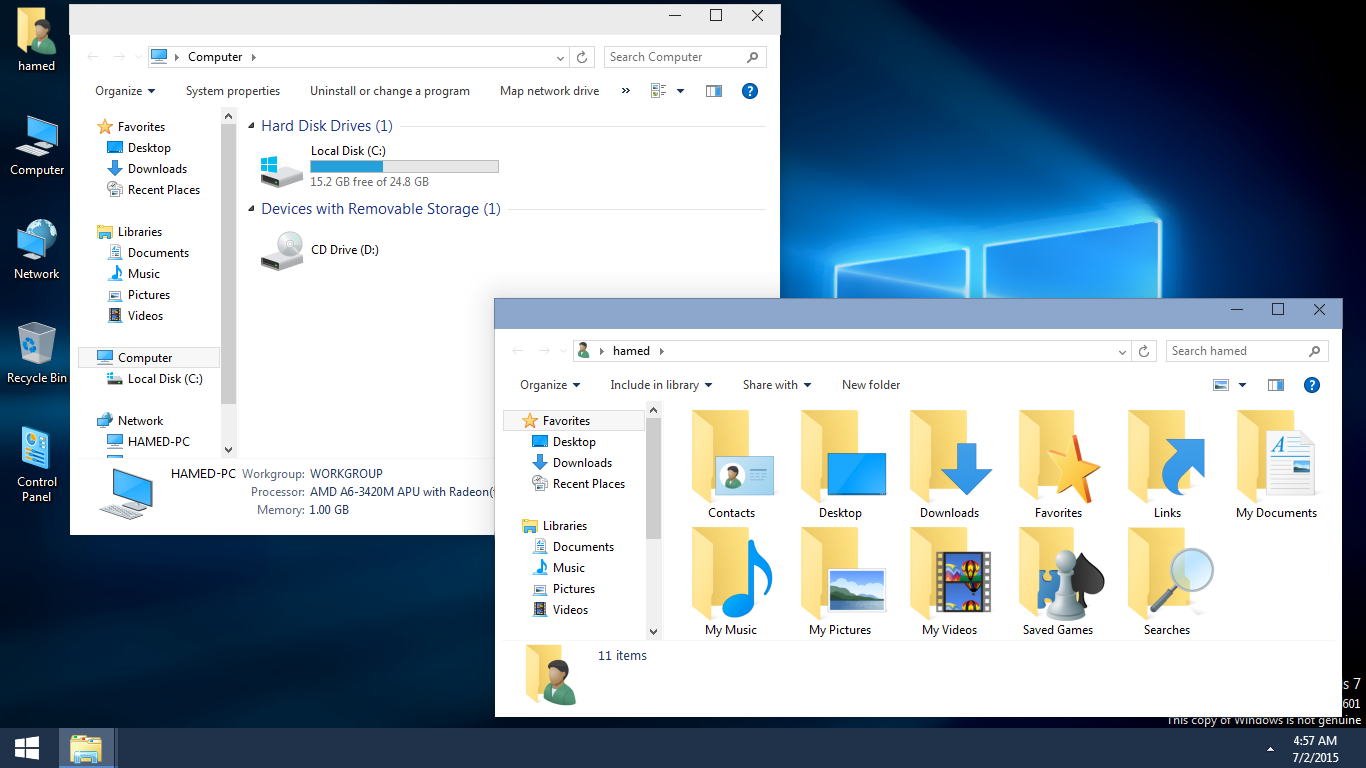
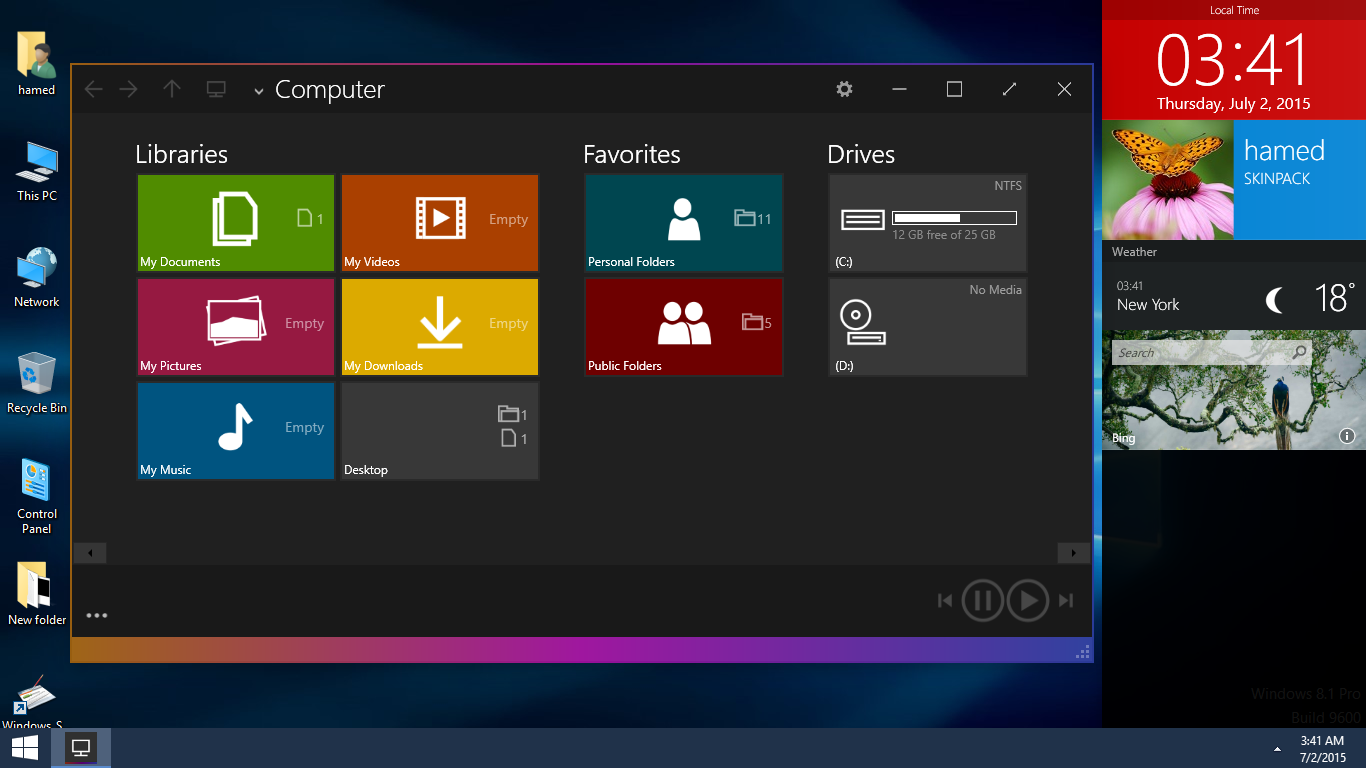
Transform Windows 8/8.1/7 to Windows 10
 Download for $4.99 with icon & extra
The Windows 11 theme’s themselves are experimental, much of the overall look and results will vary depending on each users dpi settings, Best work on 100% scale and layout size, you need to set it from display setting, Also for enable start menu and taskbar skin you need to install startisback from startisback.com
Password: skinpacks.com
Malware/virus warning? Read the FAQ.
Windows 8/8.1/7 [X86_X64]
Note: Please unistall old or other version of skin packs before install new one. if your theme not changed or its like classic windows you need to install uxtheme patcher from here and after restart select new theme from personalization.
Use it at your own risk! Because skin packs will change file system (imageres.dll) to change icons so anti virus give warning, please disable temporary if you’re using anti virus. If you do not want this, you can not use SkinPack, sorry! all theme have been fully tested, once purchase has been completed no refund will be available, however we will try to provide all possible technical assistants as required.
You’re advised to Create a System Restore Point before installing skinpack.If you have problem with install or uninstall skinpack, please check our help page.
cant install other sp said need download content from internet, while my pc is connected to internet. help please?
use vpn or proxy
can’t install the sp it said need internet connection …my pc is connected to internet?
use vpn or proxy
hey this theme doesn’t works on my laptop. After installing this theme my laptop screen goes black and it doesn’t show any thing. Tell me what 2 do?
fixed, download and install it again
it does not extract
download it again
my icons is not changed can you help me?
fixed
How to uninstall this theme’s
from control panel
Since I see so many comments where people are having issues with this skinpack…can you give a detail install guide on what needs to be completed (i.e. uxtheme patcher. etc.) before and what needs to be followed after… if the skinpack causes problems so I don’t end up having to do a bare metal restore on my computer. I have the latest release of Windows 8.1 installed currently. To be fore warned is to be fore armed. Thanks
all bugs fixed, just if your theme not changed you need to install ultra uxtheme patcher
i cant opened the impresive file Rar new version
fixed
cool man thanks it just great love it so much
WOW! thanks before skin packs! :*