
Ads
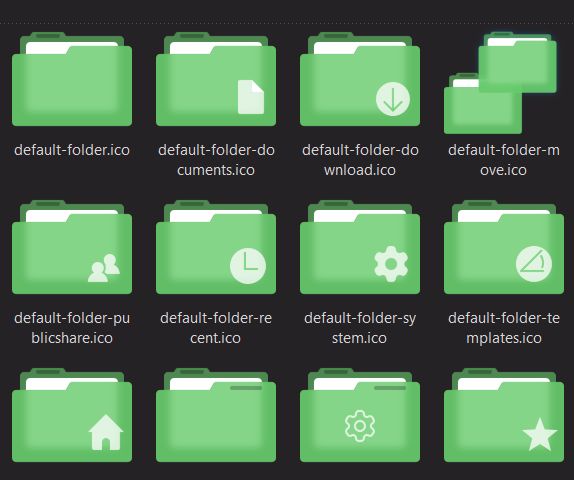
Do you want new style in your desktop? Here is the new IconPack for Windows 10 and Windows 11 users. This is realy awsome IconPack, enjoy it and have fun!
Operating System Support:
7TSP Compatible OS: Win10 2004/20H2/21H1/21H2/22H2/ and Win11
Note : First it is recommended you make a System Restore point before continuing.
How To Use:
1- Download and unpack archive using 7-zip;
2- In the 7tsp program, click on “Add a Custom Pack”. Select the downloaded set in Explorer (it must be in 7z format);
3- Click “Start Patching” to perform the installation.
4- Done! Now all that’s left is to reboot the system.
Ads
Share


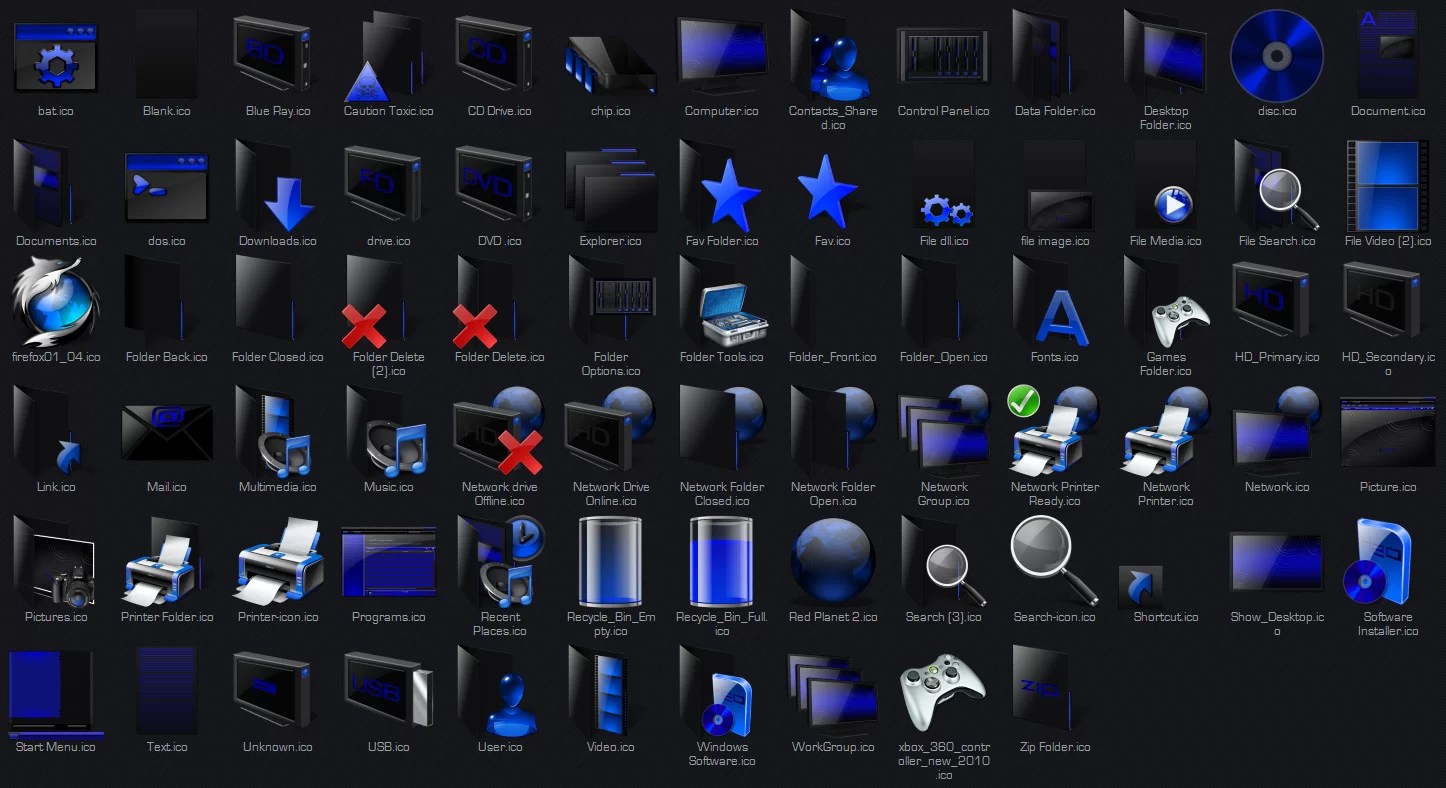
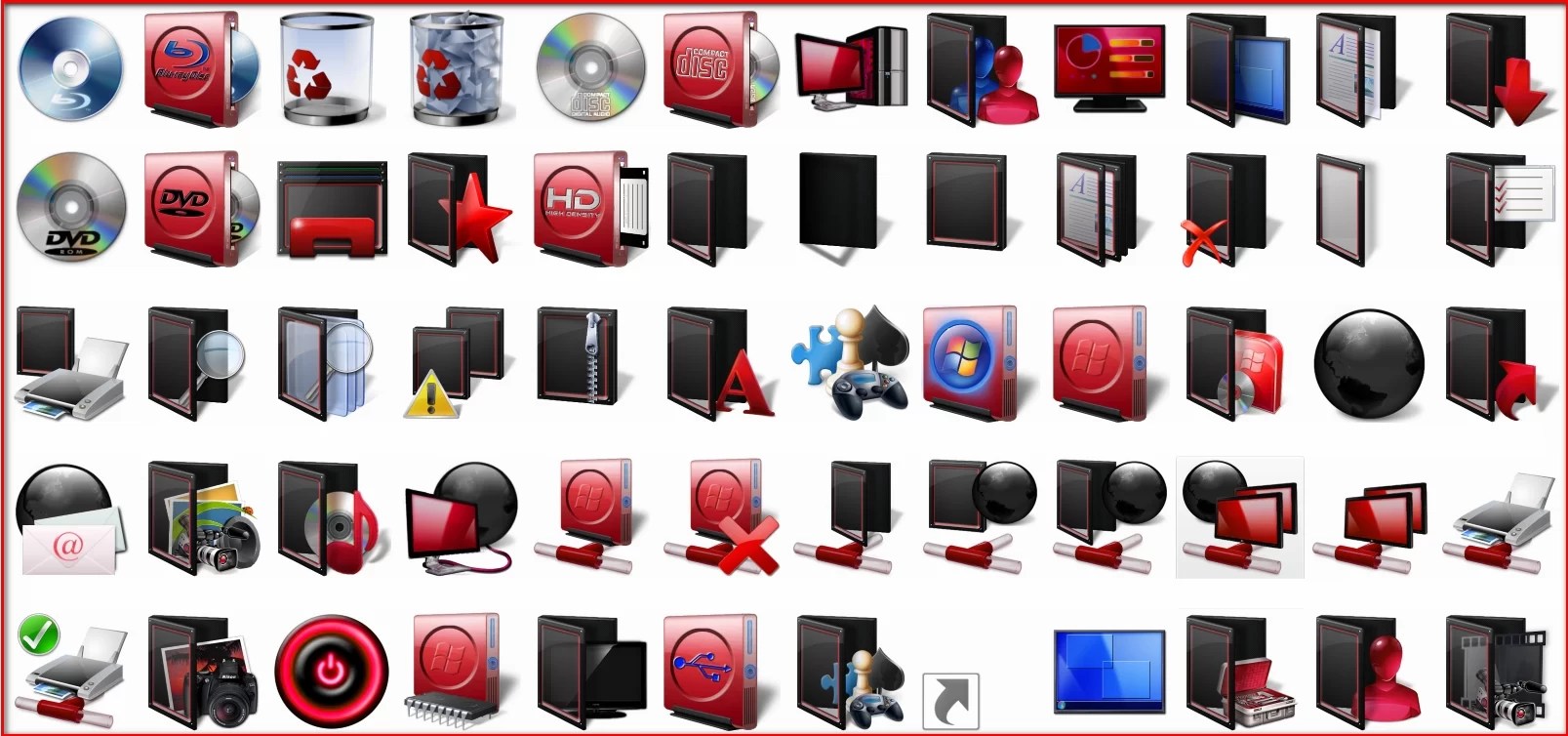
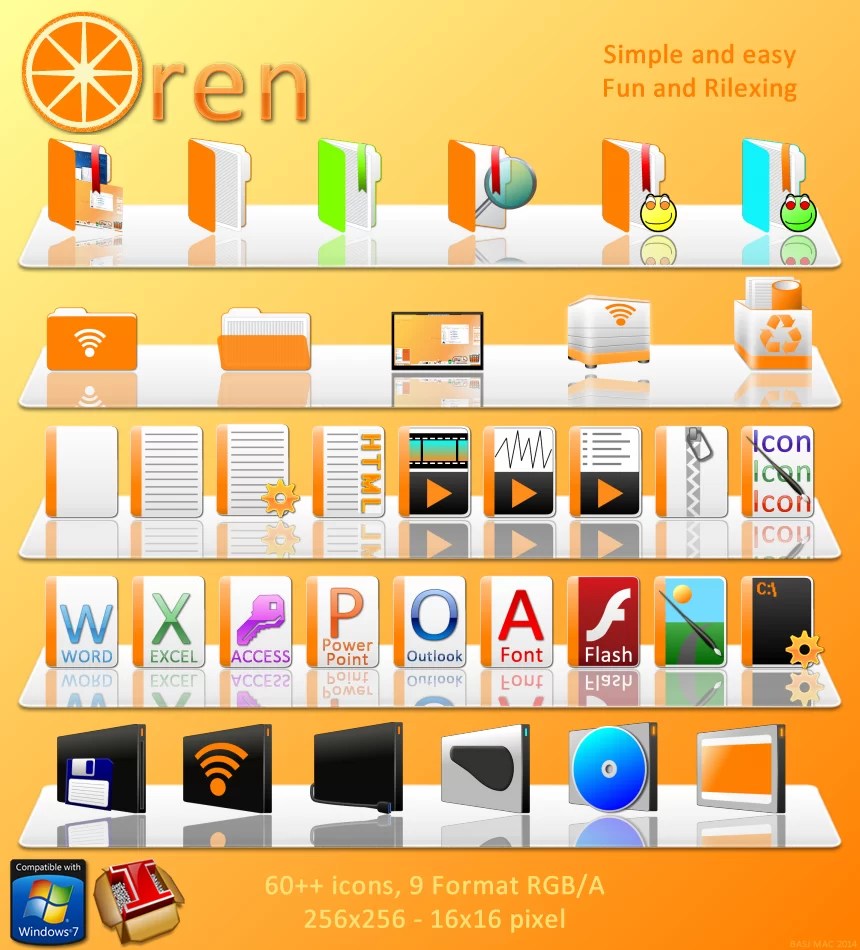

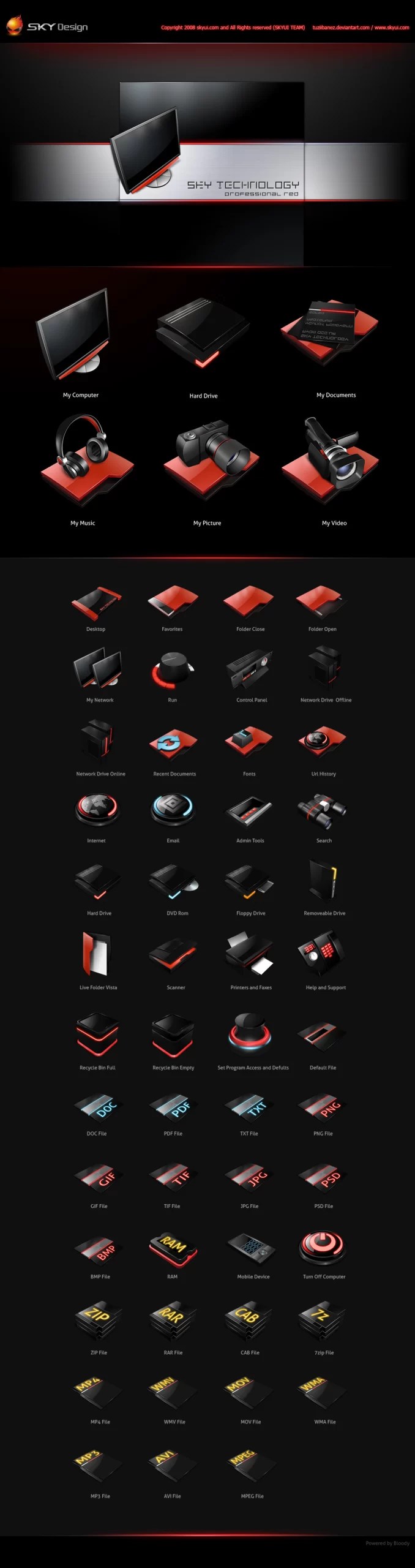
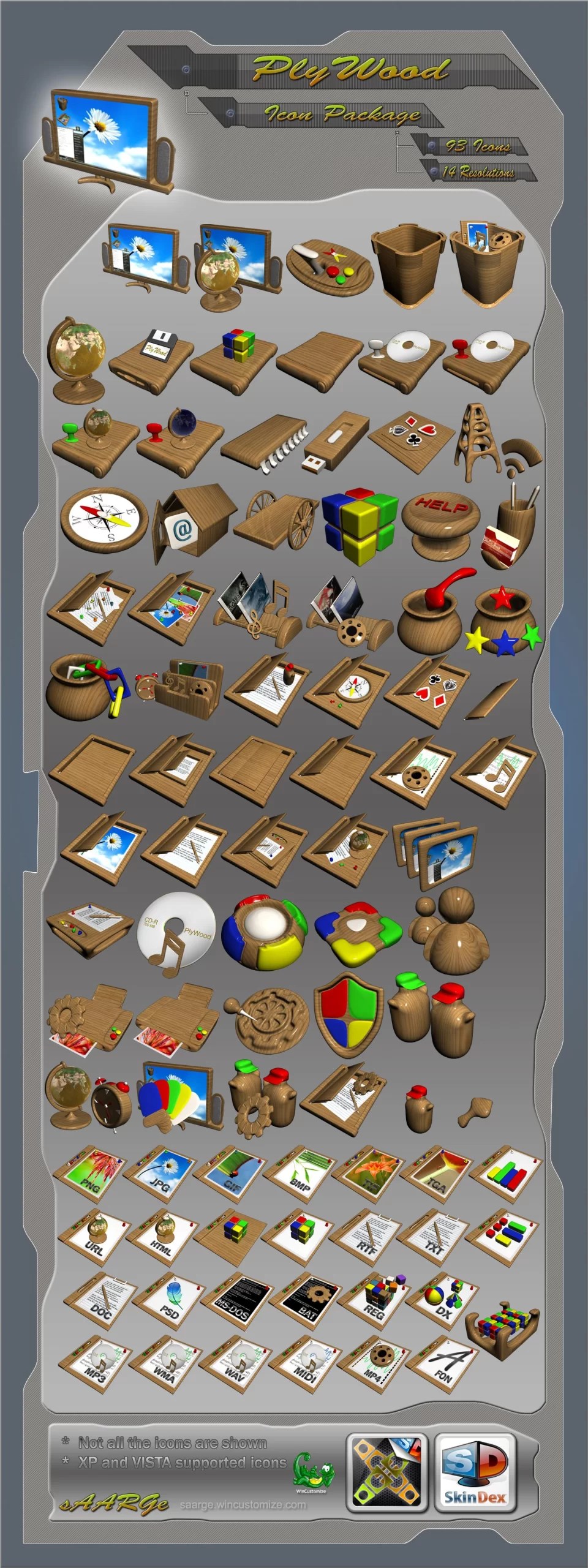
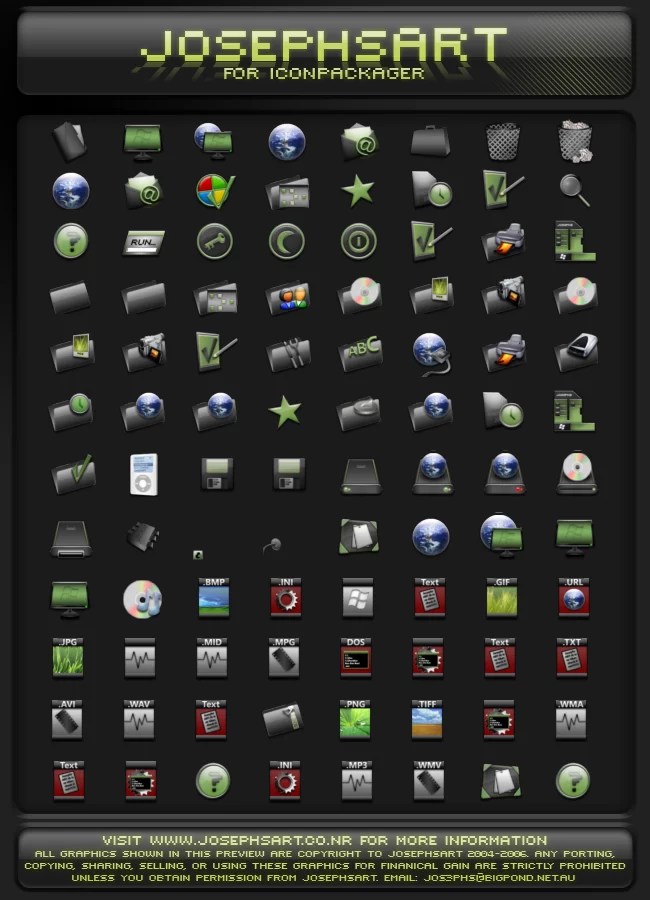
The design of this IconPack looks really clean and modern compared to the standard Windows icons. I appreciate the reminder to create a system restore point first, as that’s definitely a crucial step before customizing system files.
Wow, I love the Fluent Green 7TSP theme! It brings such a fresh vibe to my desktop. Customizing my workspace has totally boosted my focus and creativity. Anyone else feel the same? Check out leveldevil3.io for more cool stuff!
Exactly what I needed. Thanks for taking the time to write this up, it’s super helpful!
Thanks for the update! I’ve been waiting for this. Can’t wait to see what happens next. Keep us posted!
Great post! This is exactly what I was looking for. Thanks for sharing your thoughts, really appreciate it!
t’s a tool that lets you install Windows themes (icons, cursors, system bitmaps, etc.)
I installed the Fluent Green 7TSP – Skin Pack on a Windows 11 machine and the new icons really freshen up the desktop. The guide was accurate — I unpacked the 7z with 7-zip, used 7tsp to “Add a Custom Pack,” clicked “Start Patching,” and then rebooted. I followed the advice to create a System Restore point first, which is a sensible precaution for 7TSP compatible OS versions (Win10 2004/20H2/21H1/21H2/22H2 and Win11). Overall it’s an awesome IconPack and worked smoothly for me.
It’s a tool that lets you install Windows themes (icons, cursors, system bitmaps, etc.) by patching system resources.
okok It’s a tool that lets you install Windows themes (icons, cursors, system bitmaps, etc.)
tahts if fine
that is
fine