
Ads

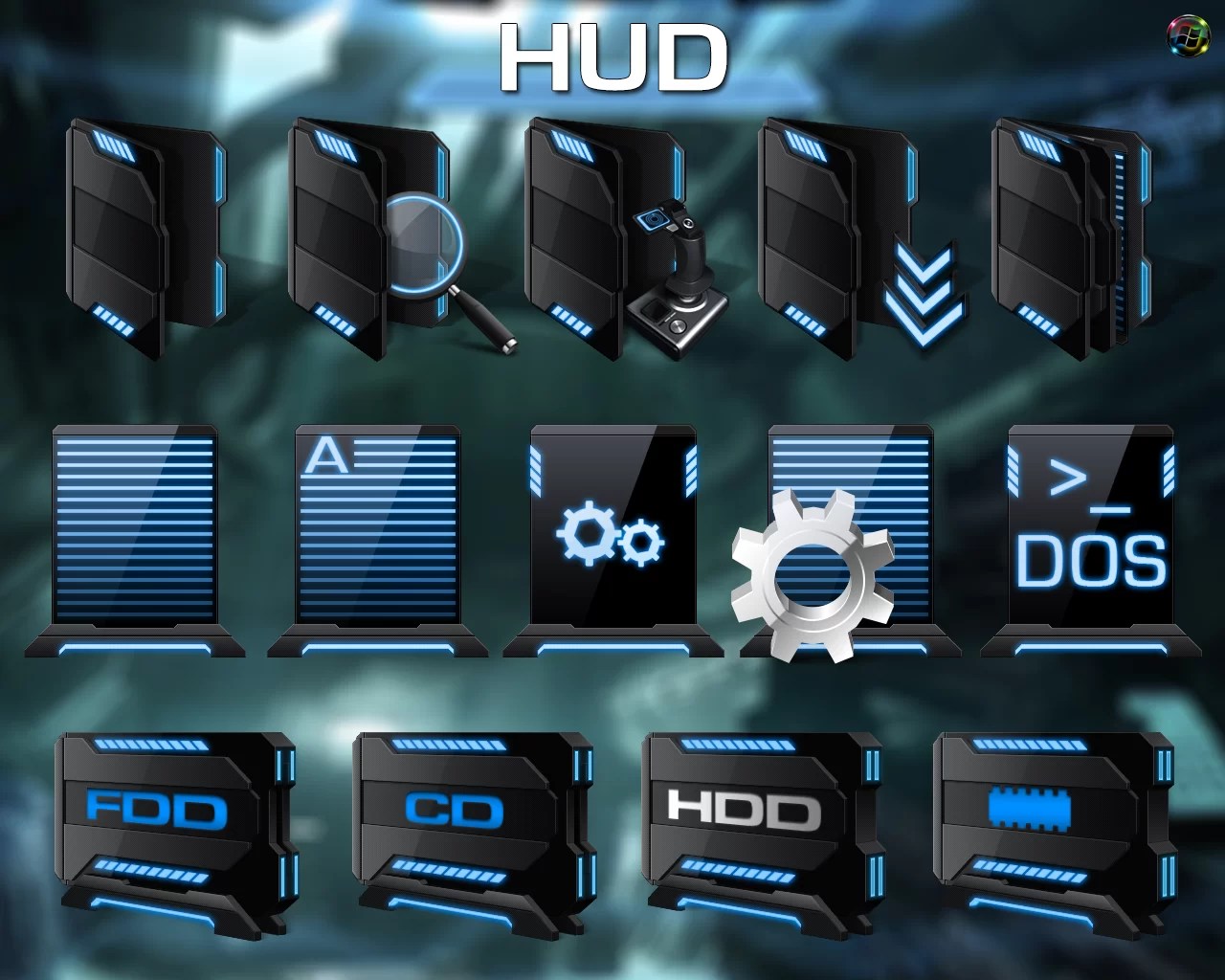
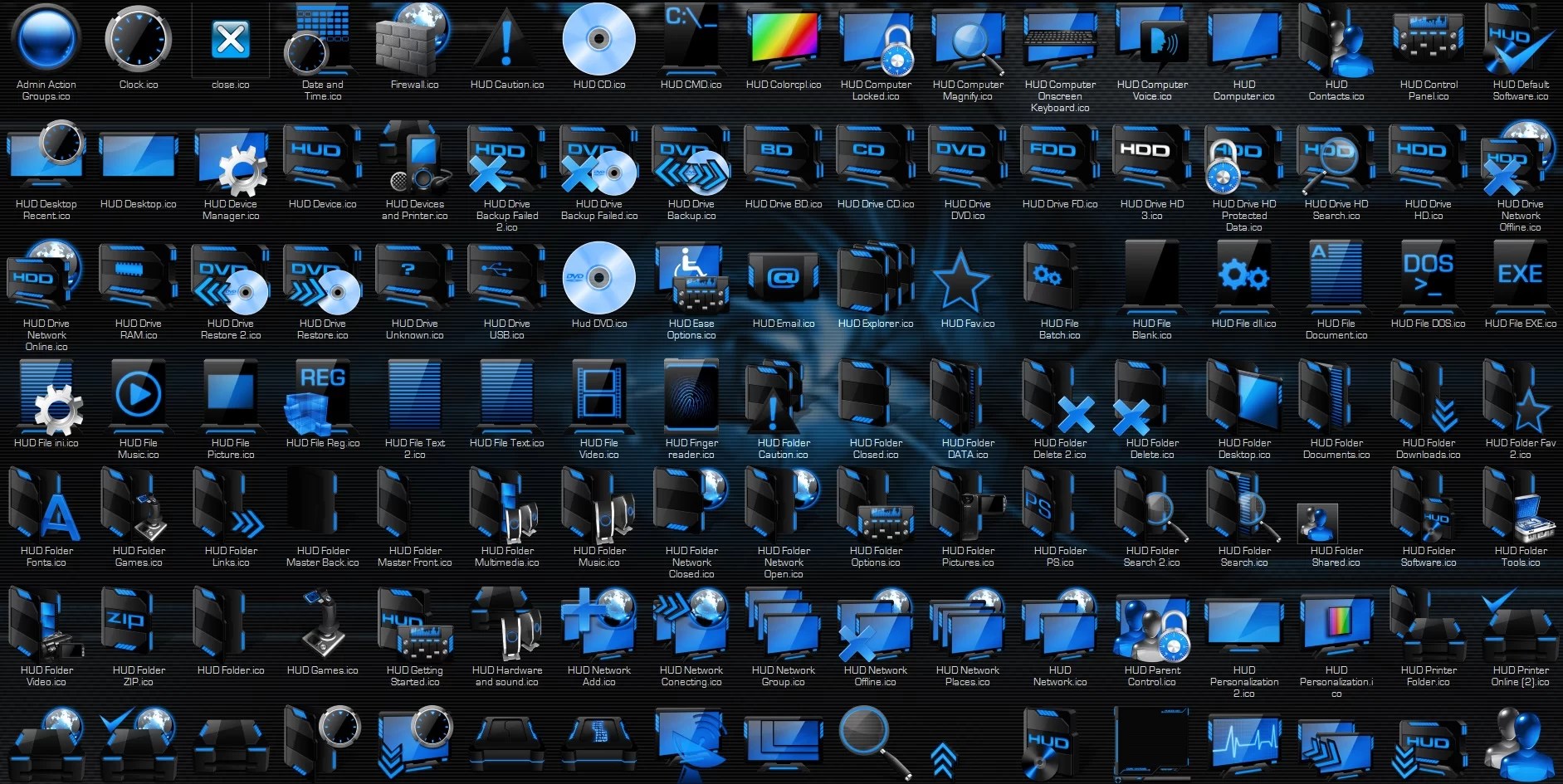
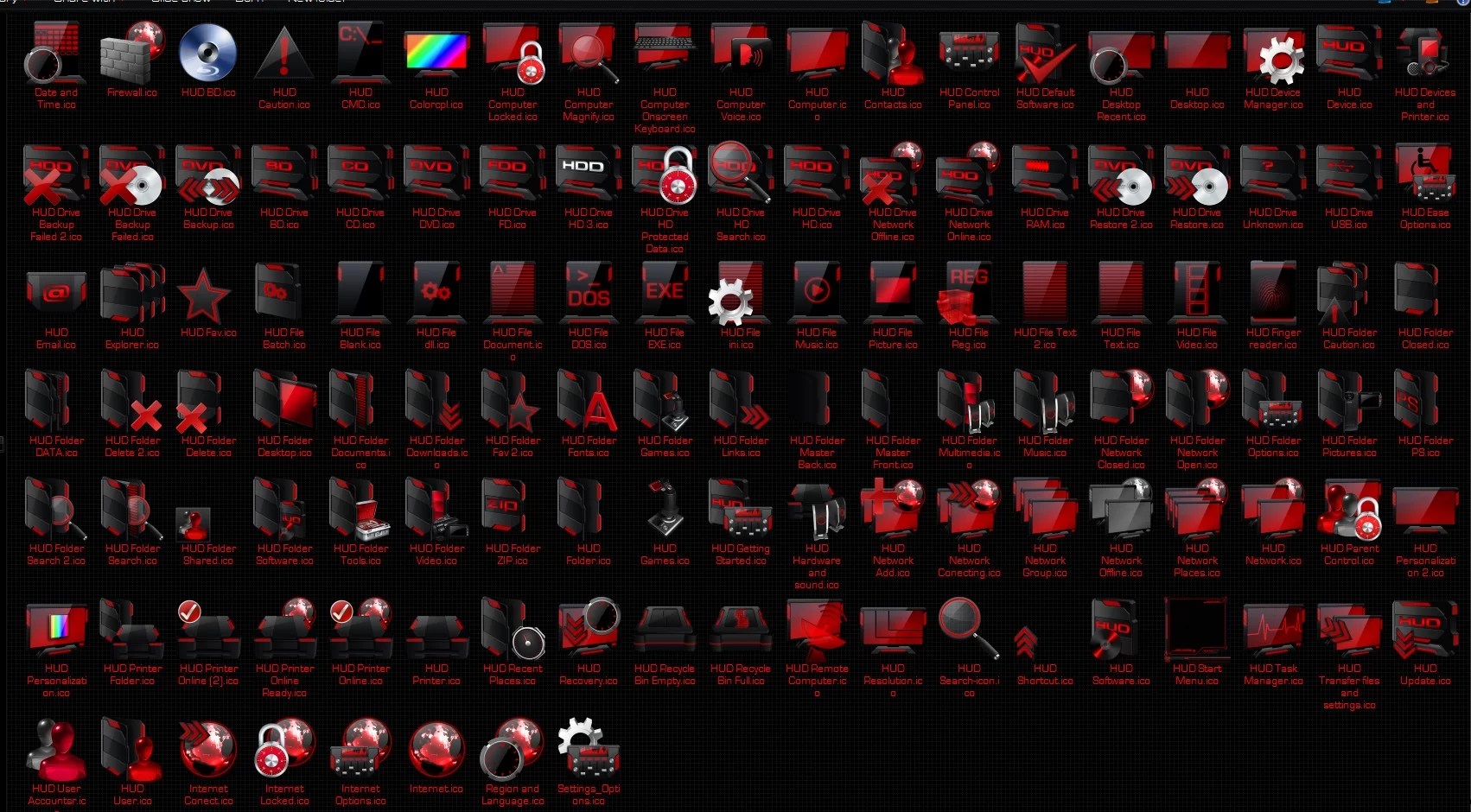
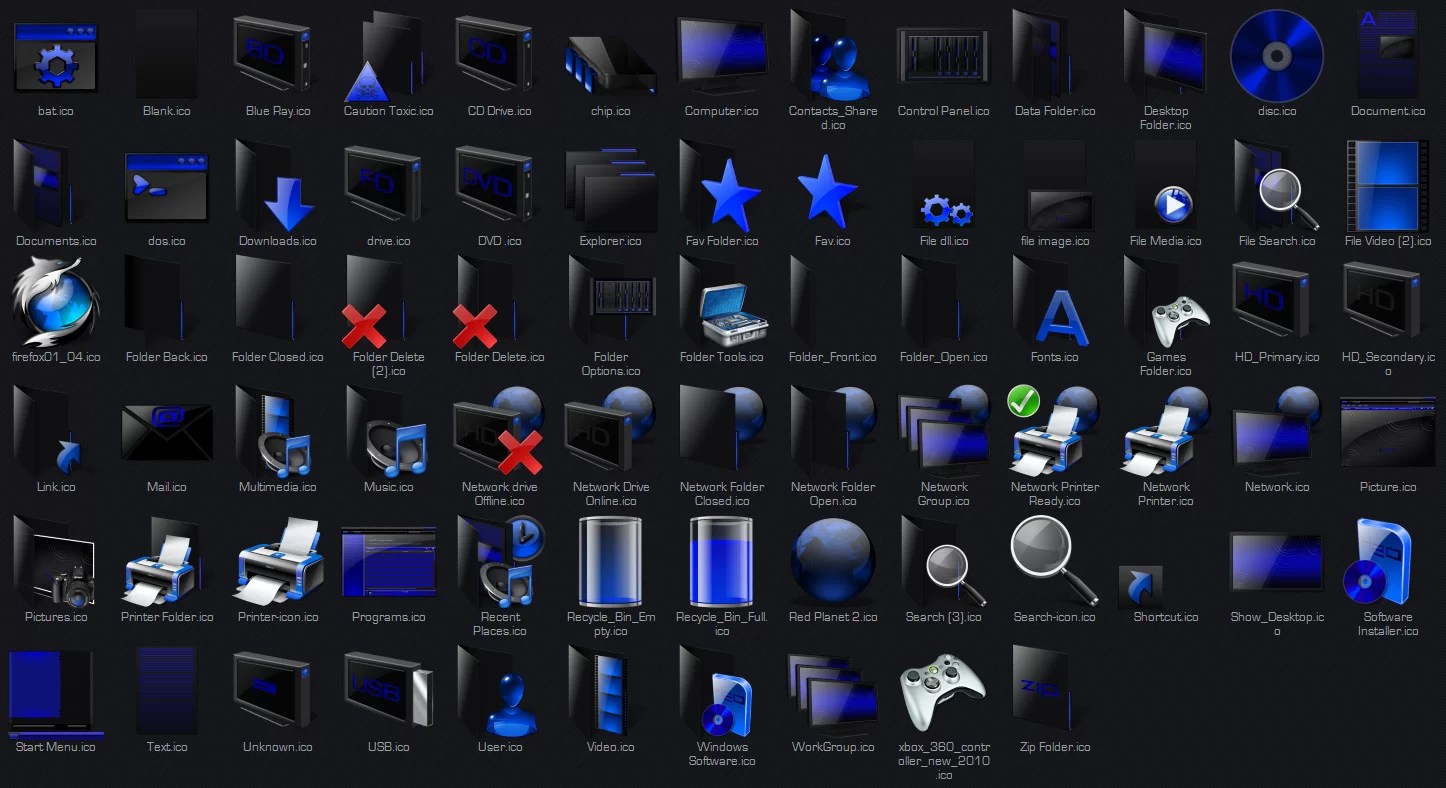
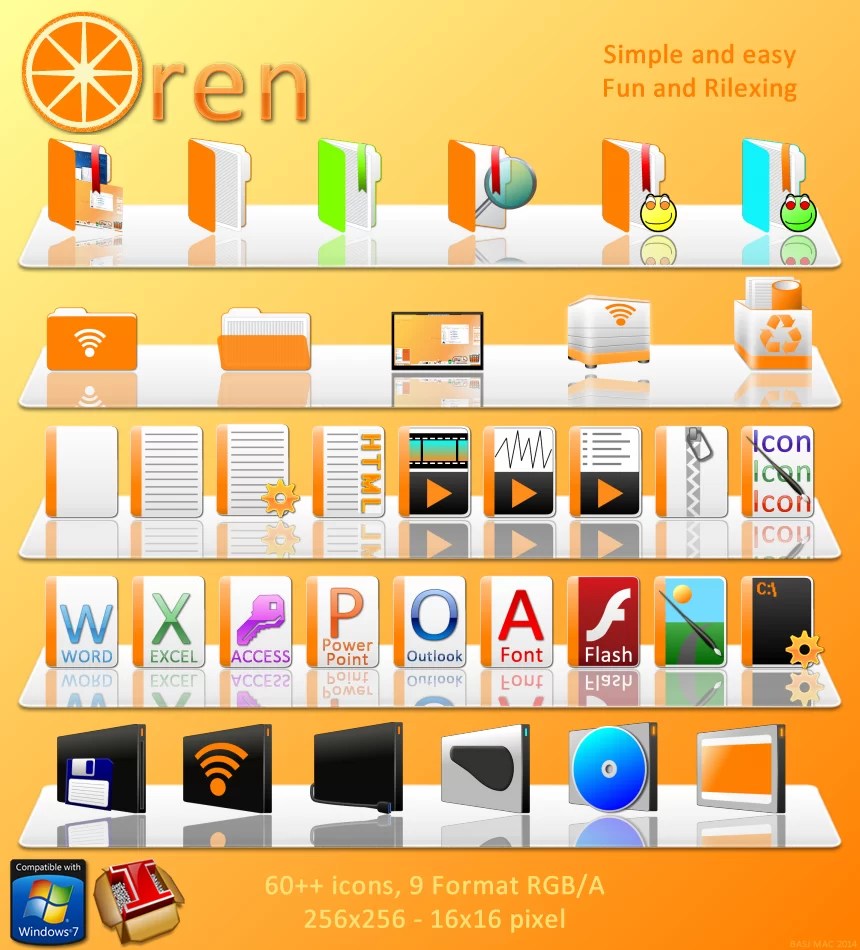
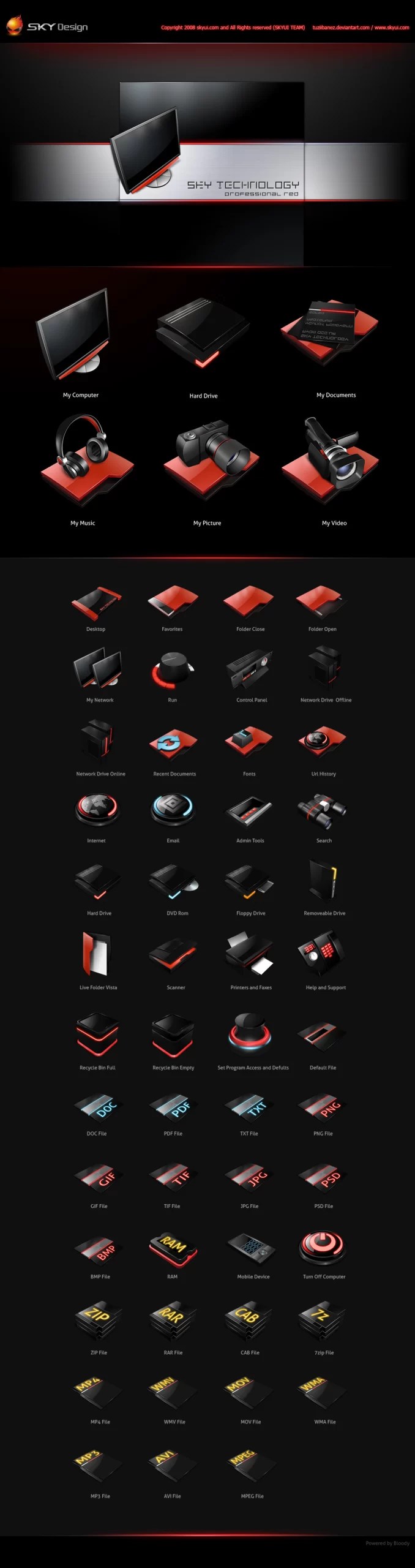
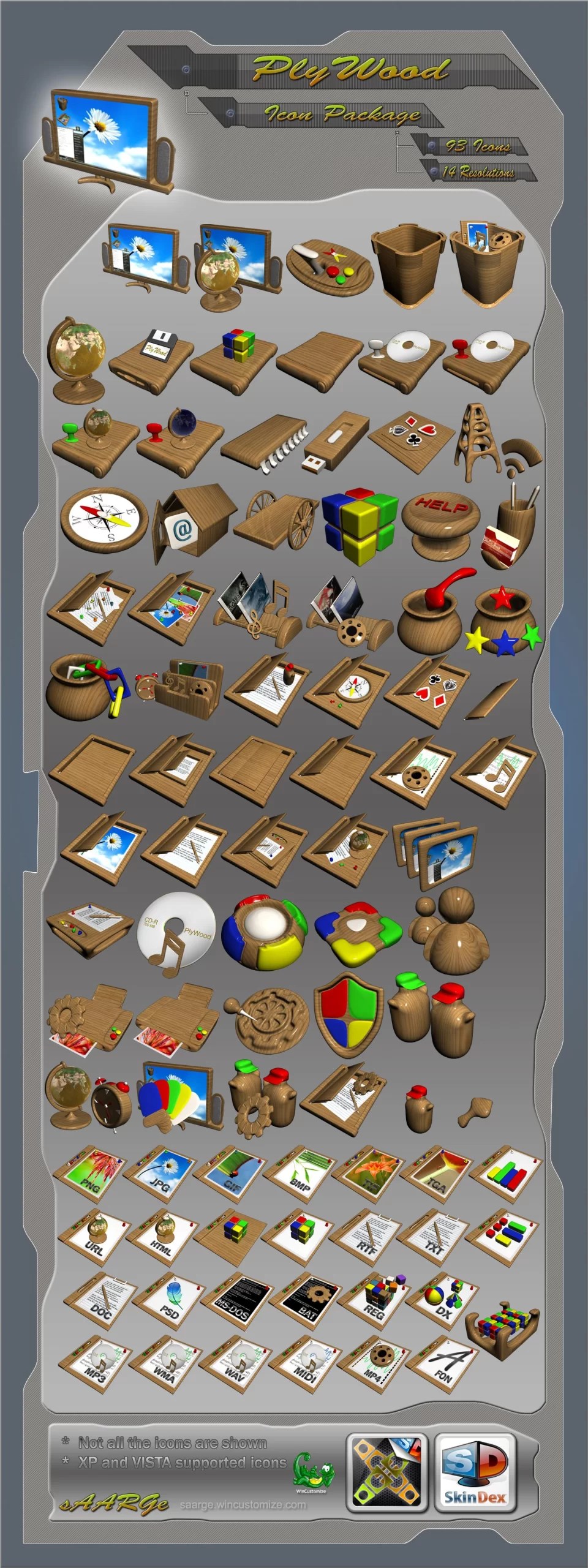
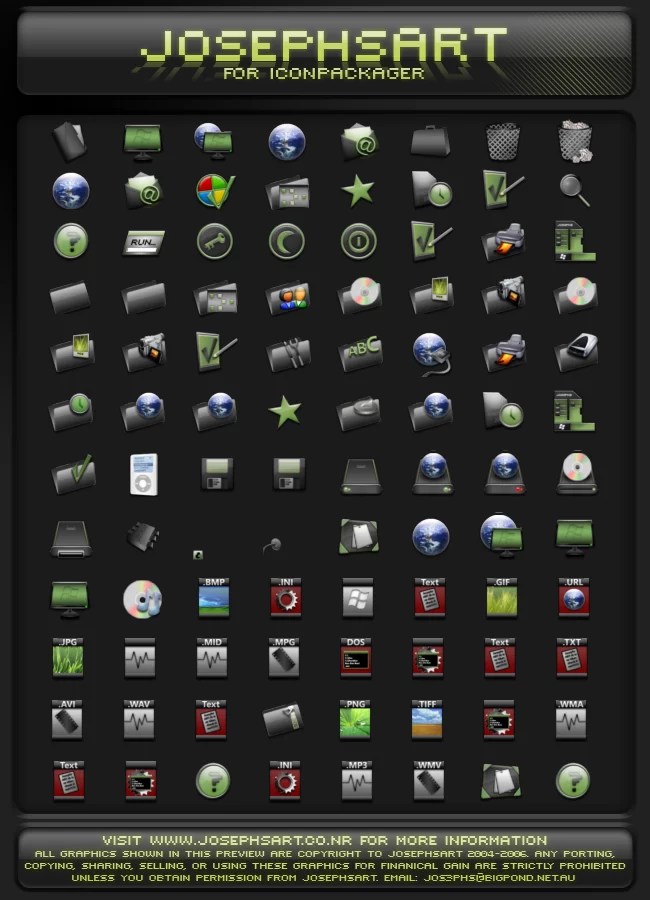
Do you want new style in your desktop? Here is the new IconPack for Windows 10 and Windows 11 users. This is realy awsome IconPack, enjoy it and have fun!
Operating System Support:
7TSP Compatible OS: Win10 2004/20H2/21H1/21H2/22H2/ and Win11
Note : First it is recommended you make a System Restore point before continuing.
How To Use:
1- Download and unpack archive using 7-zip;
2- In the 7tsp program, click on “Add a Custom Pack”. Select the downloaded set in Explorer (it must be in 7z format);
3- Click “Start Patching” to perform the installation.
4- Done! Now all that’s left is to reboot the system.
Ads
Share




I have tried some other IconPacks, but Grellow really gives a fresh and more refined feel to the Windows 11 interface. I agree that you should create a system restore point before installing, because sometimes the icon patch can conflict with Windows updates. Thanks for sharing, this icon pack is worth a try!