Ads
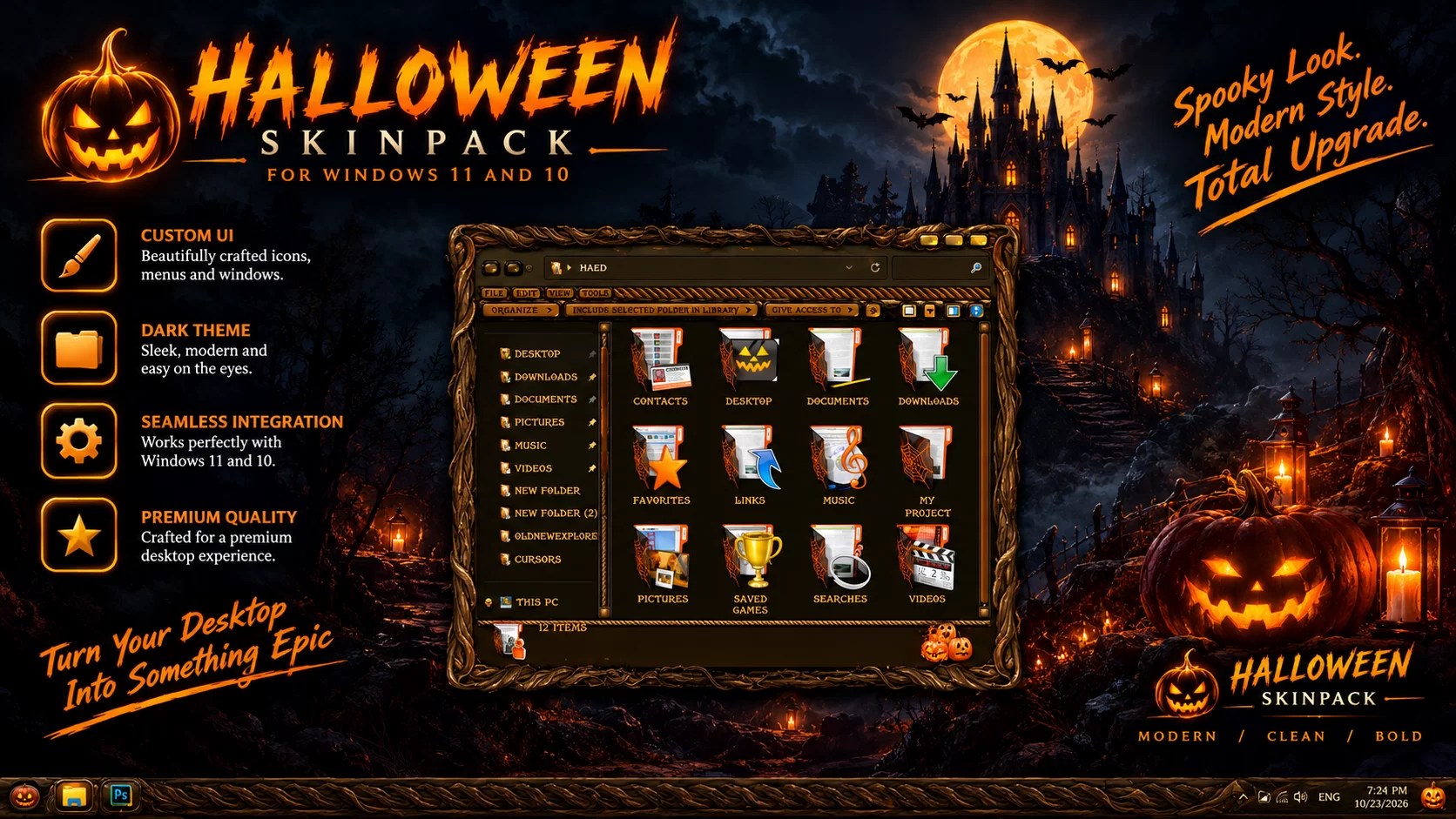
Wallpaper, the system icon, and the gallery stills are separate files, and a Windows skin pack still has to read as one game character. A player who installs the theme sees the visor, the jaw, and the mark on the chest at desktop size and again at icon size, and a mismatch reads as a second hero. Toimage AI is the practical way to hold that person: upload the still that already has the face, describe only the next crop or pose, and keep the character from being redrawn as a stranger.
A fresh description for every file is how the pack splits. The wallpaper keeps one scar, the icon grows a different visor, and a gallery still borrows a jacket the source never wore. That split is rework. The theme, the icons, and the wallpapers have to be rebuilt as a set, and the time goes into matching a face the first picture already contained. The shorter path keeps the source image in the job and lets the words name only the change that is allowed. 
Why A Skin Pack Splits Into Two Heroes
A pack page puts the comparison in public. Preview stills sit next to one another, the wallpaper fills the desktop, and the system icons repeat along the taskbar. Anyone scrolling that page does the same check a player does with character skins: is this still the same person. If a later preview narrows the jaw or moves the chest mark, the pack fails that check even when each file looks finished alone.
The icon is where the drift shows first. A wide wallpaper can put the character in a corridor and let the lighting carry the scene. An icon crop throws the corridor away, so what remains is the helmet edge, the eyes, and whatever mark was large enough to survive the square. A visor that changed color, or a scar that switched cheeks, is unusable at that size. The gallery still has the opposite problem. It is large enough to show the whole costume, so a glove, a weapon, or a stripe that was not on the wallpaper becomes obvious once the two files are compared.
What Must Match Across The Pack Images
Decide the locks before the next file is requested. The face, the hair or the helmet, the costume, and one readable mark are the locks. A skin pack can change the crop, the pose, and how much desktop sits behind the character. It cannot quietly change who is wearing the suit. If a change is real, the description has to name it. An unnamed change is drift, and drift is how a single hero becomes a pair.
The Face The Icon Will Crop
Start the check from the icon, not from the wallpaper. Open the source and picture the square that will become the system icon. The eyes, the visor rim, and the hairline or helmet edge have to be the same shape in that square as they are on the wide file. If the square would cut the mark off, do not hope the small file will invent a cleaner version. Move the character in the description, or keep more of the chest in frame, so the mark the wallpaper established is still the mark the icon shows.
Look next at the ears, the collar, and the side of the jaw, because a new generation likes to simplify them. A narrower jaw does not count as the same character, even when the armor color matches. Reject that file and tighten the sentence so it stops asking for a new head.
The Mark That Has To Stay Visible
The mark is the small thing players use to recognize the suit: a chest badge, a stripe, a number, a painted sigil. If the description never names it, the next image has room to redraw it. Name it the way it looks on the source. “Keep the red chevron on the left side of the chest” is a lock. “Make the armor more iconic” is an invitation to design a second suit, and the second suit is the failure the gallery will catch.
Text on that mark has to stay readable. A number, a letter, or a faction patch that warps into shapes that cannot be read is a visible failure. The gallery still and the wallpaper should show the same patch in the same place. If they do not, the file goes back. A pack cannot explain a migrating badge as a crop, and a player who knows the character will call the file wrong.
How An Upload Keeps The Same Person
The working order is short, and skipping a step is how the face slips. Upload the source image. Describe the transformation. Select the model. Toimage AI treats the upload as the scene that has to be preserved and the description as the instruction, which is why a skin pack should start from a still that is already right instead of from an empty prompt. The model that holds a character across a series is Nano Banana. It accepts up to four reference images so the next generation can follow the same person, and it is built to preserve the key elements of the upload while the requested change is applied.
That middle step is an Image to Image edit in the plain sense. The wallpaper stays the source. The words ask for the icon crop or the next gallery pose. The references exist so the face is repeated instead of guessed, which is what a pack needs: one hero, several files, one suit.
Four References Of That One Character
Four slots is the ceiling, so spend them on one character. A front view, a three-quarter view, a tight crop of the face, and one full figure in the same costume will do more than four pictures of different people who happened to share a corridor. The references repeat the person, and the description repeats what must not move. Toimage AI is useful on a pack because those four references are a control for a set of images, not a pile of unrelated screenshots.
If one reference shows a different jacket, the next file has permission to borrow it, and that is the usual way a chest mark mutates. Pick references that agree with the source, then stop. A second character in the same corridor does not make the first one more stable, and that slot should have held the scar or the visor edge.
A Sentence For The Next Crop Only
Write the next file the way a teammate would be briefed when the source is already on the desk. Name the crop or the pose, then name the locks. A usable line is concrete: tighten to a square for the system icon, keep the black visor, keep the scar on the left cheek, keep the red chevron, leave the corridor out. The pose may change. The person has to stay. A new weapon in that sentence is a different picture unless the weapon is already in the source.

“Make it more cinematic” gives the frame room to invent a collar or a color that was never on the suit, and the failure shows up in the face first. Fix the sentence before another image is requested. Nano Banana 2 can return up to four images in one request, enough to lay a wallpaper crop beside a tighter icon crop and compare them before either file joins the pack. For the desktop wallpaper, ask for 4K so the mark stays readable when the theme is installed full screen. Keep the same references on that request. A new set of references is a new person.
- Upload the still that already has the right face, costume, and mark.
- Describe the next crop or pose, and name what must stay.
- Add up to four reference images of that same character, not of a different one.
- Generate, then compare the result with the source before it enters the pack.
Check Each New Still Against The Source
Open the source and the new file together and ask whether a player who knows the character would call them the same person in the same suit. If the answer is no, the file is wrong for the pack. The time spent on that look is shorter than the rework of pulling a theme after people have already installed it. The words beside the pictures are the brief. If the picture did something the brief did not request, the extra change is drift, even when the lighting looks finished.
| Pack file | What has to stay | Reject the file if |
| Wallpaper | Face, helmet or hair, costume, and the chest mark | The jaw or the mark belongs to a different build |
| System icon | The same face, large enough to read at icon size | The visor, the scar, or the emblem is new |
| Gallery still | The outfit the wallpaper already used | A glove, a weapon, or a scar moved without being named in the brief |
A new scar, a cleaner jacket, or a visor that changed finish is drift, and drift is why a gallery still gets rejected after the wallpaper was already approved. Hands are the other tell. A glove that melts into the weapon, or a finger count that shifts when the hand turns, makes the still unusable. Players notice the face, then the hands.
Toimage AI can also run the same instruction on another model and put the results side by side. Keep the file whose face still matches the references. Louder lighting is not a reason to accept a different jaw. If the pair disagrees about the mark, repeat the generation from the same source with the mark named in the sentence.

Which Images Can Leave With The Pack
Ship the wallpaper, the icon, and the gallery still when three things remain true. The face matches the references. The costume matches the source unless the description named a real change. The mark is still readable in the same place. If one of those moved, hold the file, because the rework then includes a correction as well as a replacement picture. Those stills come with commercial usage rights, with no attribution requirement and no licensing fee, so a file that passes can go into a theme people install.
Toimage AI fits when a clean still of the character already exists and the missing pieces are the other crops in the pack. A character who has never been drawn has to be captured once before any upload has a face to preserve. For the set that already has that face, the images that leave the folder are the ones a player would not call a second hero.