
Ads
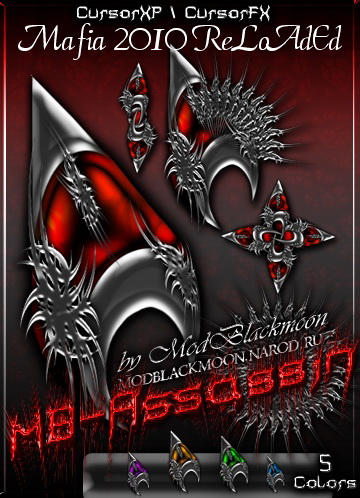
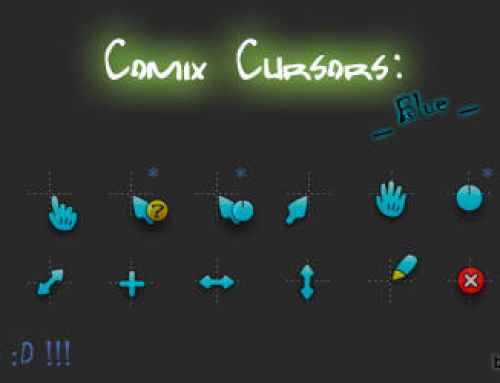
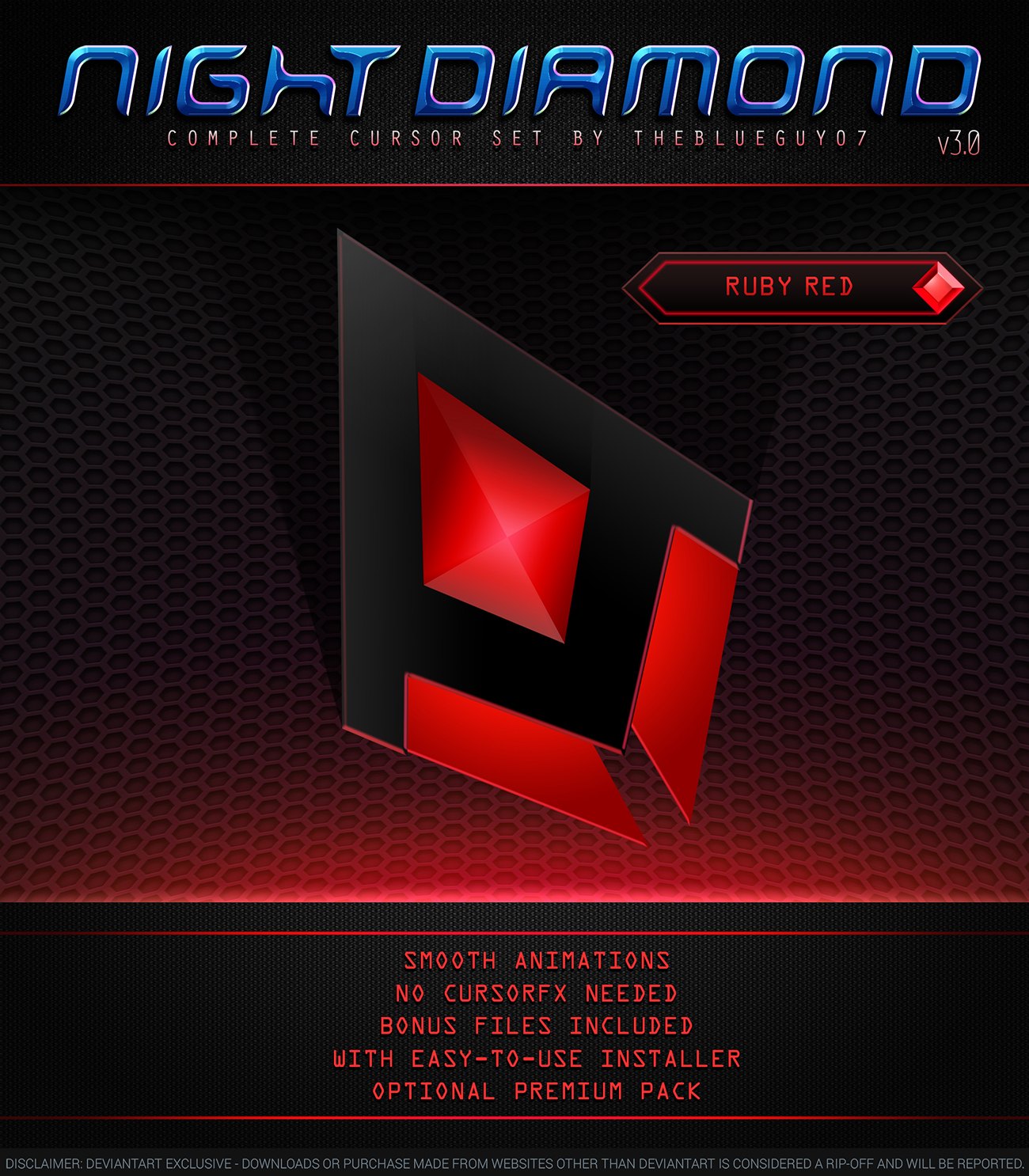
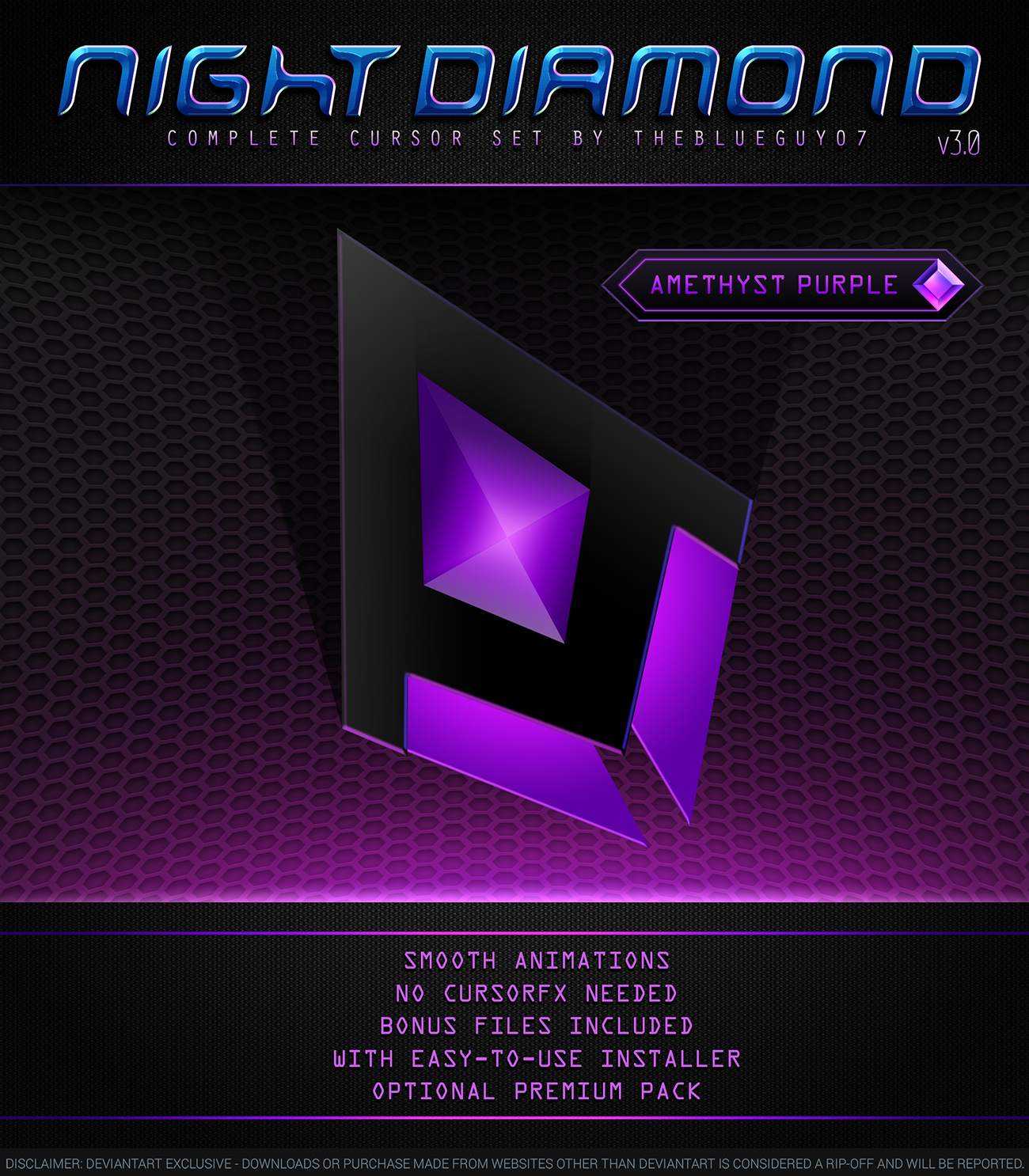
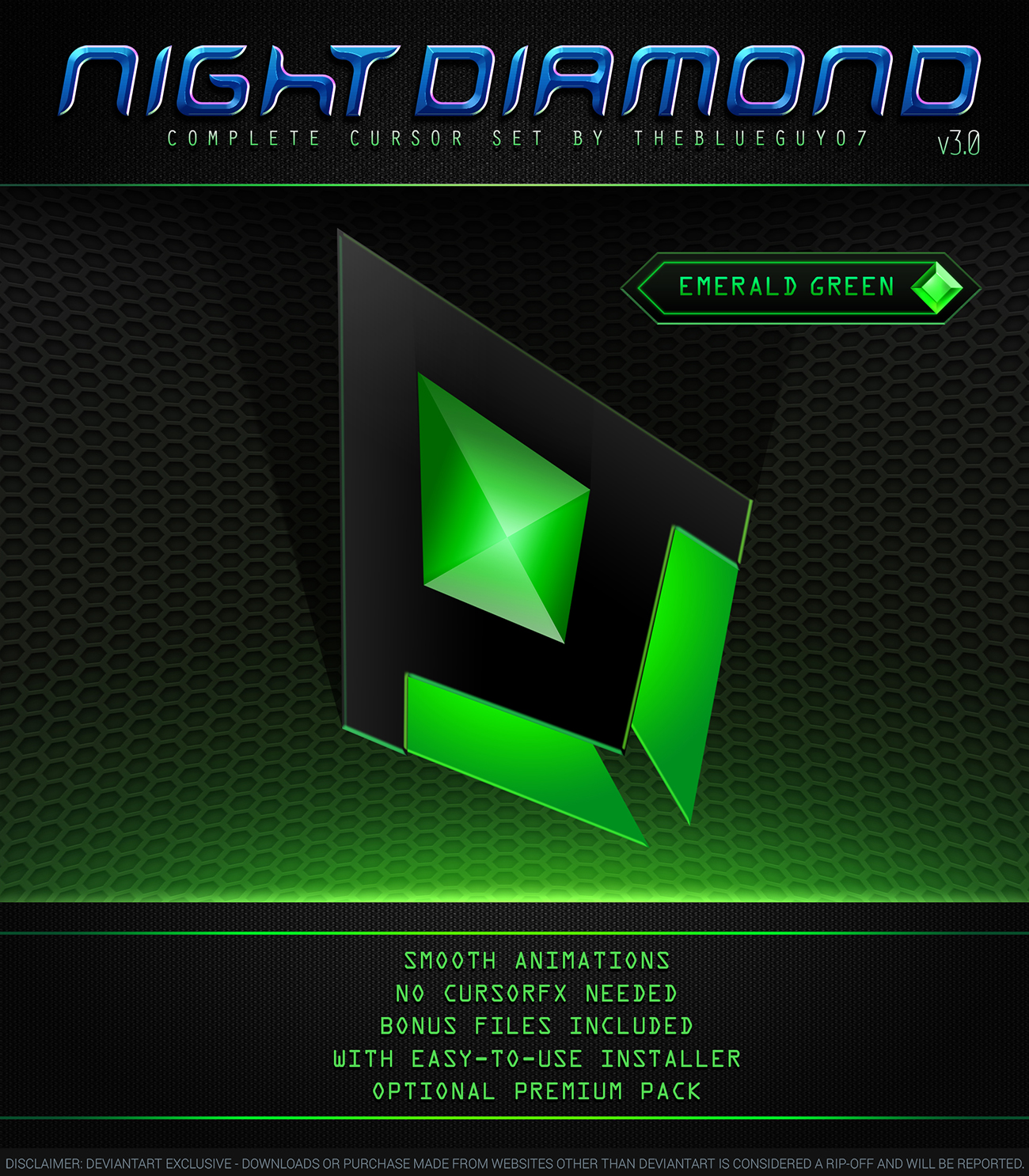
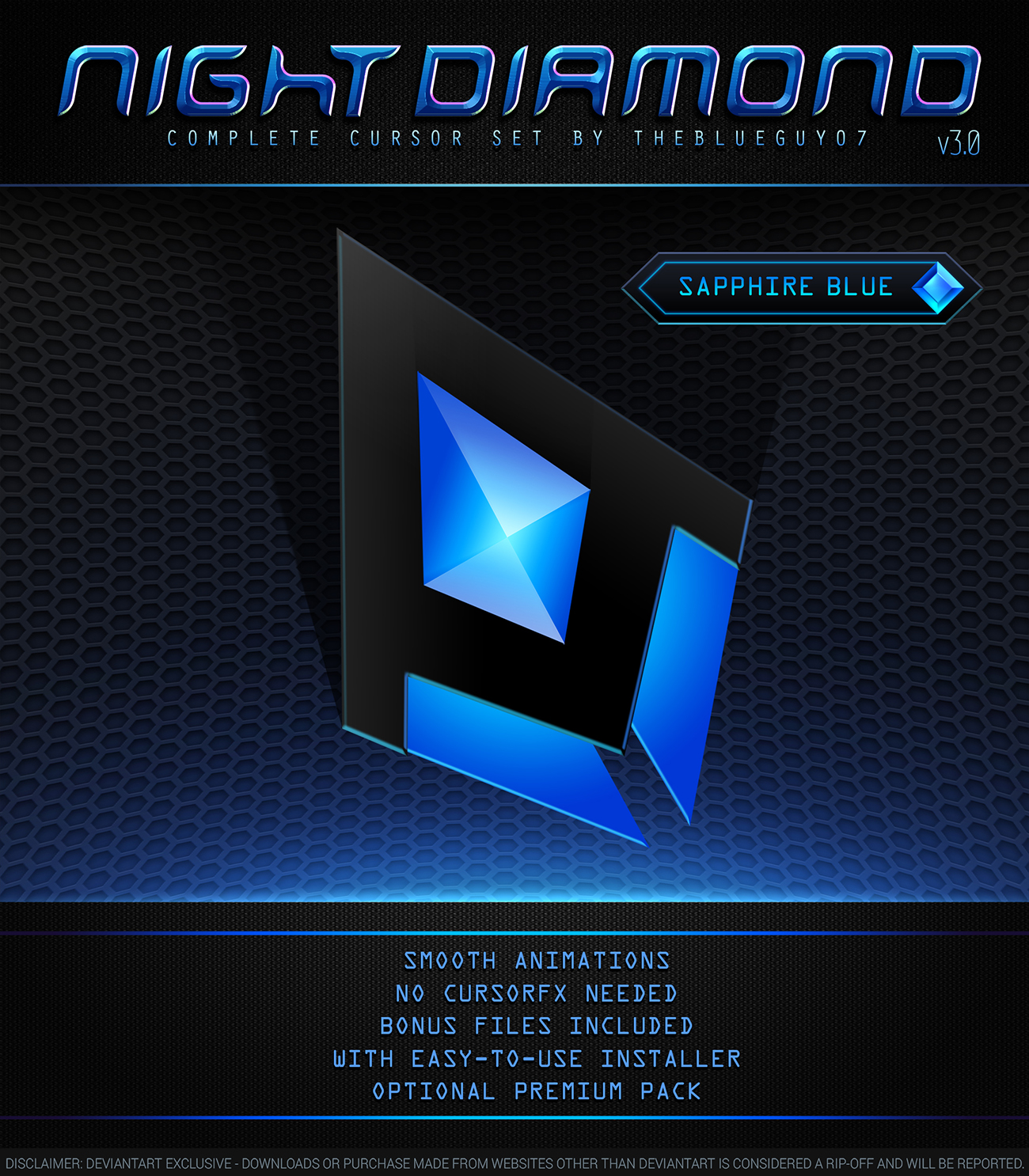
Here Is The New Cursor Pack For Your Mouse Pointer, Enjoy It! Have Fun…!
How To Installation:
– Extract the zip file
– Right Click On File Format .inf
– Select “install”
– Go to Mouse Properties -> Pointers
– Under “Scheme”, Select ” <<Cursor Name>> ”
– Click “Apply” And “Ok” … Hooray! It’s Done
Ads
Share
Previous Microsoft Xbox and Inworld AI team up to create generative AI tools for game development
Microsoft Xbox and Inworld AI team up to create generative AI tools for game developmentNext Meta begins testing a ‘holiday bonus' for creators on Instagram and Facebook
Meta begins testing a ‘holiday bonus' for creators on Instagram and FacebookRelated Posts











Leave A Comment
Leave A Comment Cancel reply
Installation involves extracting the pack to your system and setting it as your default cursor theme
I use those. Very stylish.
The run never be that thrilling with high speed!
This article presents a complete and nuanced examination of the theme at hand, addressing both the foundational concepts and the more subtle implications that arise from the discussion.
This article supplies an in-depth and comprehensive review of the topic addressed, weaving together theoretical frameworks and practical applications to demonstrate the relevance of the subject in real-world scenarios
I want to express my utmost gratitude to the author for their meticulous research
Thank you to the author for sharing such a wonderful message of hope.