Ads
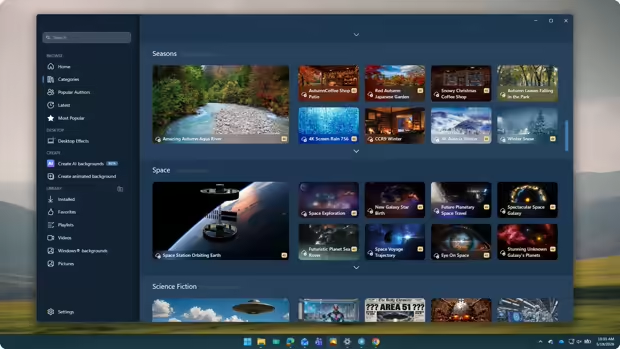
A program for installing video wallpaper on your desktop. It has the simplest and clearest interface possible, and in terms of mastering it is a much easier alternative to the well-known Wallpaper Engine. However, using PUSH Video Wallpaper users can run only video wallpapers, without using various js-scripts or exe-applications. Nevertheless, it is a worthy utility to beautify your desktop.
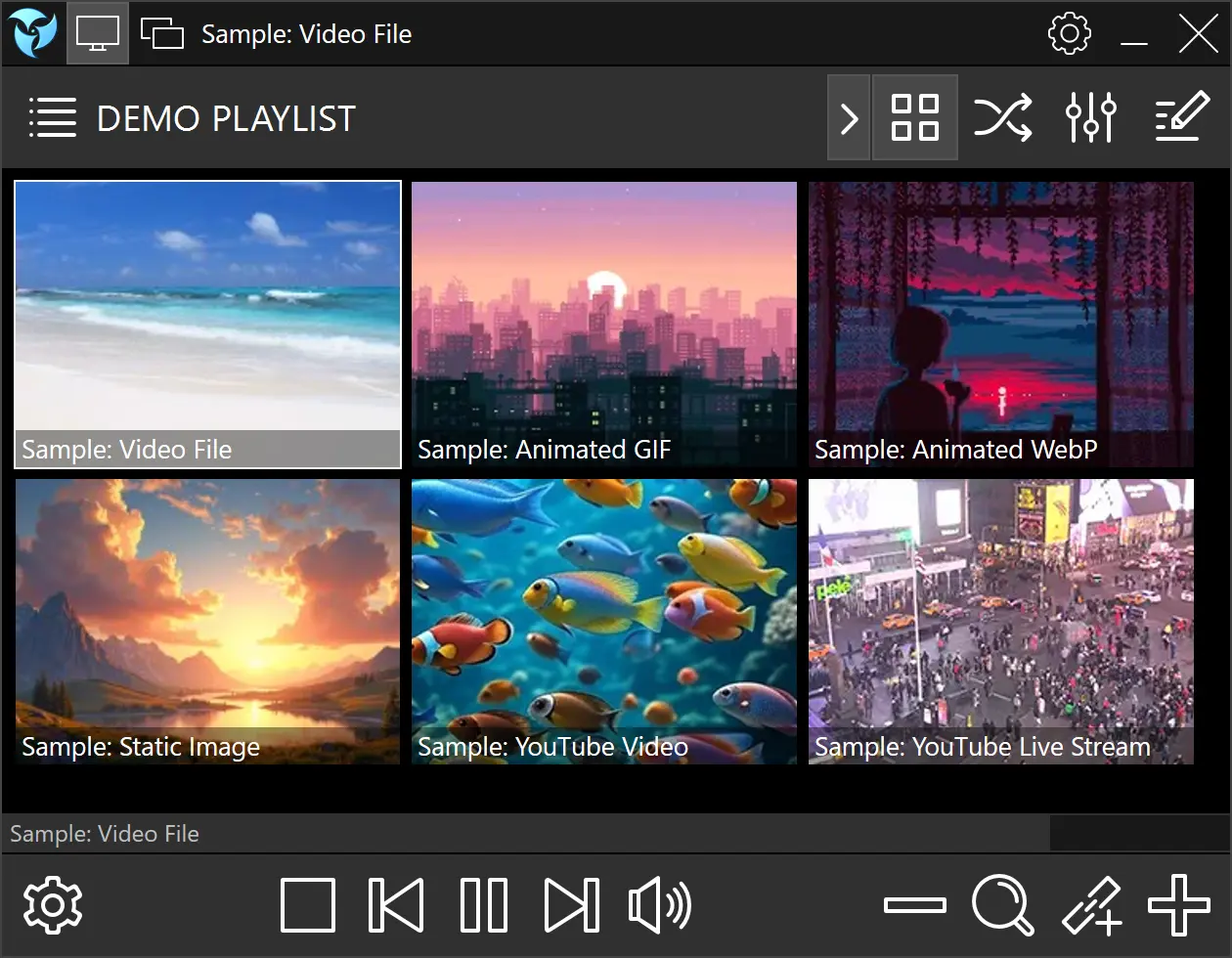
PUSH Video Wallpaper is a free powerful wallpaper manager that enables you to set videos, animated GIFs, or YouTube clips as your desktop background, providing your computer with a dynamic and personalized appearance.
Moreover, PUSH Video Wallpaper functions as a video screensaver, allowing you to enjoy your favorite videos, animations, images and YouTube clips on your lock screen.

System Requirements
- Windows 11/10
- Minimum 2GB RAM
- Integrated or discrete GPU recommended
Key Features
- Lightweight and compact interface with powerful playlist management
- Supports all modern media formats including MP4, GIF, WebP, and YouTube
- Video, photo, and animation slideshows with smooth transitions
- Native support for animated formats (GIF/WebP)
- Flexible pause settings ideal for gamers and laptop users
- Powerful multi-monitor management system
- Works as both live desktop wallpaper and lock screen screensaver
- No internet connection required after setup
Getting Started
Create a playlist and add your favorite videos, images, or animations.
Use drag-and-drop or browse your files — PUSH Video Wallpaper handles multiple formats seamlessly.
With all available options, not one is questionable, as each icon and button is explained and various signatures. To install the wallpaper, the user needs to click on the appropriate button and specify the path to the MP4 file, which will be placed on the desktop.