Ads
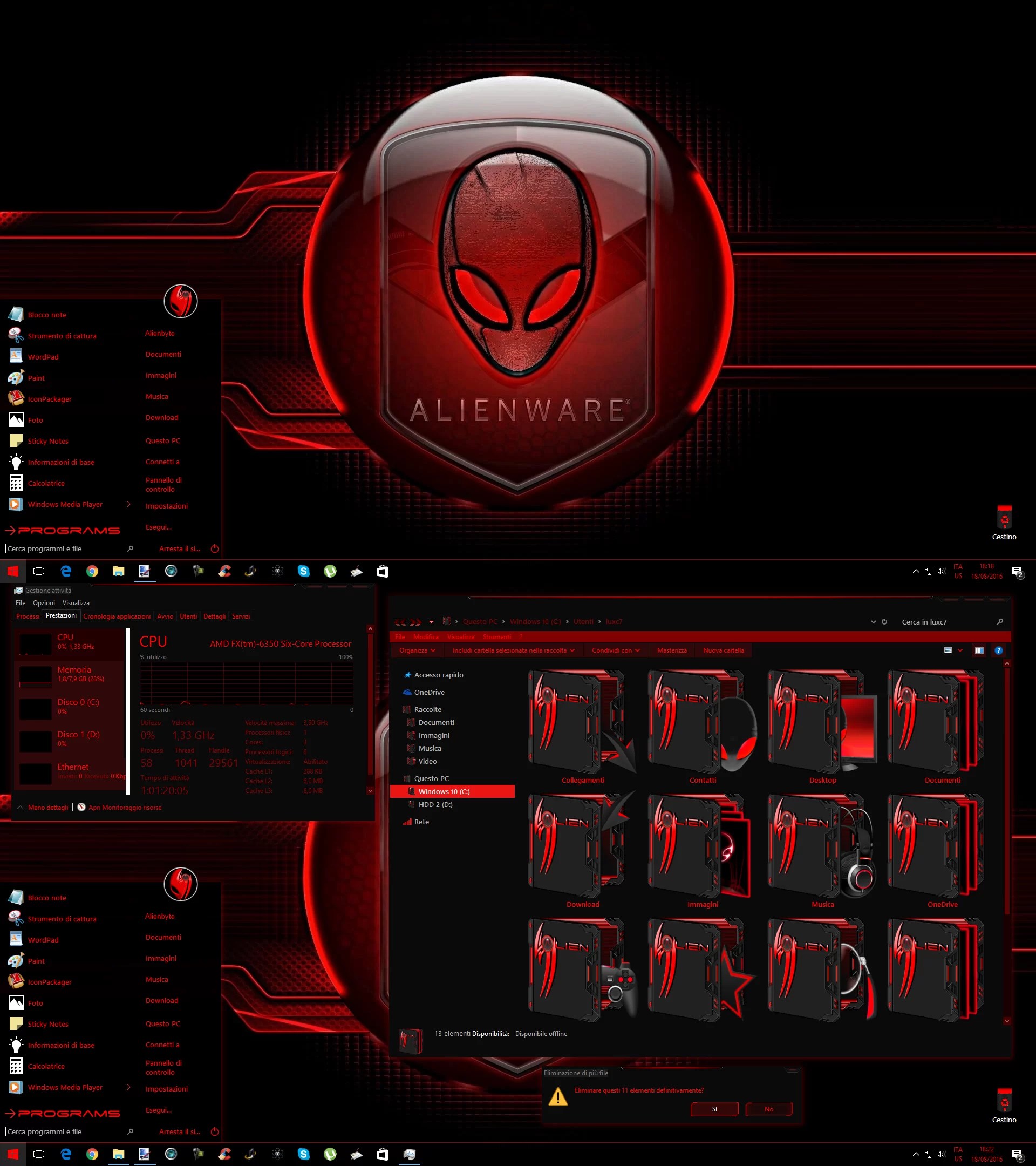
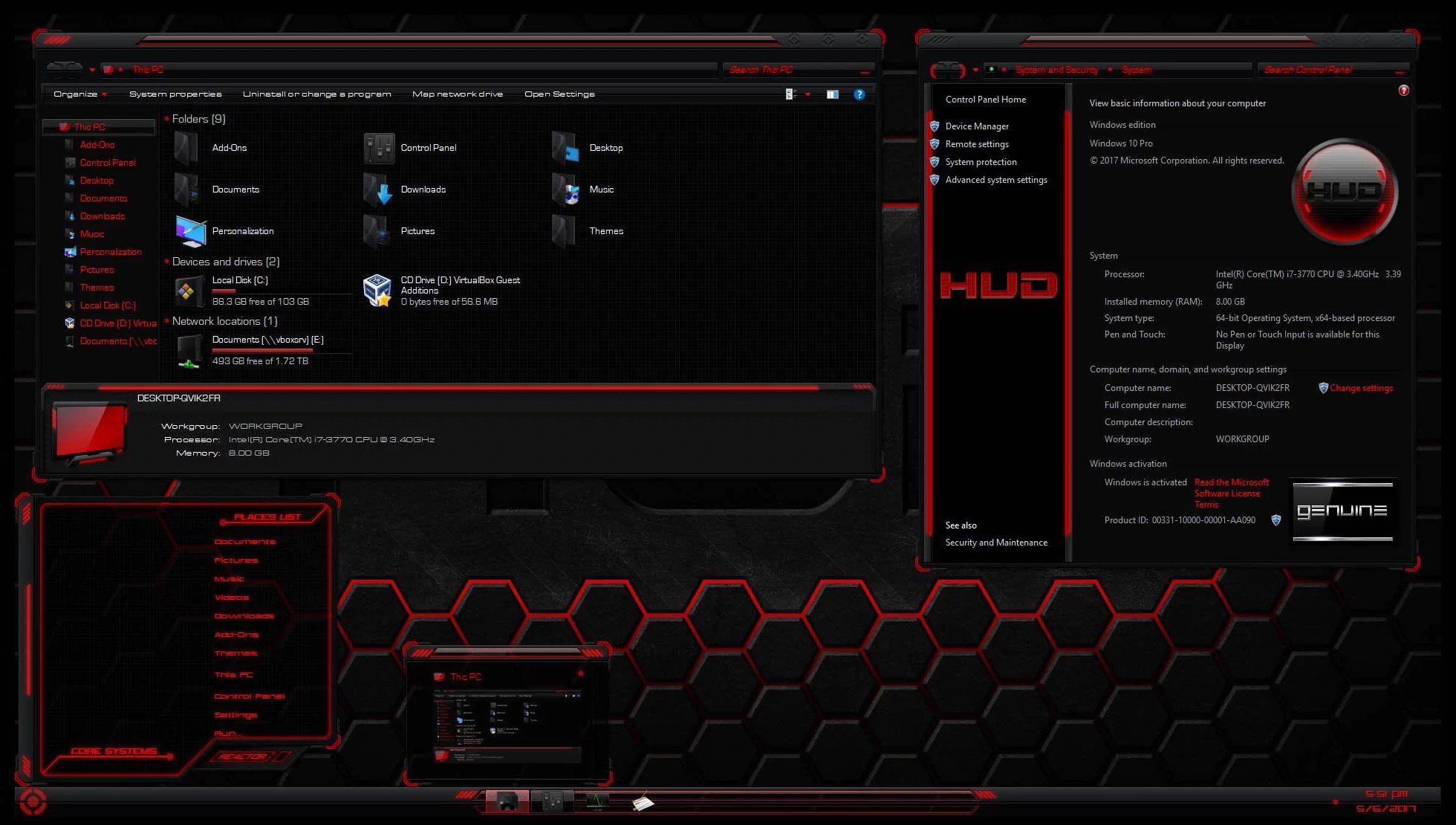
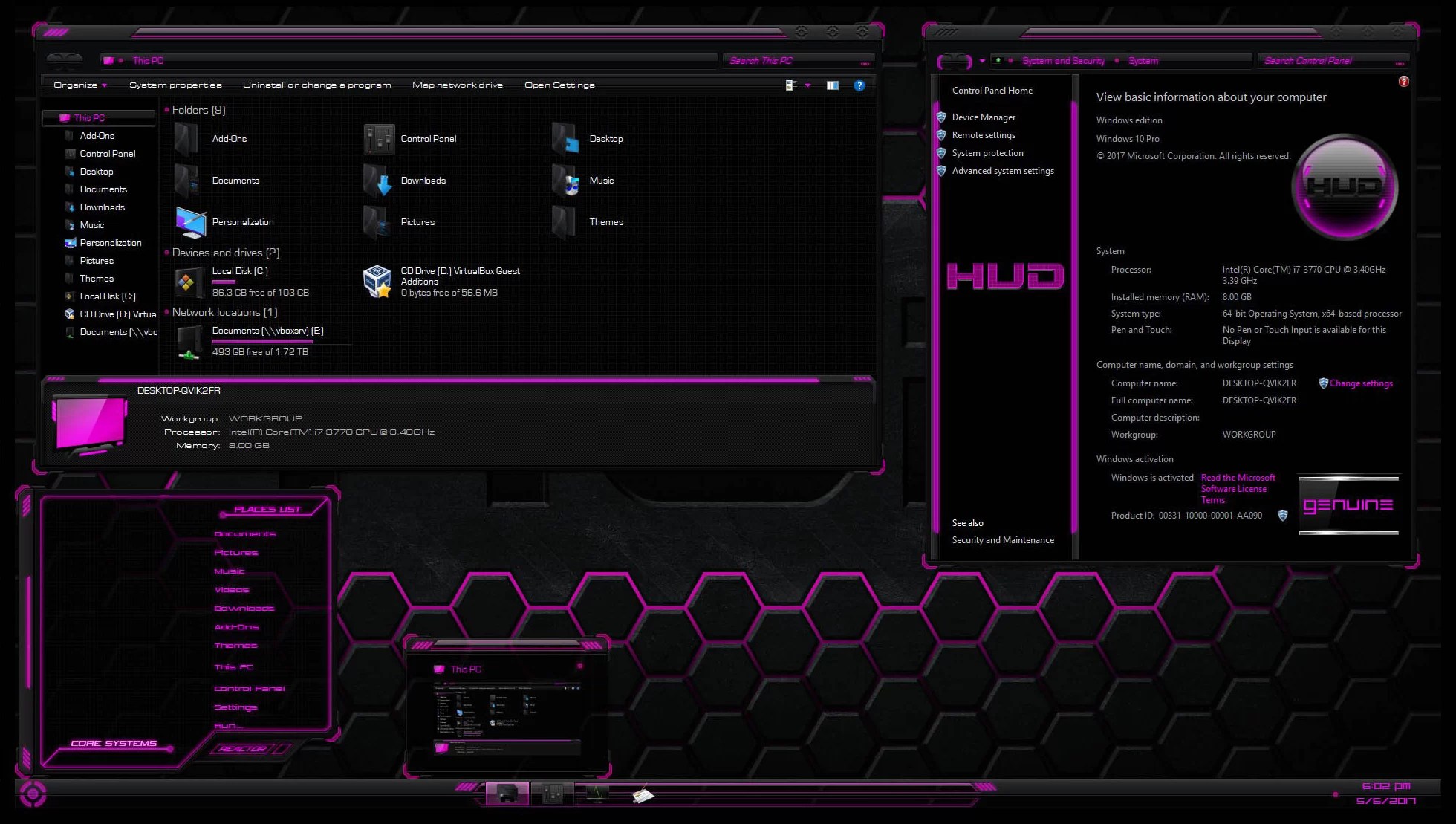
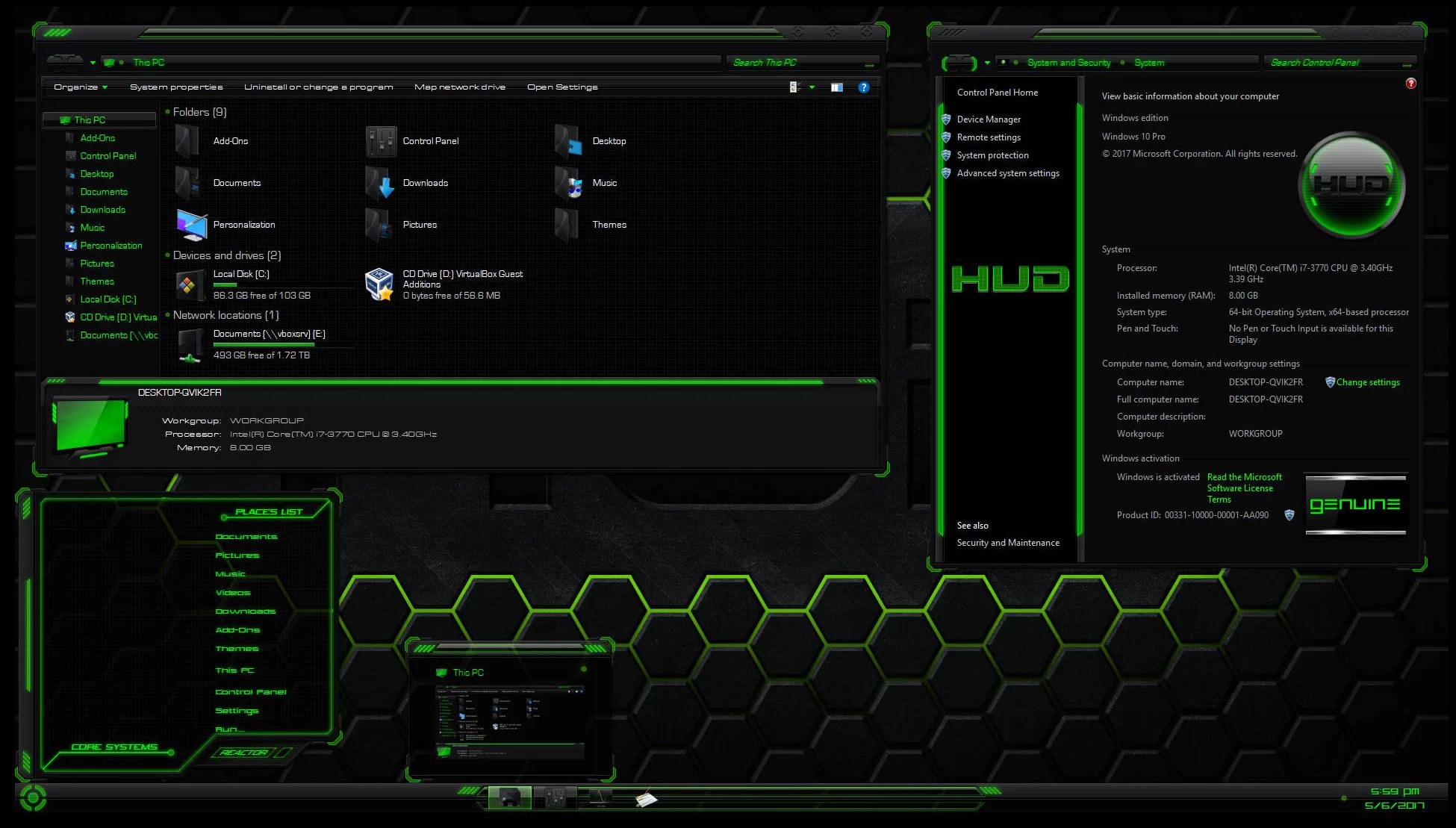
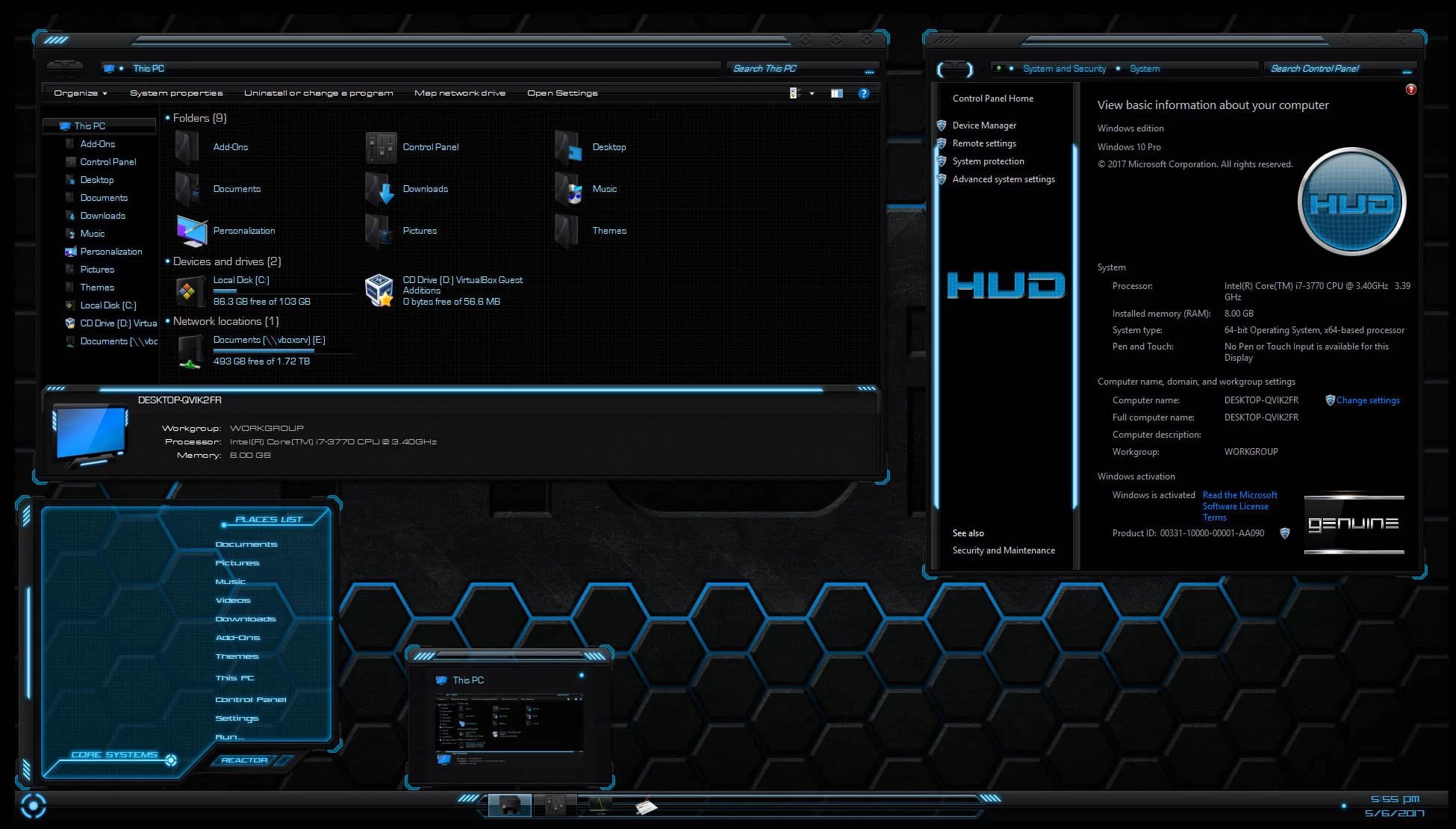
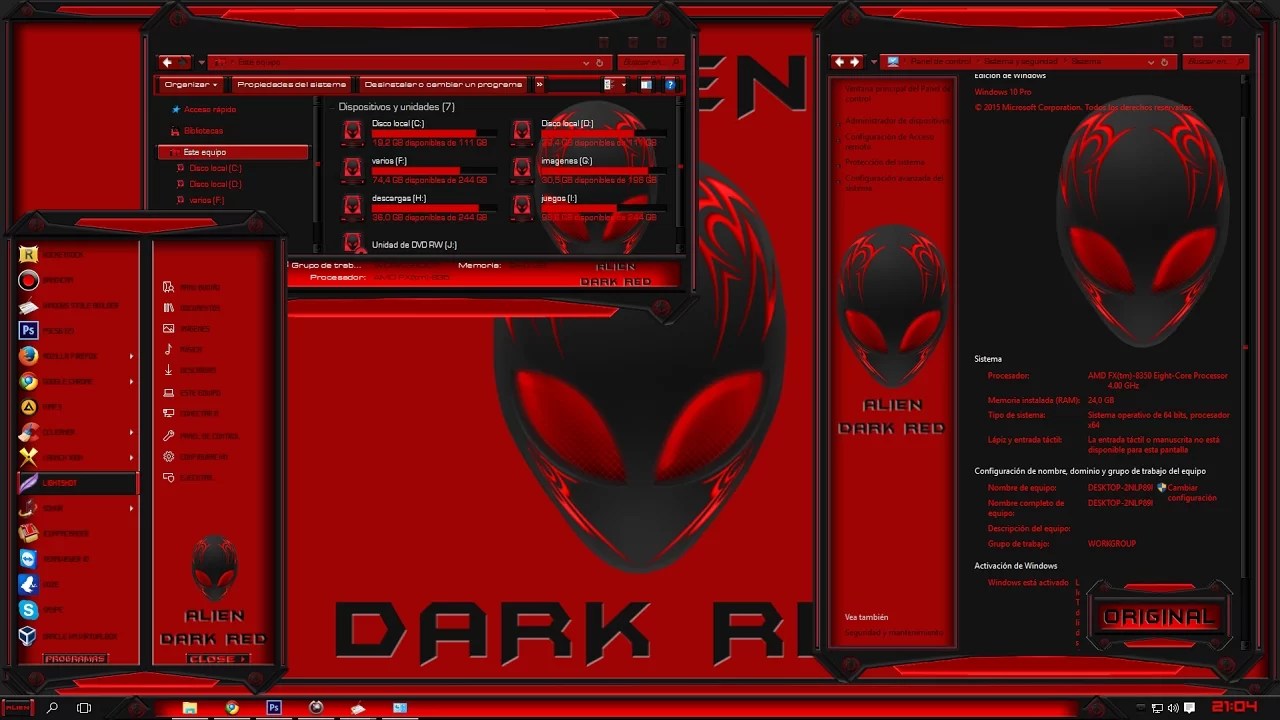
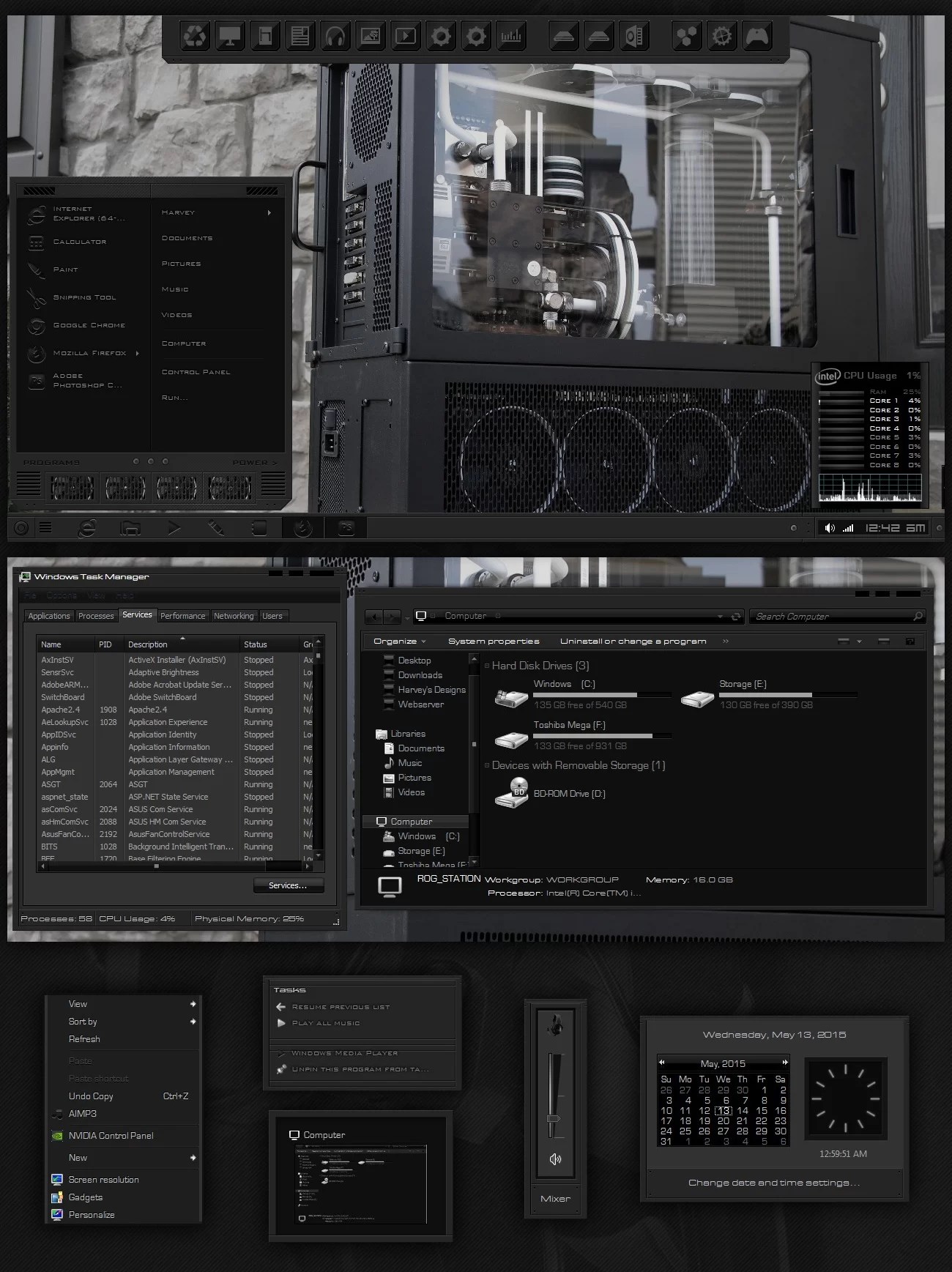
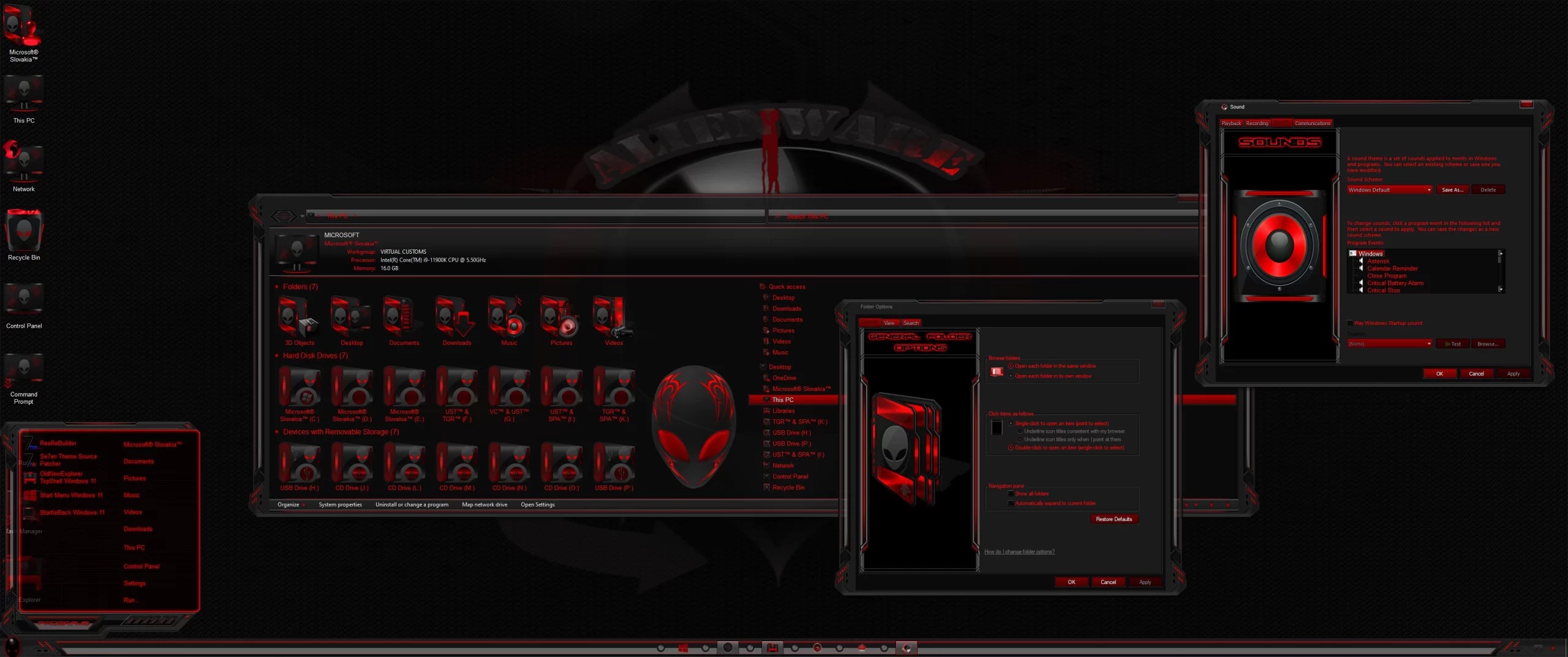
Do you want new style in your desktop? Here is the new theme for Windows 8/8.1 users. This is realy awsome theme, enjoy it and have fun!

You need to copy theme files in "C:\Windows\Resources\Themes" and then select it from Personalization
 Download
Note: For using this theme first you need to Patch Uxtheme from here:
Also for Remove Ribbons in Win8/8.1/10 you need to use Ribbon Remover from here:
For Disable Caption Text in Win8/8.1/10 you need to use Blank Caption from here:
If you want to have Aero Effect in Win8/8.1/10 you can use Aero Enabler from here:
Ads
Share