
Ads
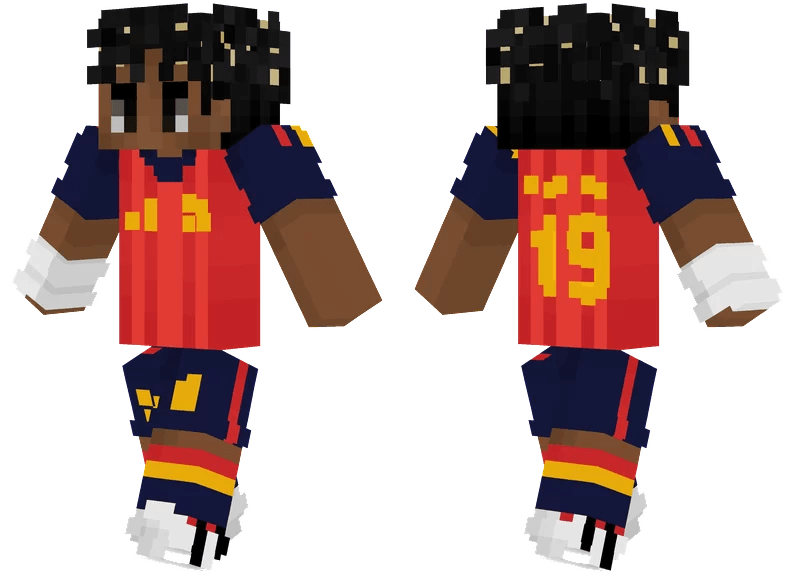
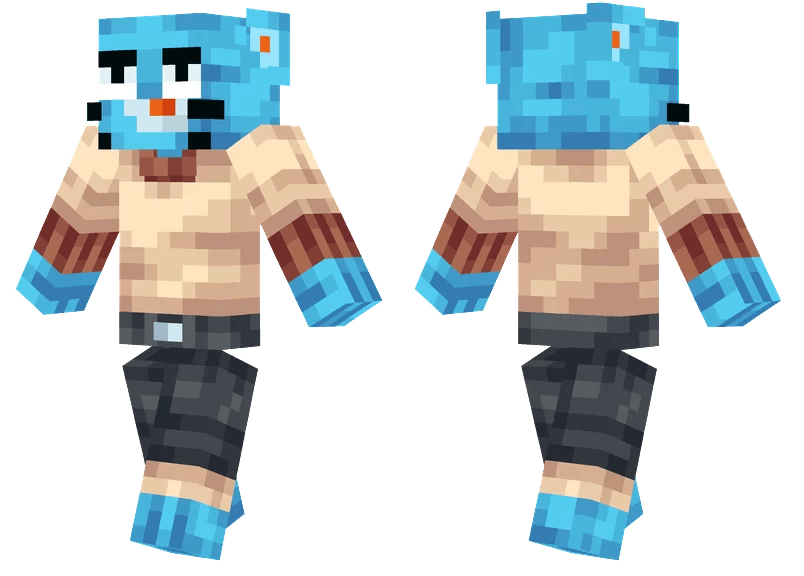
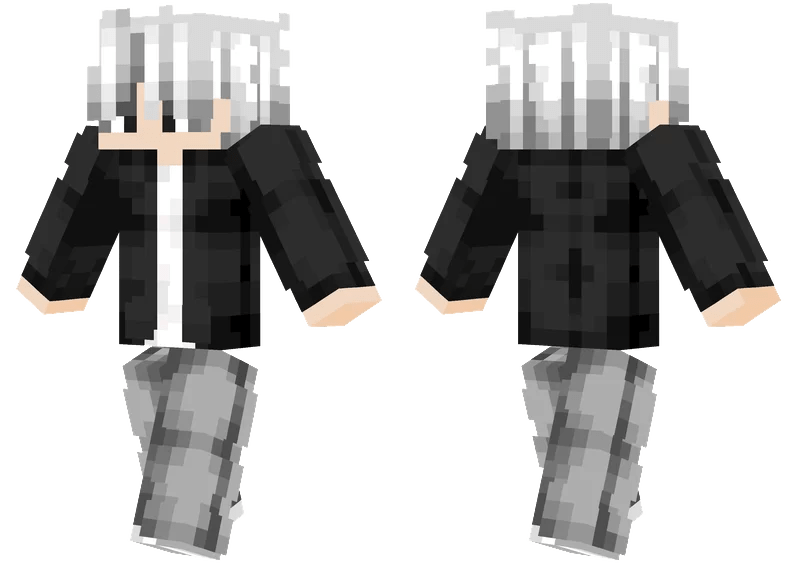
Do you want new Skin in your Minecraft? Here is the new Skin Minecraft for all users. This is realy awsome Skin Minecraft, enjoy it and have fun!

How To Use:
Changing Skins in Minecraft Pocket Edition
1- Download and unpack the file archive using 7zip.
2- Launch the Minecraft app
3- Tap Profile on the main menu
4- Press the arrow buttons to rotate through all owned skins
5- You can also tap Edit Character and select a Skin from that drop-down menu
Changing Skins in Minecraft Java Edition
1- Open the Minecraft launcher (not the game itself)
2- Navigate to the Skins tab at the top of the launcher
3- Select which Skin you would like to use
Changing Skins in Minecraft Bedrock Edition
1- Launch Minecraft
2- Select the ‘Dressing Room’ option on the main menu
3- Choose which Skin you would prefer to use
4- Optional: If you wish to use one of the newly introduced default Skins, select ‘Create Character’, and pick the Skin you’d prefer


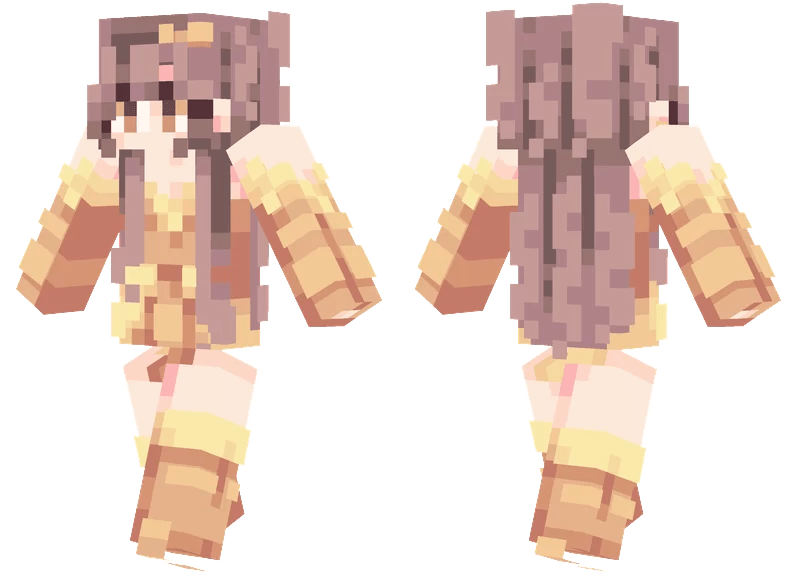
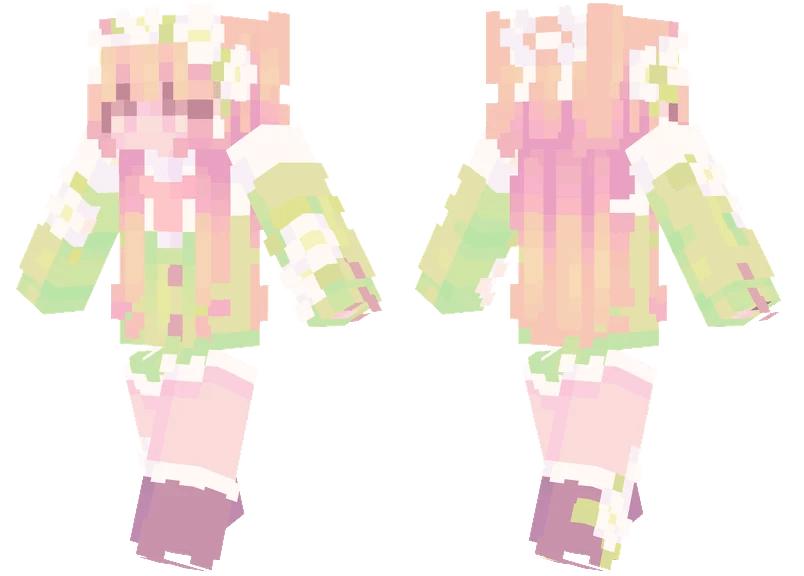



I really appreciate the vibrant designs in the Summer Blossom skin pack; they truly bring a fresh and lively aesthetic to Minecraft. The whimsical art style of Summer Blossom could inspire similar themes for character customization there. Exploring cross-game inspirations could enrich both communities, allowing players to express themselves creatively across different platforms. What do you think about bridging these aesthetics?