
Ads
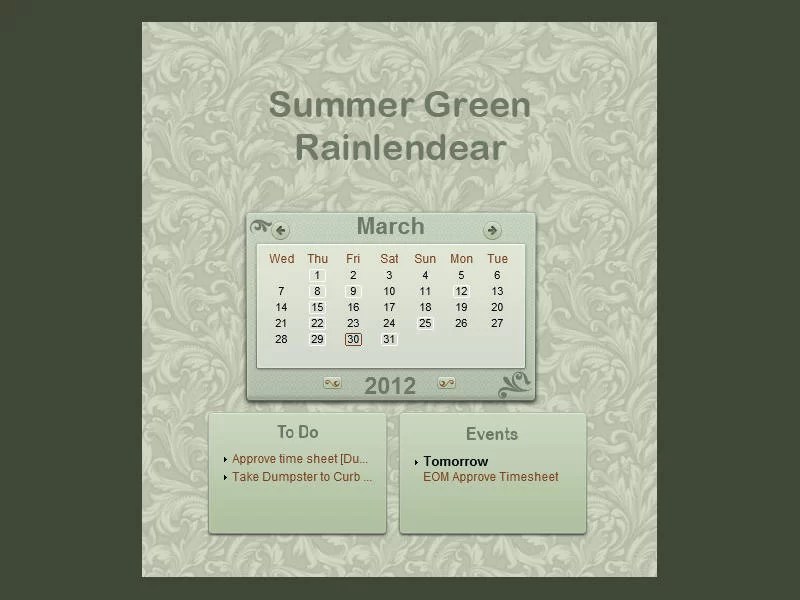
Give your Windows desktop a simple weather-themed look with Weather Clean for Rainmeter. This downloadable Rainmeter skin adds a clean weather-style element to a customized desktop. View the original preview, download the
.rmskin package, and follow the setup steps below.
Weather Clean for Rainmeter – Preview

Download Weather Clean for Rainmeter
Use the download button below to get the original Weather Clean .rmskin installer. You need Rainmeter installed on your Windows PC to install and display this skin.
How to Install Weather Clean
Before making desktop customization changes: Consider creating a Windows System Restore point.
- Install Rainmeter if it is not already installed.
- Download the Weather Clean
.rmskinfile using the button on this page. - Double-click the downloaded package, or right-click it and select Install.
- After installation, open Rainmeter. If Rainmeter was already running and the skin is not listed, restart or refresh it.
- Open Rainmeter’s Manage window from its notification-area icon.
- Find Weather Clean in the skin list, select its
.inifile, and click Load to display it.
If the skin is supplied as an unpacked folder instead of an .rmskin installer, move the complete folder to Documents\Rainmeter\Skins, refresh Rainmeter, and load its .ini file from Manage. Check the skin’s included settings or instructions for any weather location or data-source configuration it may require.
Frequently Asked Questions
What is Weather Clean for Rainmeter?
Weather Clean is a Rainmeter skin designed to add a clean weather-themed element to a customized Windows desktop.
Do I need Rainmeter to use Weather Clean?
Yes. Rainmeter is required to install and display this skin.
How do I load Weather Clean after installing it?
Open Rainmeter’s Manage window, find Weather Clean, select its .ini file, and click Load.
Will Weather Clean automatically display my local weather?
That depends on the skin’s weather data source and settings. Review the included configuration or instructions to see whether a location or weather service setup is needed.







This Rainmeter setup looks awesome and super easy to install—perfect for refreshing any desktop. After customizing my screen, I like to relax with BitLife, a fun life-sim game that fits the chill PC vibe.