Genuine start menu
Your faithful desktop friend which helps you:
- Launch programs you use frequently
- Open documents you’re working on
- Find stuff you’re looking for
- Go to system places in one click
- Easily shut down your system
- Feel at home with new Windows
StartIsBack fully integrates with Windows and provides original Windows 7 start menu and taskbar experience, enhanced with many new features as well.Supports all Windows languages!
What is hot
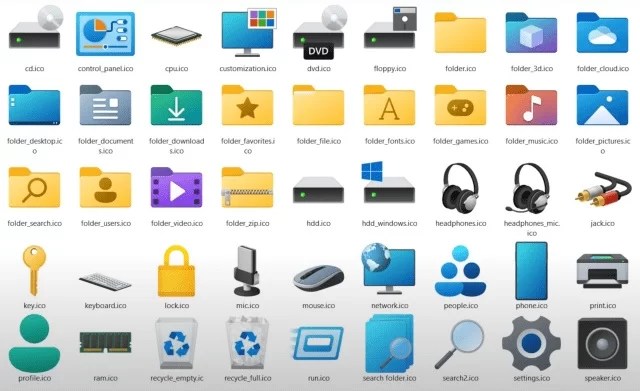
Classic taskbar with all its features, revamped new icons and round corners.
Classic context menus with all new look.
Classic Win7 start menu with all new look and features.
Explorer improved: revamped Ribbon and Command Bar, search box that works.
Classic UI improved: rounded tooltips, dark mode improvements.
Notfication Area Icons Control Panel applet restored and revamped.
Negative resource usage: fewer RAM used, fewer processes started.
All-new reachitected and revamped app.






I like how this brings back the familiar Windows 7 Start menu while still adding modern touches such as rounded corners and improved icons. The classic taskbar and restored system shortcuts sound especially useful for making newer Windows versions feel more comfortable. The focus on lower resource usage is a nice bonus too.
The revival of the Windows 7 shell with StartIsBack is truly impressive, blending nostalgia with modern enhancements. The classic design and improved functionality make it a must-have for Windows users.
[…] Best work on 100% scale and layout size, you need to set it from display setting, Also for enable start menu and taskbar skin you need to install startisback from here. […]
[…] Best work on 100% scale and layout size, you need to set it from display setting, Also for enable start menu and taskbar skin you need to install startisback from here. […]
[…] Best work on 100% scale and layout size, you need to set it from display setting, Also for enable start menu and taskbar skin you need to install startisback from here. […]
[…] Best work on 100% scale and layout size, you need to set it from display setting, Also for enable start menu and taskbar skin you need to install startisback from here. […]