Ads

- Create your own cursors
- Animate cursors with special effects
- Listen to custom mouse click sounds
- Download thousands of cursors from WinCustomize.com
Features
Create stunning animated Windows mouse cursors for your PC with CursorFX.
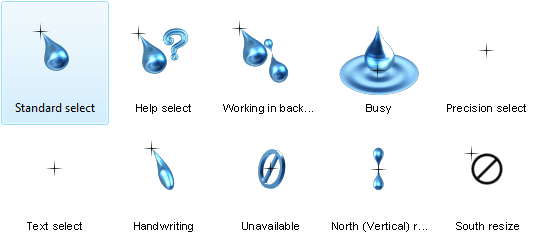
Easily apply skins, shadows, motion trails and sounds to your cursors. CursorFX comes complete with several unique cursors installed.

Apply
CursorFX is easy to use, simply choose a cursor from the preview list and click apply to begin using your new cursor.
Return the default Windows cursor at any time from the control panel or by pressing ctrl+shift+c on your keyboard.
Customize
Quickly change the size, color or drop shadow of any cursor from the settings menu. Personalize your mouse clicks with cool sounds effects. Add a unique visual style to your cursors by applying different combinations of special effects and motion trails that are included with CursorFX.


Create
Import your own .PNG files into the CursorFX theme editor to easily create a new cursor from scratch.