
Ads
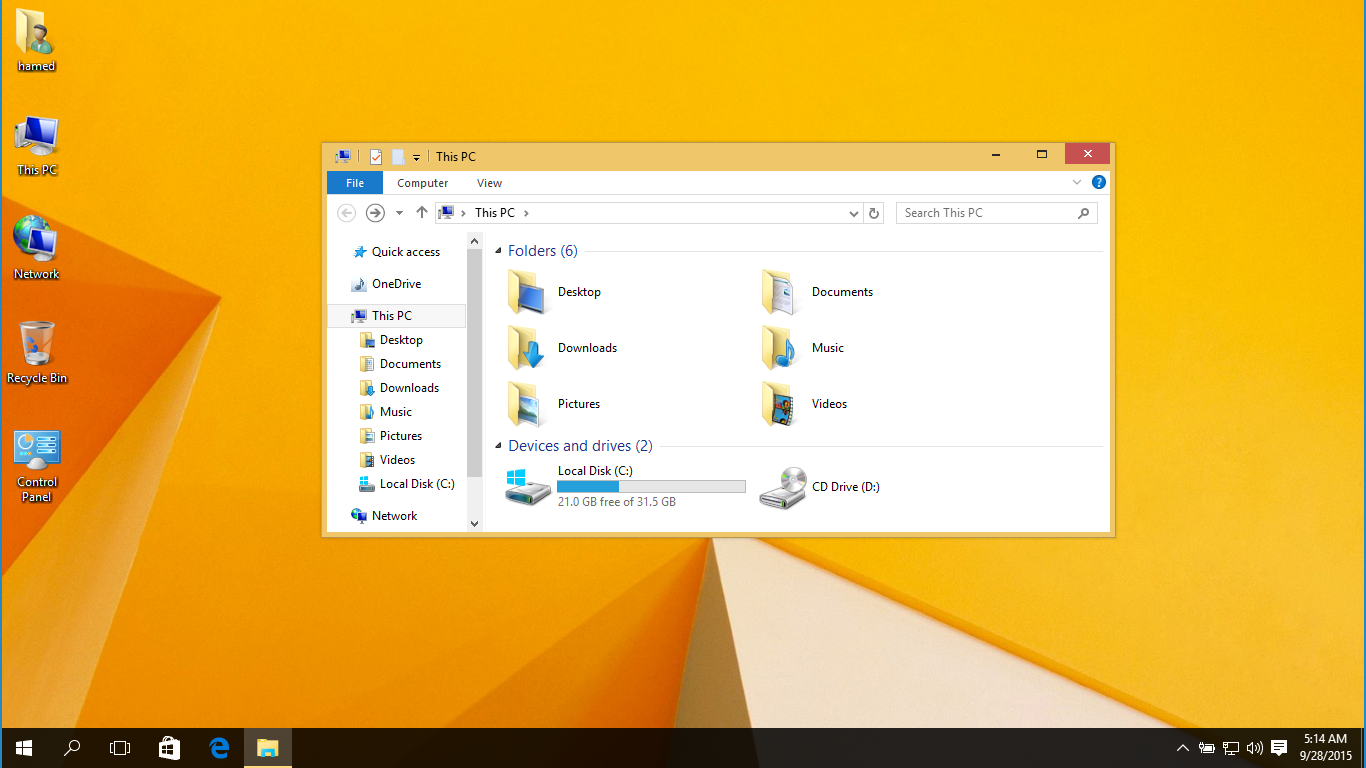
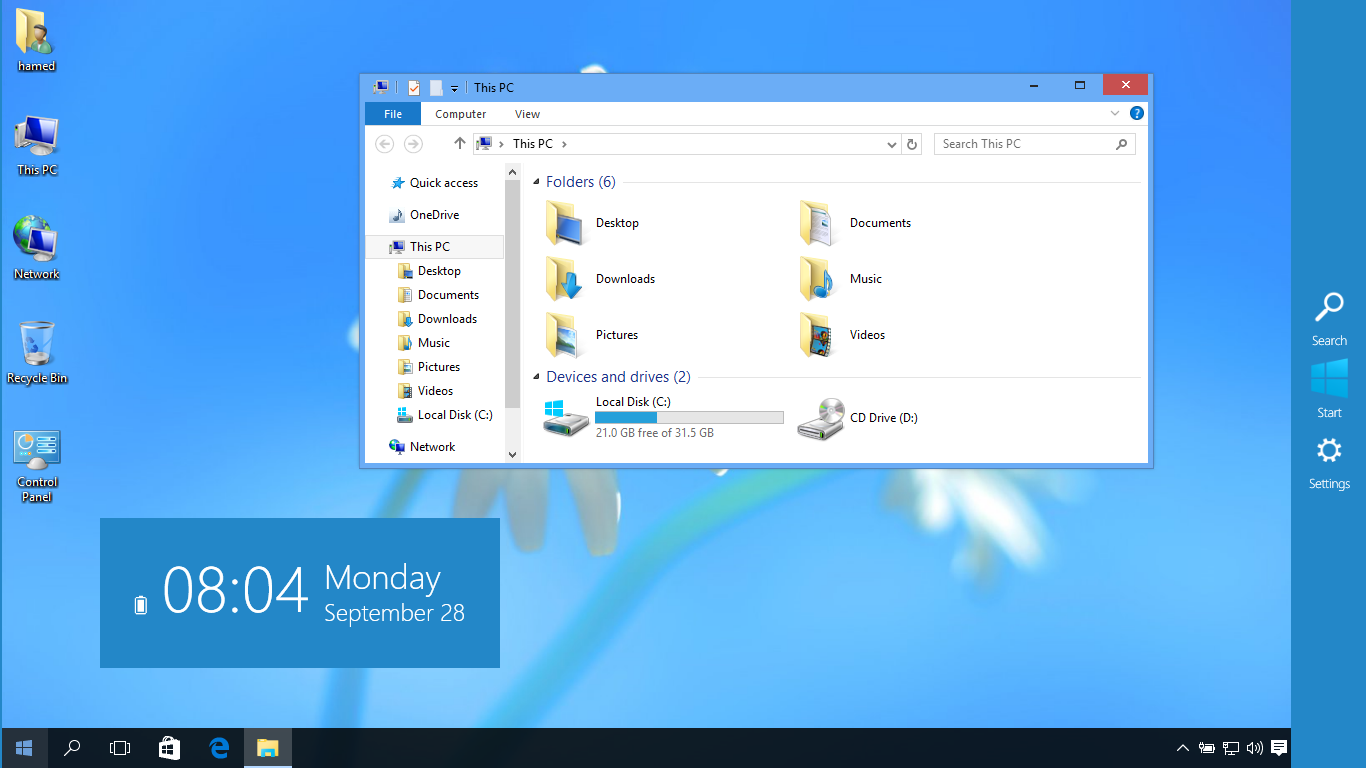
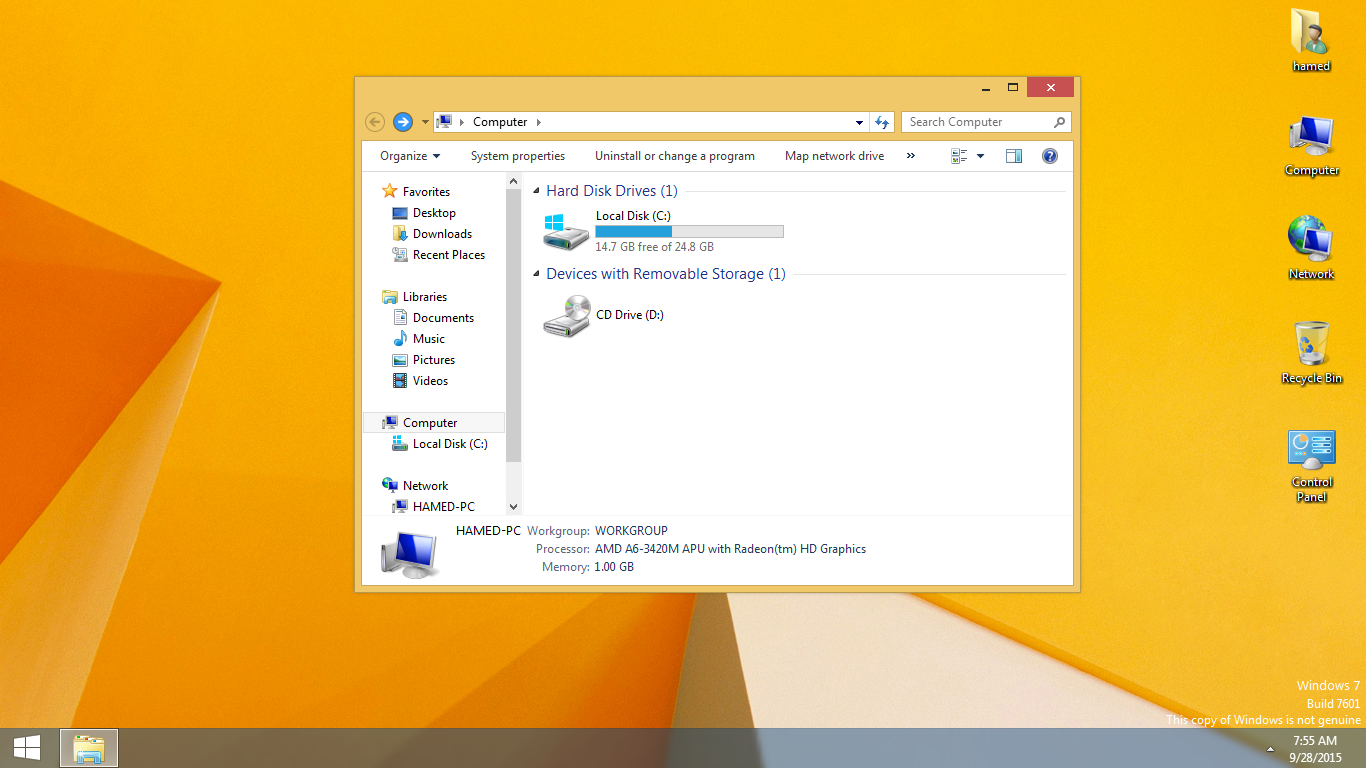
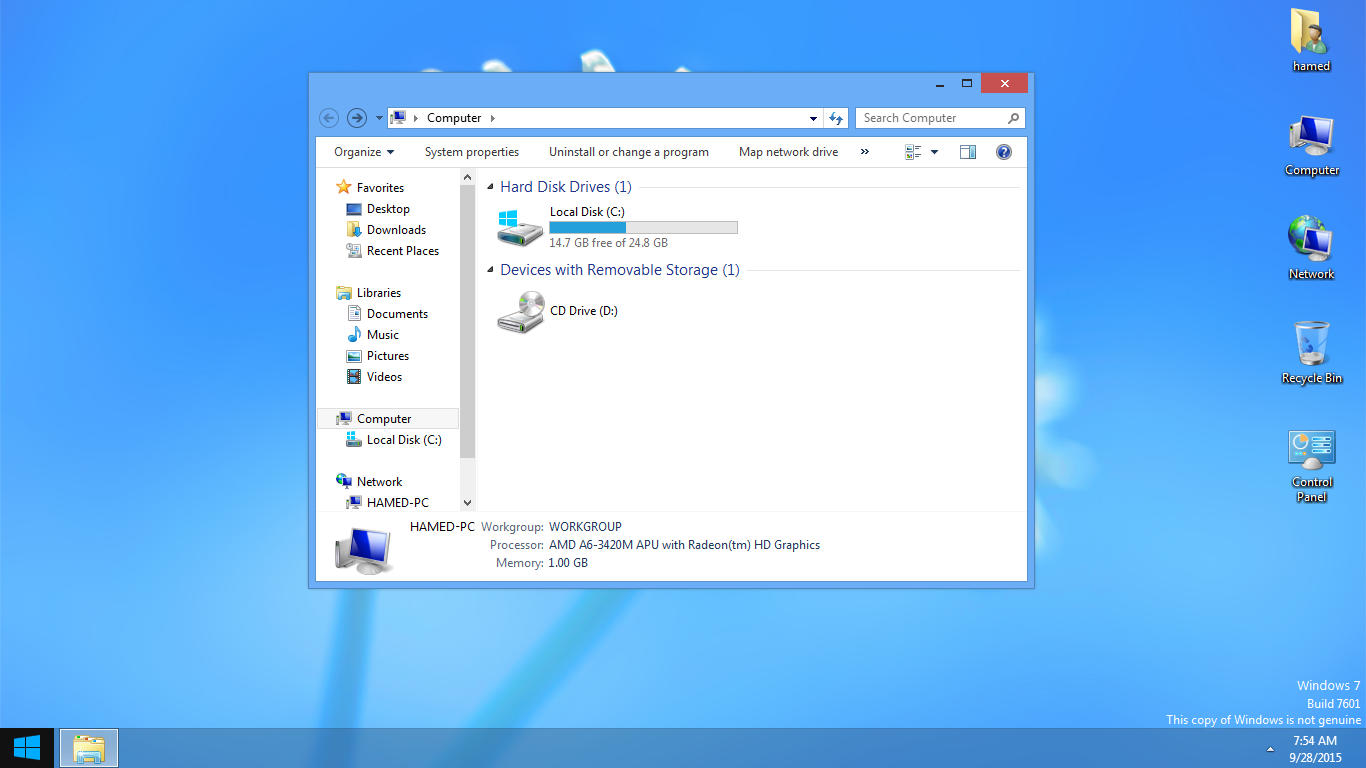

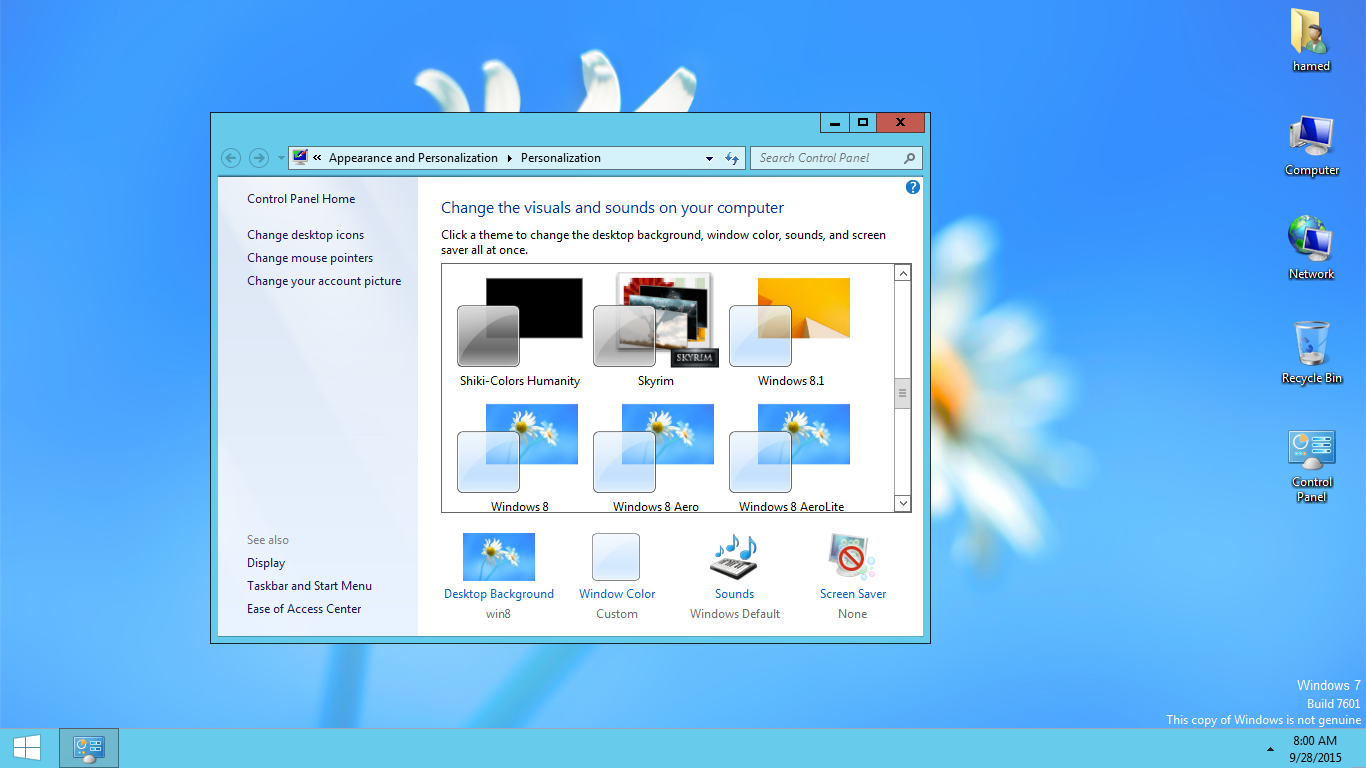
Transform Windows 7/10 to Windows 8/8.1
 Download for $4.99with icons and extras
The Windows 11 theme’s themselves are experimental, much of the overall look and results will vary depending on each users dpi settings, Best work on 100% scale and layout size, you need to set it from display setting, Also for enable start menu and taskbar skin you need to install startisback from startisback.com
Password: skinpacks.com
Malware/virus warning? Read the FAQ.
Windows 7\10 21H1 [X86_X64]
Note: Please unistall old or other version of skin packs before install new one. if your theme not changed or its like classic windows you need to install uxtheme patcher from here and after restart select new theme from personalization.
Use it at your own risk! Because skin packs will change file system (imageres.dll) to change icons so anti virus give warning, please disable temporary if you’re using anti virus. If you do not want this, you can not use SkinPack, sorry! all theme have been fully tested, once purchase has been completed no refund will be available, however we will try to provide all possible technical assistants as required.
You’re advised to Create a System Restore Point before installing skinpack.If you have problem with install or uninstall skinpack, please check our help page.

Can someone help me, I put this theme on my moms computer, (the one I’m using). yeah i but i didn’t do it right and now i can open up control panel to change the theme. so please if you can help me change the theme back to the normal windows 7 then please help
https://skinpacks.com/help-faq/
recovery your computer …………
my pc shows error messages like
“error opening file for writing
c:\SkinPack\RP.exe”
your system restore is off
Funtion key should work as normal…How shall I change to defaults only for function key and ctrl button…for the IOS theme….
Thanks
set key on xwidget and xluanchpad
Hi Hamed I have a little problem here, I had installed the skinpack correctly and then because I thought that there was something that did not work, I have reinstalled. So when I was uninstalling, I also deleted the backup files and the uninstaller. And now I have an issue, when I apply the theme to windows 8.1, the system loads the correct yellow wallpaper but for the theme, it loads to windows 98. How can I fix?
you need to install ultra uxtheme patcher
Do you mean this? http://uxstyle.com/
Or what?
https://uxthemepatcher.com/
It works! Thank you.
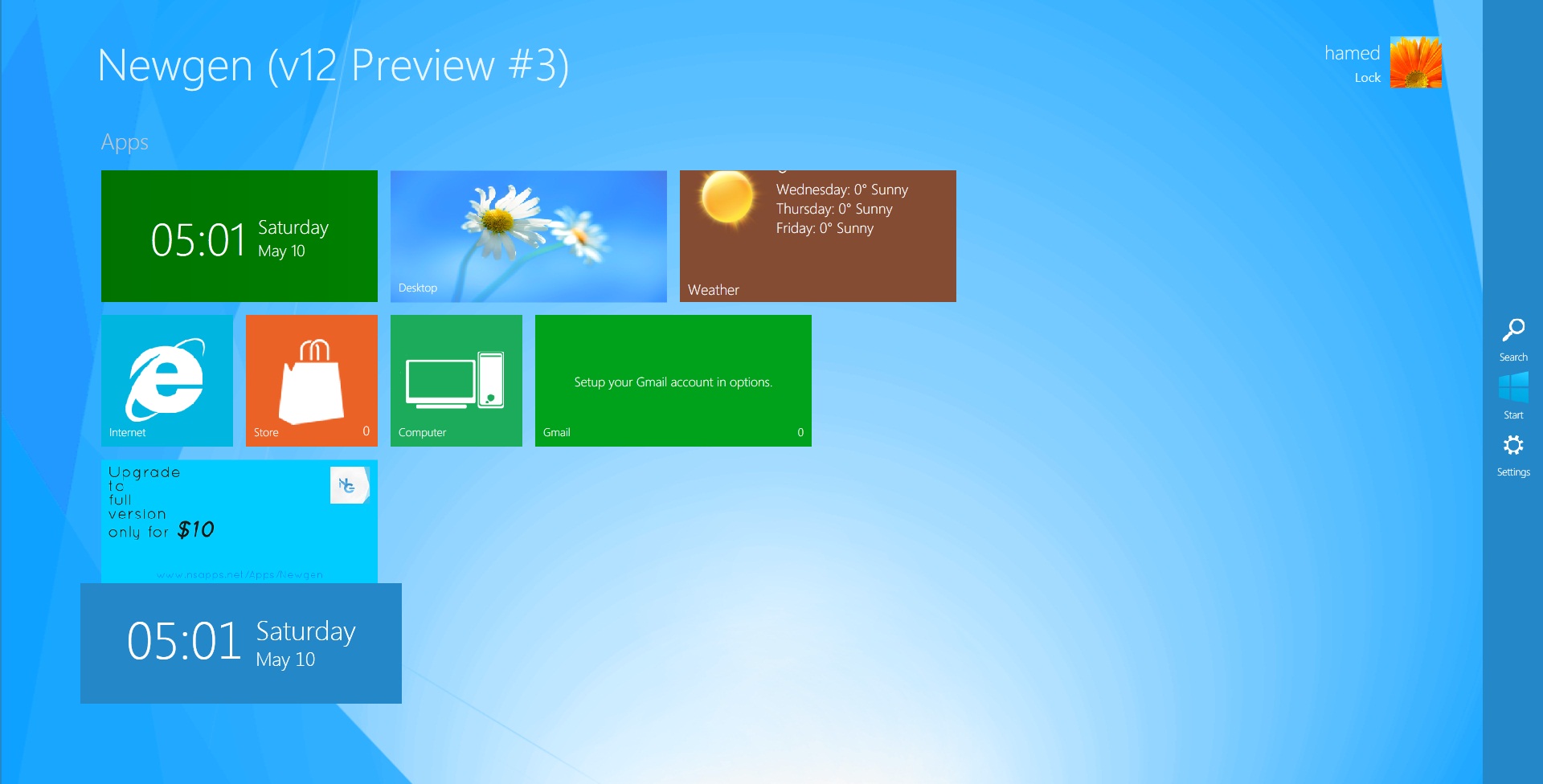
my pc ask for the activation code for newgen.
you need to buy it
Its Easy. Go To Personalize Then Change The Theme To Windows 7.
That Ever Happened To Me
how i can uninstall it
https://skinpacks.com/help-faq/how-to-uninstall-skinpack/
go to control panel -> programs and features -> find the aap and the click change -> and click on uninstall…. :P)
Can It run in Windows 7 32-bit ?
yes
Hey, I have a problem. My anti-virus detectes the installation file as a trojan.
What’s the reason? Because I don’t want to disable it.
If I have to then I will but may I know what causes it?
becuz its modify system files like imageres.dll to change icons
Ok, thanks
I have another problem with the file:
http://i.gyazo.com/dd297813d715320d5653dff321df20d8.png
Any way to solve it?
try other server
i cant open newgen, it name is newgen.exe.config i change name it is newgen.exe but still can’t open
HELP ME!!
P/S: Srr by my bad english
will this work on 32 bit windows 7 home premium?
And sepron processor??
yes
I don’t find the start screen and the toolbar on the right of my desktop screen , can you help me ?
you need to run newgen from c:\skinpack
can i cange the Name in the top-left of newgen???
if you buy it, yes