Ads
Download Mica For Everyone to customize the appearance of supported Windows apps with Mica and other backdrop effects. This utility lets you apply Windows visual materials to supported app window frames or backgrounds, with settings managed through a graphical interface or configuration file. Explore the screenshots, learn how to get started, and use the official project links below.

What is Mica For Everyone?
Mica For Everyone is a tool to customize system backdrop on Win32 apps using DwmSetWindowAttribute and other methods. It can apply Mica (or any other backdrop materials) on the non-client area (window frame) or background of supported apps and its behavior is customizable through a GUI and a config file.
Note Mica For Everyone is not responsible for rendering the effects you set, it just asks Windows to do that for you. If there’s any problem with the effects it’s a third-party issue. Try creating a rule for the affected apps and try different settings before opening an issue for it.
How to download Mica For Everyone
- Open the official Mica For Everyone releases page.
- Choose the latest release and expand its Assets section.
- Download the appropriate file for your system from the release assets.
- Follow the instructions and notes provided by the project for that release.
You can also open the latest Mica For Everyone release directly.
How to configure Mica For Everyone
After downloading and launching the application, use its graphical interface to configure the backdrop behavior for supported apps. You can also customize settings through its configuration file. For the available options and syntax, consult the official configuration file guide and review the default configuration file.
Effects depend on Windows, the target application’s support, and the settings you choose. Not every app will support every backdrop material. If an effect does not work as expected, try adjusting the app-specific rule and settings before reporting an issue.
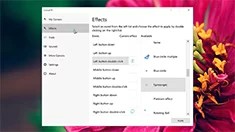
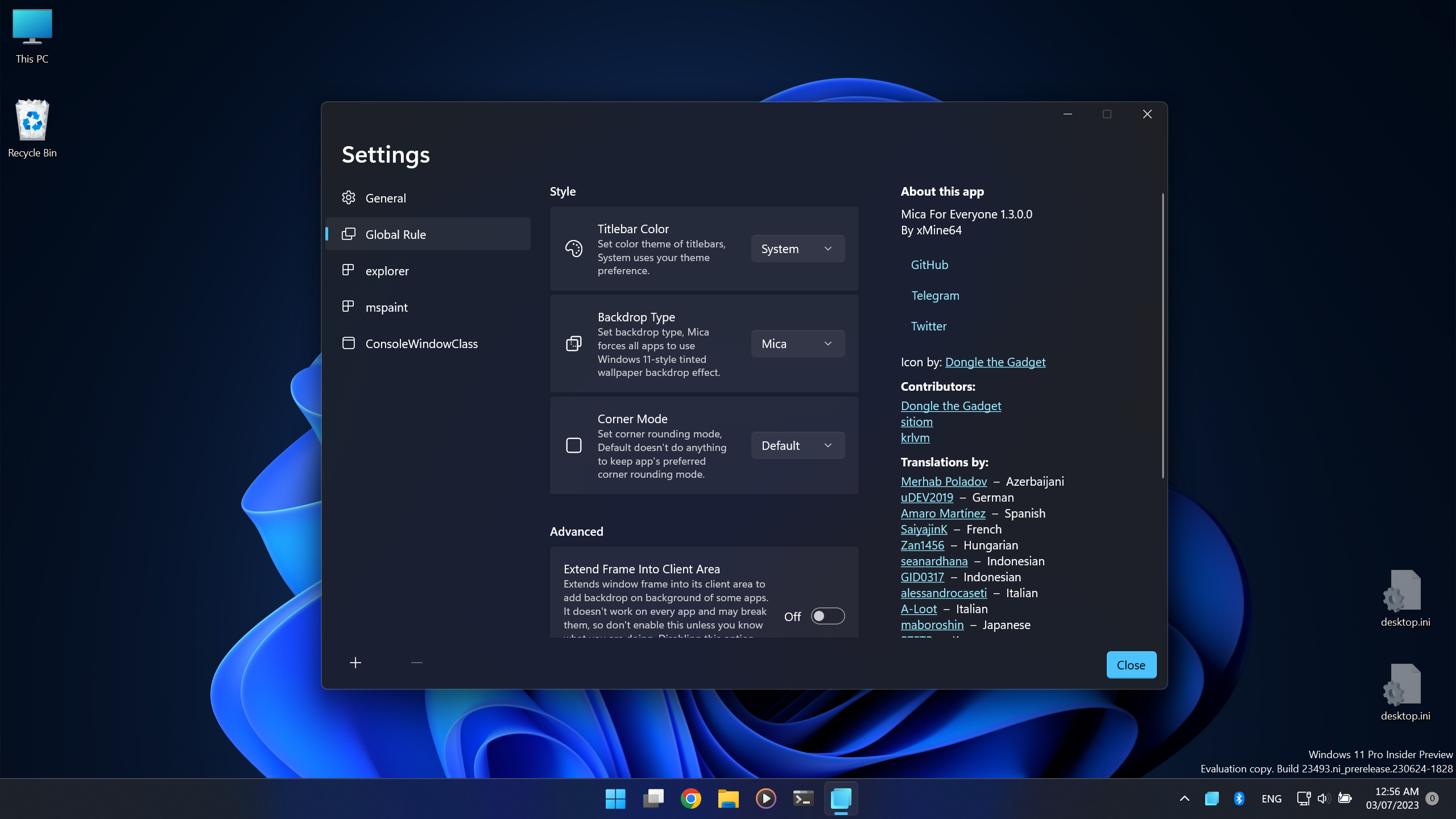
Mica For Everyone screenshots
Preview examples of the visual effects and customization options:

Frequently asked questions
What does Mica For Everyone do?
It lets you customize backdrop materials, such as Mica, on supported Win32 app window frames or backgrounds.
Is Mica For Everyone a Mica effect renderer?
No. It asks Windows to apply the selected backdrop effects. The result depends on Windows and the target application.
Where can I download Mica For Everyone?
Download it from the official GitHub releases page. Select the appropriate asset from the release you want.
How do I customize its settings?
Use the application’s graphical interface or its configuration file. The official configuration guide explains the available options.
Why might an effect not appear in an app?
Backdrop effects depend on Windows and the target app. Try creating or adjusting a rule for that app and testing different settings. Some apps may not support the requested effect.